
Description
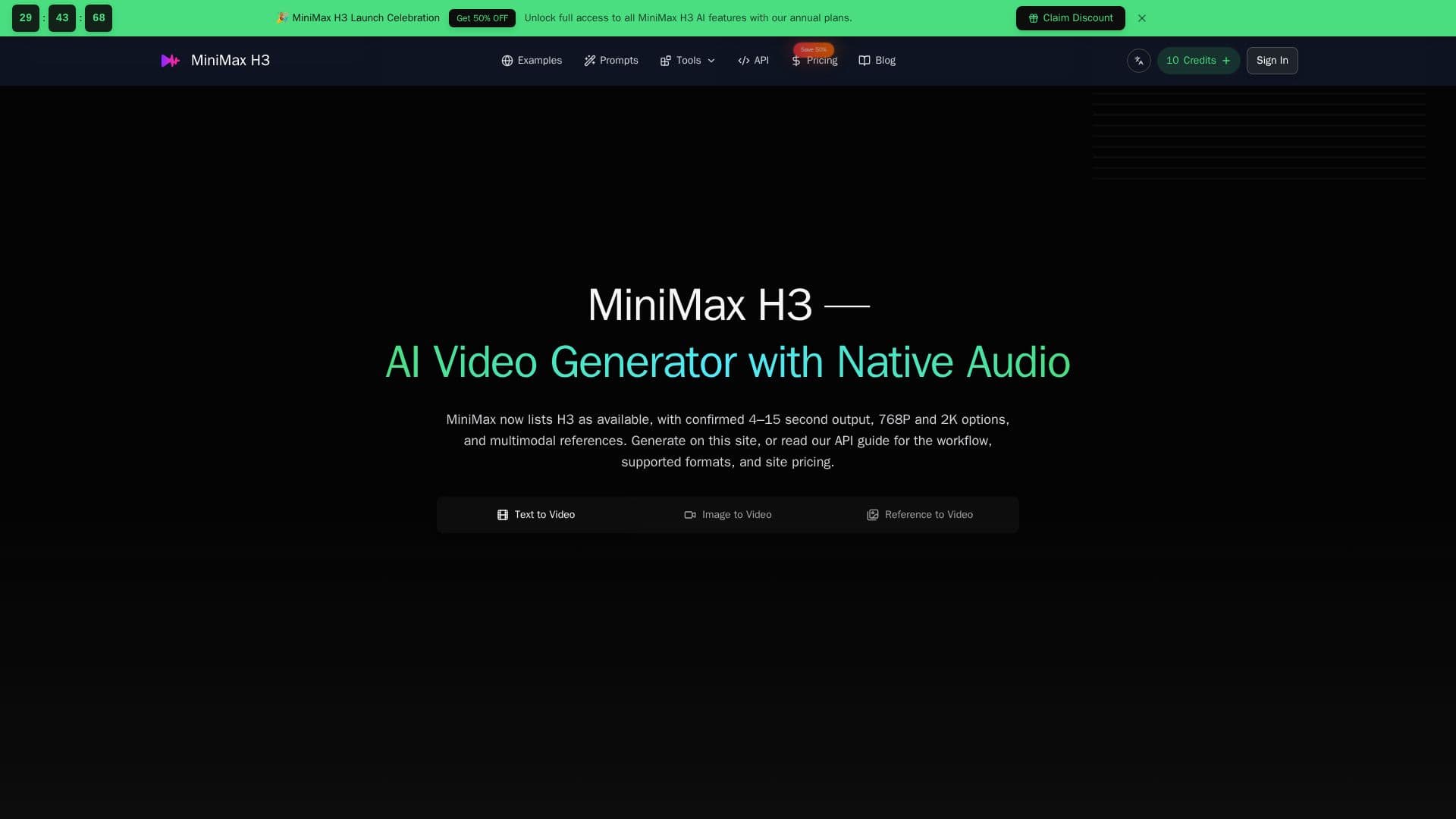
MiniMax H3 is a sophisticated AI video generation tool that allows users to create cinematic video clips from text and image inputs. This multimodal AI model supports a variety of media references, including images, video, and audio, to guide the generation process. Users can produce videos with resolutions of 768P and 2K, and durations ranging from 4 to 15 seconds. The tool is accessible through MiniMax's official video generation V2 API, which confirms support for text-to-video, image-to-video, and reference-to-video workflows.
Read More
The platform offers a free tier to get started, with additional credits available for purchase. Pricing for the official API is set at $0.08 per second for 768P output and $0.13 per second for 2K output. MiniMax H3 is designed for a range of users, including content creators, marketing teams, filmmakers, and developers. It is particularly useful for creating short social media content, product teasers, and previsualization clips for film projects.
MiniMax H3's capabilities include native audio generation, omni-reference support, and editing features. Users can guide the video creation process by providing detailed prompts that describe the subject, action, camera, lighting, and sound. The tool also allows for the use of reference media to maintain consistency in identity, objects, and settings across generated clips.
While MiniMax H3 offers powerful video generation features, it is important to note that it is an independent third-party tool and not affiliated with the official MiniMax or Hailuo websites. Users should verify the provider and model documentation before relying on the tool for critical tasks. Additionally, the tool's API supports up to 7,000-character prompts and allows for the use of up to 12 reference files, including images, videos, and audio.
- CategoryAI Models & LLMs
- Pricing ModelFreemium
- DeploymentCloud
- PlatformsWeb
MiniMax H3's Core Features
Multimodal AI video generation
Supports text, image, and audio inputs
768P and 2K video output
4–15 second video durations
Native audio generation
Omni-reference support
API available for developers
Free tier available
How to use MiniMax H3?
Prepare: Choose text or image mode and write the prompt.
Generate: Select a 4–15 second duration and start your 2K video.
Track: Monitor progress and view the finished video in My Creations.
Reuse: Download your video, refine the prompt, or explore more ideas.
MiniMax H3's Use Cases
- Content Creation
- Marketing Campaigns
- Film Previsualization
- Developer Integration
- Social Media