Description
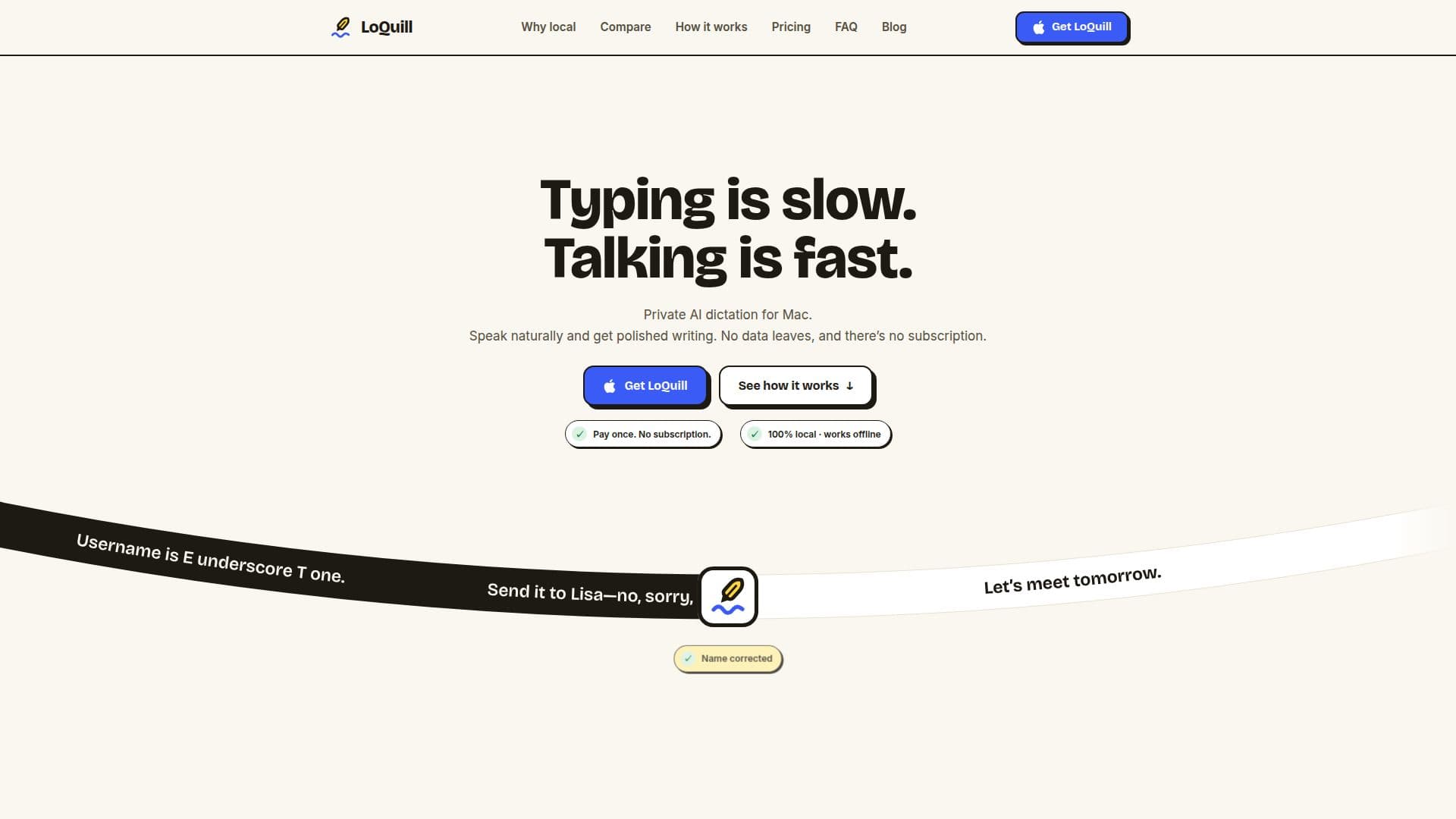
LoQuill is a dedicated AI dictation application designed exclusively for Apple Silicon Macs, offering a private and efficient way to convert spoken words into polished text. Unlike many cloud-based dictation services, LoQuill performs all speech recognition and AI cleanup directly on your device. This on-device processing ensures that your audio never leaves your Mac, addressing significant privacy concerns and allowing the app to function completely offline after initial activation and model download.
Read More
The core functionality of LoQuill revolves around a "hold-to-talk" mechanism. Users simply hold a designated key, speak naturally, and upon release, the application types clean, finished text into any active app, whether it's an email client, document editor, chat application, or code editor. The AI cleanup feature is specifically fine-tuned to remove common filler words, spoken self-corrections, and stumbles, delivering coherent and grammatically sound output.
LoQuill distinguishes itself with a one-time purchase model, eliminating recurring subscription fees common with cloud-based alternatives. This single payment grants users lifetime updates, including access to new and improved AI models as they are released. The app supports various licensing options, from single-user keys to multi-seat team licenses, all backed by a 14-day money-back guarantee.
Developed by ETLS Studio, LoQuill leverages fine-tuned models for its specific task: transforming natural speech into clear writing. The cleanup model is built on Alibaba Qwen, and speech recognition is powered by NVIDIA Parakeet, both optimized to run efficiently on Apple Silicon Macs (M1 chip or newer) with macOS 15 (Sequoia) or later. While the underlying models are multilingual, LoQuill's cleanup model is currently fine-tuned for English, though other languages may show some functionality during the 7-day free trial.
This design philosophy prioritizes user privacy and autonomy, offering a robust dictation solution that works anywhere, with or without an internet connection. It provides a compelling alternative for users who value data security and prefer a straightforward, perpetual license over ongoing subscriptions.
- CategoryAI Transcription Tools
- Pricing ModelOne-time purchase
- DeploymentRuns locally
- PlatformsmacOS (Apple Silicon M1+)
LoQuill's Core Features
Private AI dictation for Mac
100% on-device speech recognition
On-device AI cleanup of filler words and self-corrections
Works offline after activation and model download
Hold-to-talk dictation into any application
Local transcription of audio files
One-time purchase, no subscription
Lifetime updates, including new AI models
Supports Apple Silicon Macs (M1 or newer)
Requires macOS 15 (Sequoia) or later
English language support (cleanup model)
Multiple license key options (Solo, Duo, Trio, Teams)
14-day money-back guarantee
Privacy by design: audio never leaves your Mac
Free 7-day trial available
How to use LoQuill?
Download LoQuill: Obtain the application from the official website.
Install and Activate: Drag the app to your Applications folder, then activate your license key or start the free trial.
Download Models: Allow the app to download necessary AI models (requires internet for this step).
Hold-to-Talk: In any application, hold down the designated key (e.g., 'fn' key).
Speak Naturally: Talk as you normally would, without worrying about filler words or pauses.
Release Key: Release the key, and LoQuill will instantly type polished, cleaned-up text into your active app.
LoQuill's Use Cases
- Document Creation
- Email Composition
- Chat and Messaging
- Code Commenting
- Note Taking
- Offline Productivity
- Accessibility Support
- Audio File Transcription