Description
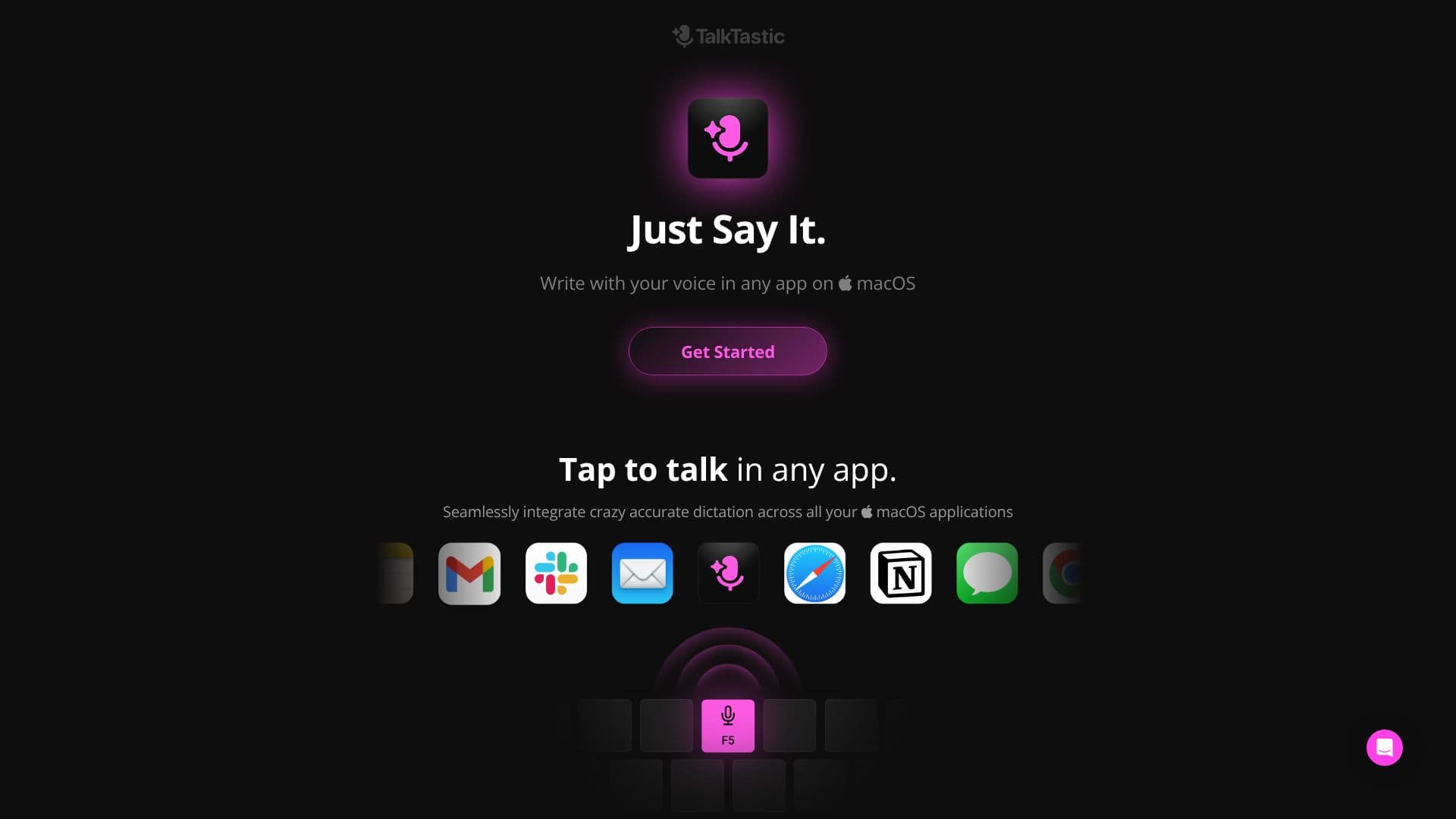
TalkTastic revolutionizes how users interact with their Mac by enabling voice-to-text input across all applications. Designed for speed and accuracy, it aims to surpass existing dictation tools like ChatGPT, Google, and OpenAI Whisper. The core functionality allows users to simply speak, and TalkTastic translates their words into text within any chosen app, eliminating the need for traditional typing.
Read More
At its heart, TalkTastic employs a sophisticated AI that understands context, allowing for "Smart Rewrites." This means the AI not only transcribes speech but also adapts the written output to match the user's style and the specific application's requirements, making the process feel effortless. The accuracy is further enhanced by combining on-device AI with multimodal large language models, ensuring that even complex phrasing, names, and easily confused words are captured correctly.
Privacy is a paramount concern for TalkTastic. The application is designed to only listen when explicitly activated by the user. It offers fine-grained control over data handling, including the ability to manage "snapshots" of the application's content. Users can choose to turn this feature on or off, or set snapshots to auto-delete immediately after processing, ensuring their data remains private and is not used for training external AI models. The company is also working on implementing end-to-end data encryption.
TalkTastic is positioned as a valuable tool for a wide range of users, including writers, creatives, and busy professionals who spend significant time on their computers. Testimonials highlight its benefits for individuals with ADHD, its ability to speed up work, and its unique approach to enhancing productivity. The app is currently free to use during its beta phase, with the requirement of macOS 13.1 or later.
- CategoryAI Transcription Tools
- Pricing ModelFree (Beta)
- DeploymentDesktop App
- PlatformsmacOS
TalkTastic's Core Features
Voice-to-text dictation in any macOS app
Context-aware smart rewrites
AI-powered transcriptions
Higher accuracy than ChatGPT, Google, and OpenAI Whisper
On-device AI processing
Multimodal LLM integration
User-controlled privacy settings
Optional snapshot feature with auto-delete
No data used for training external AI models
Free to use during beta phase
Requires macOS 13.1 or later
How to use TalkTastic?
Download the app: Receive a link via email to download the macOS application.
Activate dictation: Tap to talk within any application on your Mac.
Speak naturally: Dictate your thoughts, notes, or content.
Review and edit: Utilize smart rewrites for context-aware adjustments.
Manage privacy: Configure snapshot settings and listening activation as needed.
TalkTastic's Use Cases
- Voice-to-text dictation
- Content creation
- Note-taking
- Productivity enhancement
- Accessibility
- Contextual writing assistance