Description
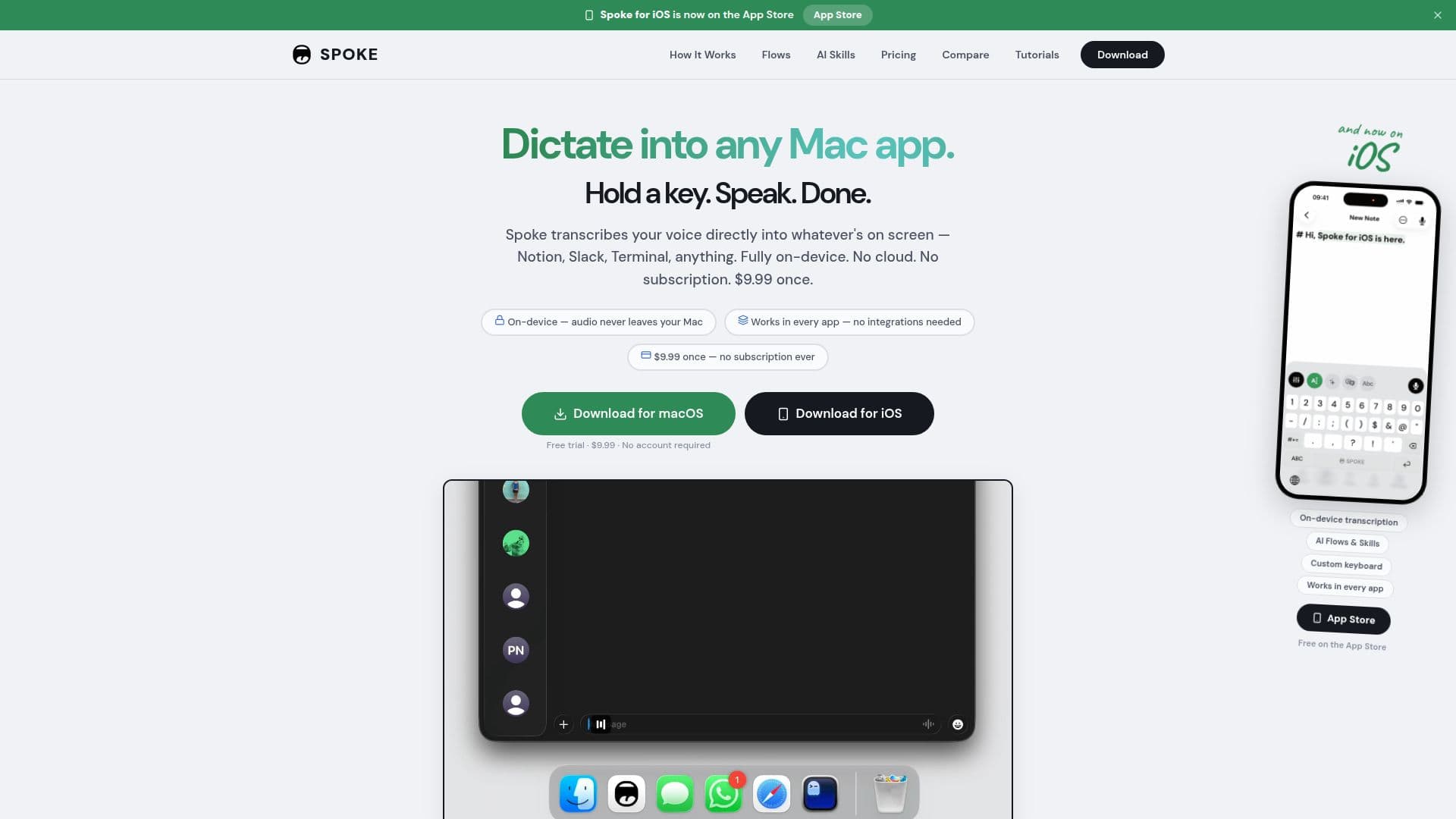
Spoke is a native macOS dictation app that lets you hold a shortcut key, speak, and have your words appear as text in whatever app is on screen, from Notion and Slack to Terminal. Transcription runs fully on-device using a 600M-parameter speech model, so it works with no internet, no account, no cloud, and no subscription.
Read More
Beyond plain dictation, Spoke runs your voice through a Flow, a visual chain of steps you design to process speech and route the result. Flows support many node types including AI skills, text transforms, conditions, scripts, app switching, key-press simulation, webhooks, and file output, so you can, for example, speak casually and send professionally, POST every transcription to an API, or tell your Mac what to do in plain English. It can also feed speech and screenshots directly into a coding agent such as Claude Code.
AI skills are optional and provider-flexible: run them on-device with Apple Intelligence, or online with OpenAI, Anthropic, Gemini, or local models via Ollama, with no vendor lock-in. Spoke can also be used purely as a dictation tool with no AI. It supports 24 languages transcribed on-device, hold-to-talk and hands-free modes, customizable and per-flow shortcuts, mouse-button hotkeys, word replacements, audio ducking, a waveform overlay, voice ID, and searchable transcription history.
Spoke is a real native Mac app rather than a web wrapper, lives in the menu bar, and supports auto-updates. It is a one-time purchase of $9.99 with a free trial (50 free uses) and no word limits, aimed at writers, developers, and anyone who types a lot.
- CategoryAI Transcription Tools
- Pricing ModelPaid
- DeploymentDesktop app
- PlatformsmacOS
Spoke's Core Features
Push-to-talk dictation into any macOS app
Fully on-device transcription with a 600M-parameter model, no internet required
Visual Flow builder with 14+ node types for voice-powered automation
Optional AI skills via Apple Intelligence, OpenAI, Anthropic, Gemini, or Ollama
Direct pipeline into coding agents such as Claude Code
24 languages transcribed on-device
Hold-to-talk and hands-free modes with customizable and per-flow shortcuts
One-time $9.99 purchase with no subscription or word limits
How to use Spoke?
Set your shortcut: Choose a hotkey or mouse button to trigger dictation.
Speak: Hold the key and talk; Spoke transcribes on-device in real time.
Build a Flow: Optionally design a chain of steps to add AI skills, transforms, conditions, or scripts.
Get the result: Have the output pasted into your app, copied to the clipboard, saved to a file, or posted to a webhook.
Spoke's Use Cases
- Dictate into any app
- Faster drafting
- Developer workflows
- Voice-powered automation
- Talk to a coding agent