Description
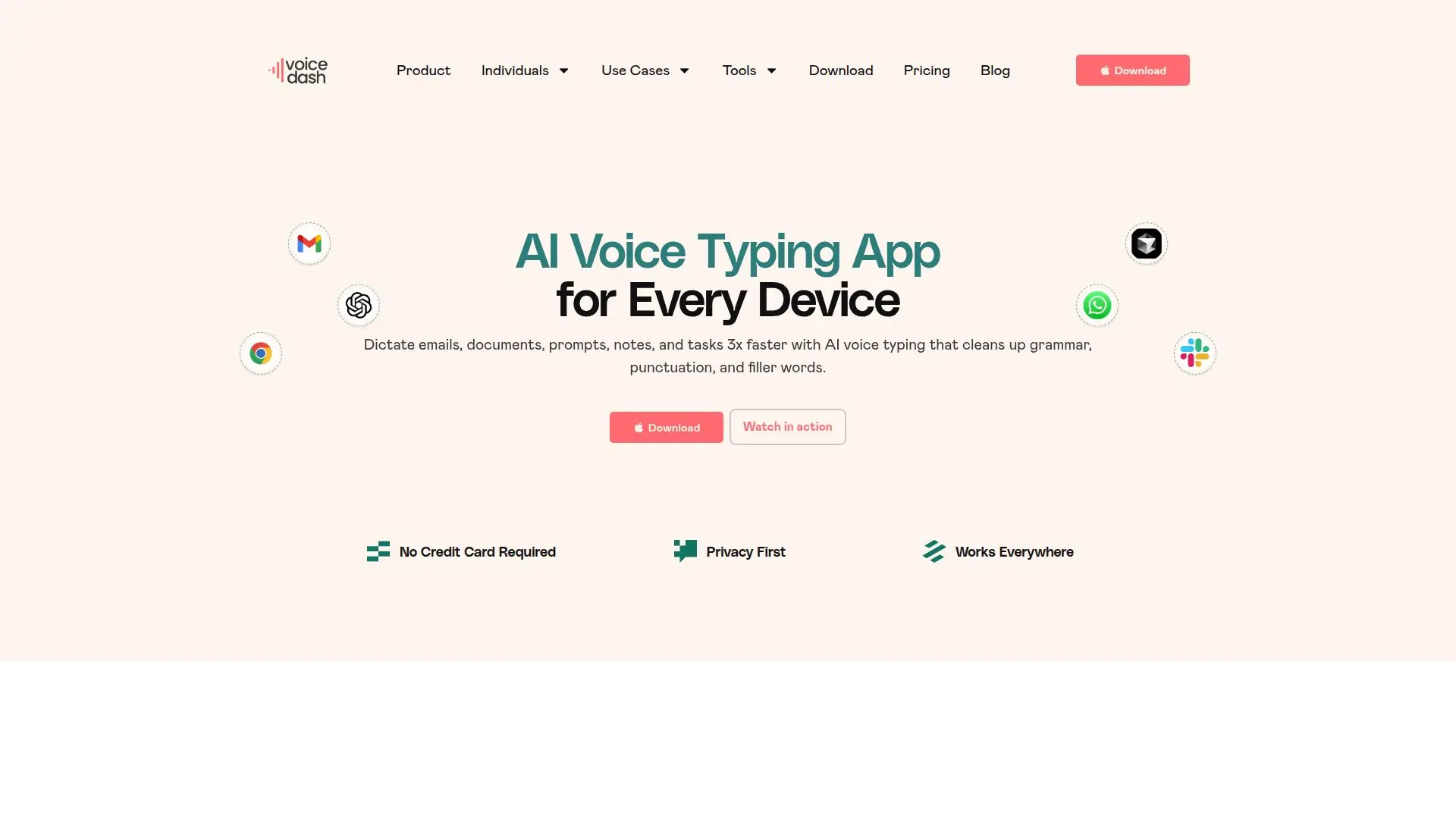
VoiceDash is an AI voice-typing and dictation app that turns speech into polished text across devices. It works on Mac, Windows, and iPhone, letting you dictate emails, documents, notes, prompts, and tasks faster than typing.
Read More
VoiceDash converts speech to text in real time and applies smart text editing that removes filler words and fixes grammar for clean, professional output. It integrates system-wide with any application on your device, so you can dictate directly into the apps you already use. A personal dictionary learns your specific terms and style, and snippet libraries speed up repeated text.
VoiceDash works across tools such as Notion, Cursor, Google Docs, Microsoft Word, Gemini, Slack, ChatGPT, and Jira. A free plan includes a monthly word allowance with basic voice-to-text on Mac and Windows, while Pro and Teams plans add unlimited words, advanced AI editing, snippet libraries, all platforms, and shared team features.
- CategoryAI Transcription Tools
- Pricing ModelFreemium
- DeploymentCloud
- PlatformsmacOS, Windows, iOS
VoiceDash's Core Features
Real-time speech-to-text voice typing
Smart editing that removes filler words and fixes grammar
System-wide integration with any app
Personal dictionary that learns your terms
Snippet libraries for repeated text
Works on Mac, Windows, and iPhone
Real-time transcript for review and iteration
Team plan with shared snippet libraries
How to use VoiceDash?
Install VoiceDash: Download the app for your platform and open it.
Press the hotkey: Trigger VoiceDash in whatever app you are working in.
Speak naturally: Talk at your normal pace without slowing down.
Get polished text: Let VoiceDash clean up grammar and filler words so the finished text appears ready to send or save.
VoiceDash's Use Cases
- Email and messages
- Documents
- AI prompts
- Project tasks