Description
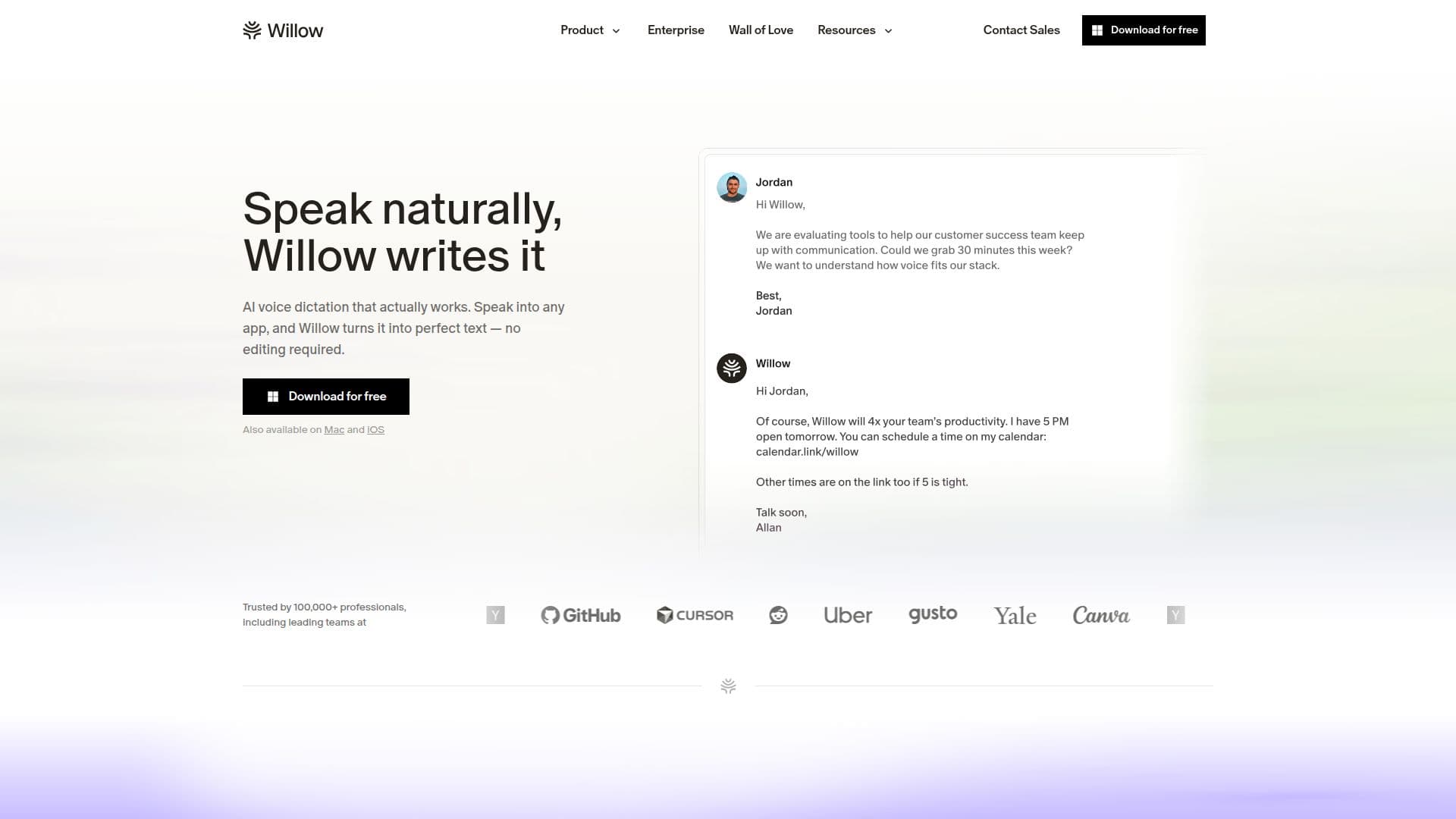
Willow Voice is a sophisticated AI-powered dictation software designed for Mac, Windows, and iPhone. It transforms spoken words into text with remarkable speed and accuracy, making it an essential tool for professionals who want to boost productivity. Willow Voice integrates seamlessly with various applications, allowing users to dictate emails, documents, and messages without switching apps or copying and pasting text. Its context-aware AI ensures that the text is polished and formatted correctly, removing filler words and adding punctuation automatically.
The software is trusted by over 100,000 professionals, including teams at leading companies. It offers a voice-first interface that adapts to the user's writing style over time, making it more accurate than built-in dictation tools. Willow Voice supports over 100 languages and can operate offline, ensuring that users can dictate without an internet connection.
Security is a top priority for Willow Voice. It is SOC 2 Type II certified and HIPAA compliant, with zero data retention and end-to-end encryption. This means that users' voice data is not stored or shared with third parties. The software also features an auto-learning dictionary that remembers names, product terms, and abbreviations, ensuring accuracy in every dictation.
Willow Voice offers a freemium pricing model with a free basic plan and paid plans for individual and business users. The Pro plan includes advanced features like unlimited Scribe usage and smart memory of writing style, while the Business plan offers enforced privacy mode and advanced admin controls. Willow Voice is ideal for professionals across various industries, including healthcare, sales, and customer support, who need a reliable and secure dictation tool.
Willow Voice Dictation Software's Core Features
Fast and accurate voice dictation
Context-aware AI for formatting
Supports over 100 languages
Offline mode available
SOC 2 Type II and HIPAA compliant
Auto-learning dictionary
Integrates with multiple apps
Zero data retention
How to use Willow Voice Dictation Software?
Download: Install Willow Voice on your device
Configure: Set up your preferences and hotkeys
Use: Start dictating in any app
Optimize: Customize your dictionary and shortcuts
Willow Voice Dictation Software's Use Cases
- Email Dictation
- Document Creation
- Messaging
- Note-taking
- Task Management