Description
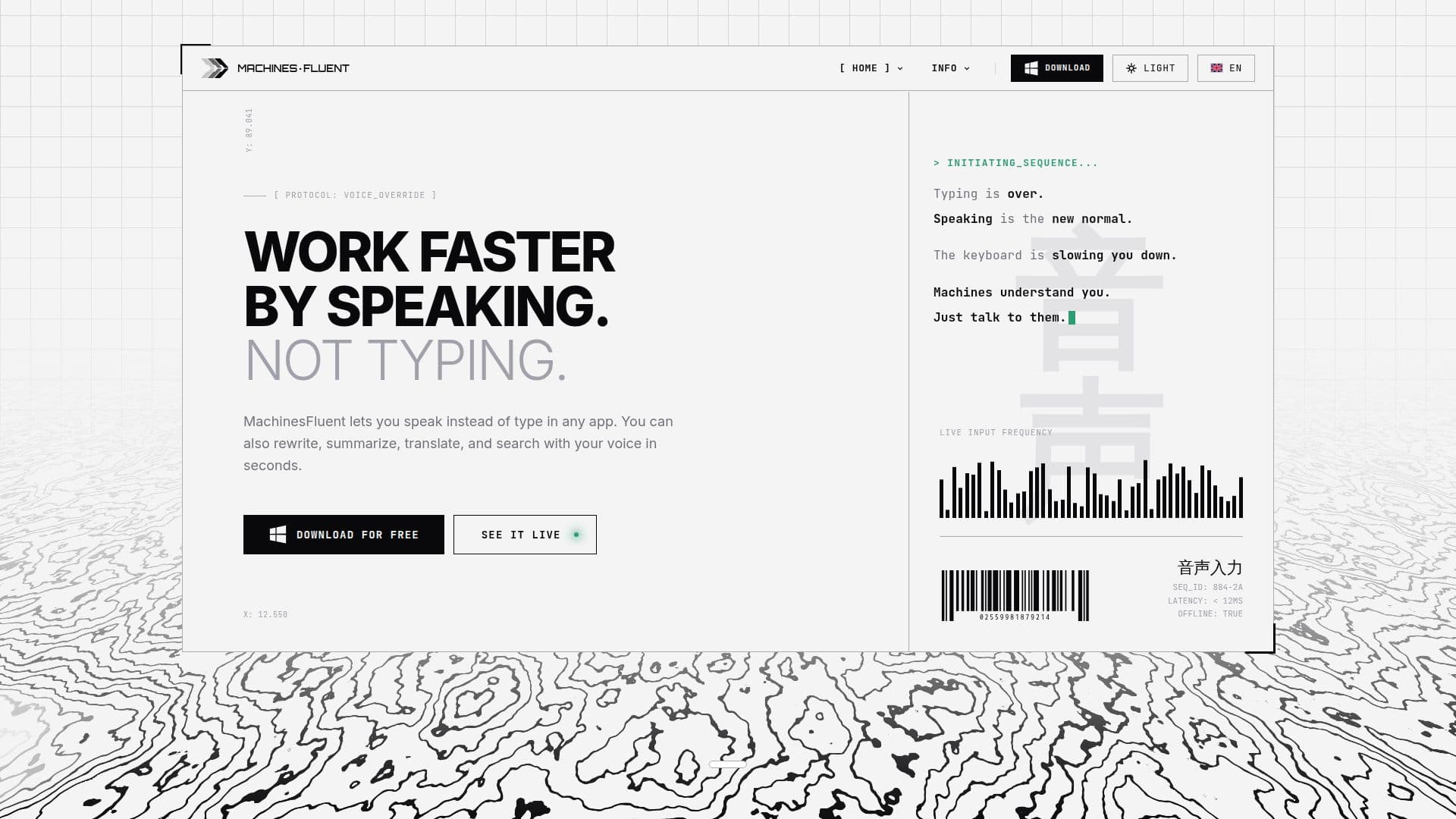
MachinesFluent is a voice dictation and AI text workflow application designed for Windows users, allowing them to work faster by speaking instead of typing. The application supports local speech models and cloud transcription, giving users the flexibility to choose their preferred provider while ensuring that offline speech data remains on their computer.
Read More
With MachinesFluent, users can dictate text in any application, including Word, Slack, and email, making it a versatile tool for various tasks. The app also allows for rewriting, summarizing, translating, and searching with voice commands, significantly enhancing productivity. Users can enjoy unlimited offline dictation without any time limits or trials, making it accessible for everyone.
The free version of MachinesFluent includes offline dictation, unlimited use, history, and custom dictionaries. Users can upgrade for higher-accuracy cloud transcription models and advanced AI features. The application is designed to work seamlessly on a standard Windows PC, with no need for an account or registration. However, if users opt for cloud or AI features, they may need to connect an account or API key from the chosen provider.
MachinesFluent also supports transcription of audio and video files, allowing users to drop files into the app for processing with downloaded models. This feature works offline, ensuring that files and transcripts remain private. The application is built for Windows and does not currently support Mac or Linux systems.
The developer of MachinesFluent created this tool out of necessity, aiming to alleviate the physical strain of typing due to chronic back pain. This personal experience led to the development of a professional dictation tool that respects user privacy and offers integration with various AI providers. As voice becomes an increasingly common interface for computers, MachinesFluent positions itself as a leading solution for efficient and private dictation.
- CategoryAI Transcription Tools
- Pricing ModelFreemium
- DeploymentDesktop
- PlatformsWindows
MachinesFluent's Core Features
Voice dictation in any app
Offline speech processing
Cloud transcription options
Audio and video file transcription
Unlimited custom dictionaries
Integration with AI providers
No account required for basic use
Automatic punctuation and filler word removal
How to use MachinesFluent?
Install: Download and install MachinesFluent on your Windows PC.
Configure: Set up your preferred speech models and custom dictionaries.
Use: Dictate text in any application by speaking into your microphone.
Transcribe: Drop audio or video files into the app for transcription.
MachinesFluent's Use Cases
- Email Drafting
- Meeting Notes
- File Transcription
- Language Translation
- Custom Workflows