Description
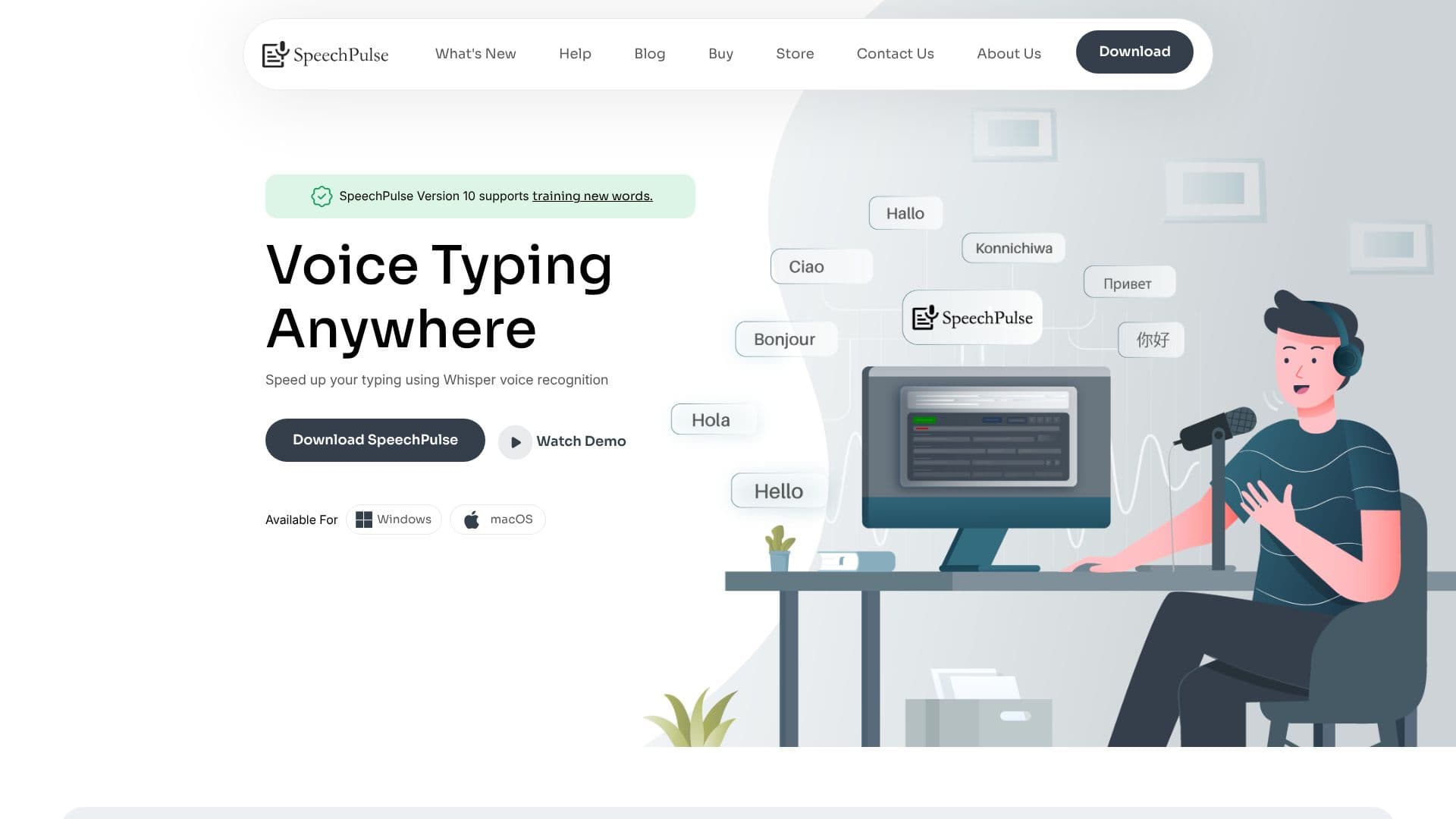
SpeechPulse is a powerful speech recognition and translation application designed to significantly boost user productivity by enabling seamless voice typing across virtually any application on Windows and macOS. With its advanced Whisper voice recognition technology, users can dictate text into any input area, including text editors, web browsers, and office applications, at the speed of speech.
Read More
One of SpeechPulse's key advantages is its commitment to user privacy. It offers robust offline speech recognition capabilities, ensuring that voice and text data remain on the user's machine, making it an excellent choice for individuals and organizations handling sensitive information. The application supports transcription and translation in 99 languages, with specific mentions of English, French, Spanish, Italian, German, Japanese, Chinese, and Russian, and also provides English translation services.
SpeechPulse incorporates intelligent features to refine the dictation experience. It offers both automatic and manual punctuation modes, allowing users to dictate common punctuation marks or rely on AI for automatic insertion. Automatic speech detection can initiate transcription once dictation ceases, and a customizable push-to-talk mode provides further control. The integration of AI language models and LLM APIs enhances capabilities, enabling grammar, spelling, and punctuation correction, text summarization, and formatting for emails and notes.
Beyond live dictation, SpeechPulse can process audio and video files. Its Audio Text File mode supports automatic speaker diarization for transcribing multi-speaker content and handles various audio formats like mp3, wav, m4a, flac, ogg, and webm. Furthermore, it can generate subtitles in .srt and .vtt formats with accurate timestamps for audio and video content.
The value proposition of SpeechPulse is clear: it dramatically increases typing speed and accuracy, especially for those who speak faster than they type or have physical limitations. Testimonials highlight its seamless integration, accuracy, customizability, and the significant productivity gains it offers, all while maintaining user privacy through local processing and a one-time purchase model.
- CategoryAI Transcription Tools
- Pricing ModelOne-time purchase
- DeploymentDesktop app
- PlatformsWindows, macOS
SpeechPulse's Core Features
Real-time speech recognition for any text input area
Supports offline speech recognition for enhanced privacy
Transcription and translation in 99 languages
AI-added punctuation with automatic and manual modes
Automatic speech detection for seamless transcription
Push-to-talk mode with customizable hotkeys
AI templates for grammar, spelling, summarization, and formatting
Audio/video file transcription with speaker diarization
Automatic subtitle generation for audio and video files
Supports multiple audio file formats (mp3, wav, m4a, flac, ogg, webm)
Supports .srt and .vtt subtitle formats
Training for new words
Works with Office Apps, Browser Text editors
How to use SpeechPulse?
Download and Install: Get SpeechPulse for Windows or macOS.
Configure Settings: Customize language, punctuation, and hotkeys.
Start Dictating: Activate SpeechPulse and speak into your microphone.
Utilize AI Features: Leverage AI for punctuation, summarization, and formatting.
Transcribe Files: Upload audio or video files for transcription and subtitling.
Integrate with Apps: Use SpeechPulse seamlessly with your preferred applications.
SpeechPulse's Use Cases
- Voice Typing
- Transcription
- Subtitle Generation
- Privacy-Focused Dictation
- AI Text Enhancement
- Multilingual Communication
- Accessibility Aid
- Content Creation