Description
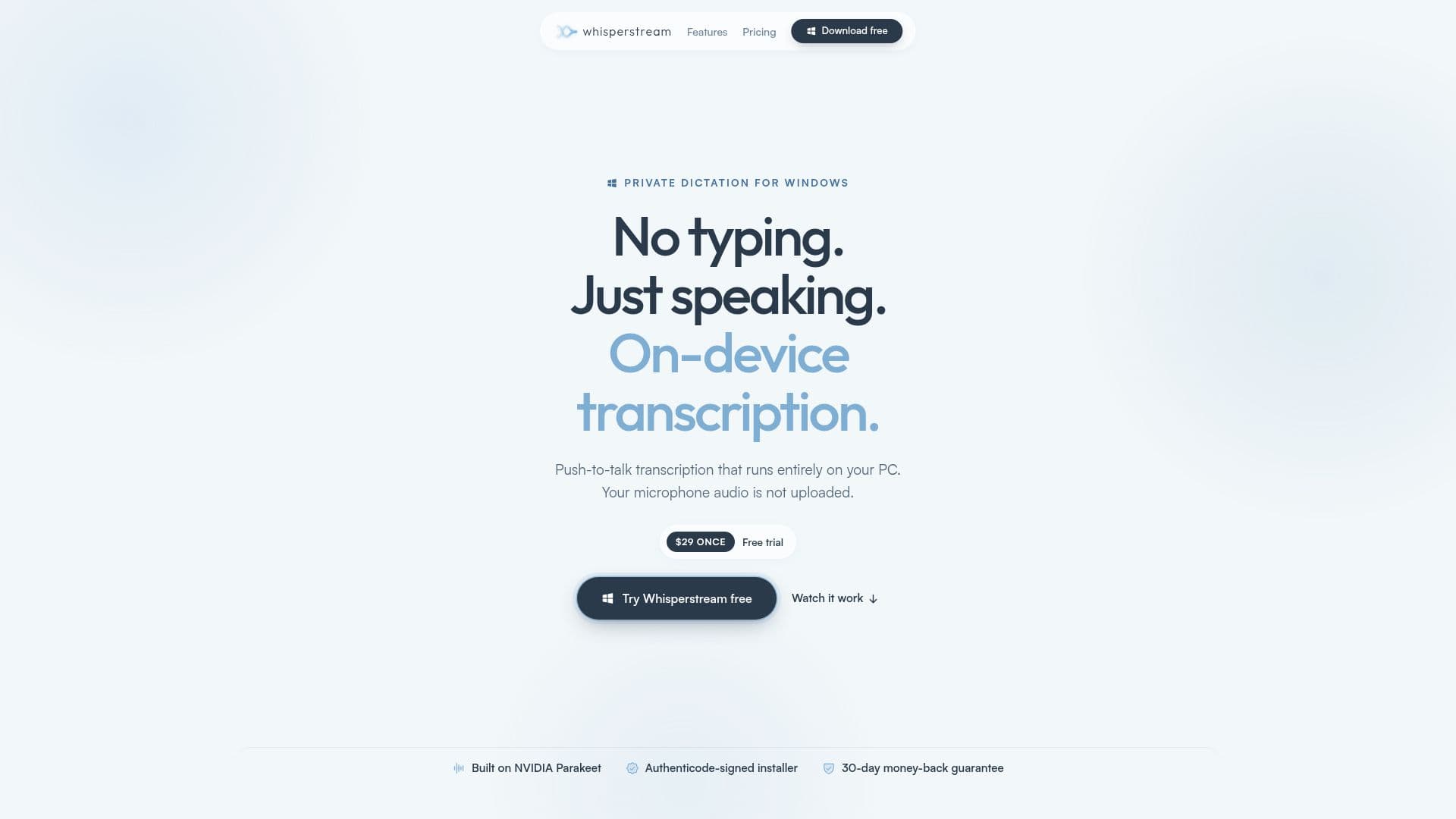
Whisperstream is a powerful dictation tool designed specifically for Windows users, allowing for seamless on-device transcription. With a one-time purchase of $29, users can enjoy a range of features that enhance their dictation experience without the need for ongoing subscriptions or reliance on cloud services.
Read More
The core functionality of Whisperstream revolves around local speech recognition, which means that all dictation occurs directly on the user's PC. This ensures that audio data remains private and secure, as it is never uploaded to the cloud. Users can dictate text in real-time, and the application types out the transcribed text directly into the active window, making it compatible with various applications such as Outlook, VS Code, and web browsers.
Whisperstream supports 39 languages, including English, Spanish, French, and many others, allowing users from diverse backgrounds to utilize its capabilities. The app also features a push-to-talk hotkey, enabling users to control when dictation occurs, thus preventing any unintended recordings. Additionally, users can import audio files for transcription, providing flexibility in how they capture and convert spoken content.
For those who want to refine their dictation, Whisperstream offers optional AI cleanup features that can remove filler words and correct grammar and punctuation. Users can customize their experience further by creating a custom dictionary to ensure that specific terms, names, and acronyms are recognized accurately. The app also maintains a transcript history, allowing users to revisit past dictations and replay audio as needed.
Whisperstream is designed to work offline after initial setup, making it a reliable tool for users who may not always have internet access. The installation process is straightforward, and the app runs efficiently on modern Windows systems without requiring a dedicated GPU. With a 30-day money-back guarantee, users can try Whisperstream risk-free, ensuring that it meets their dictation needs.
- CategoryAI Transcription Tools
- Pricing Model$29 one-time
- DeploymentOn-device
- PlatformsWindows
Whisperstream's Core Features
On-device transcription
Push-to-talk hotkey
Text delivery across apps
Transcript history
Audio file import
Optional AI cleanup
Custom dictionary
Supports 39 languages
Works offline
Authenticode-signed installer
Lockdown Mode
Custom style prompt
System-volume ducking
Runs on CPU, no GPU required
How to use Whisperstream?
Install Whisperstream: Download and run the installer for Windows.
Complete first-run setup: Accept the EULA and select your dictation language.
Configure hotkey: Choose a push-to-talk shortcut for dictation.
Start dictating: Hold the hotkey, speak your sentence, and release to transcribe.
Review transcripts: Access your transcript history to find past dictations.
Import audio files: Drop in recordings to transcribe them directly.
Customize dictionary: Add specific terms to ensure accurate recognition.
Enable AI cleanup: Turn on optional features to refine your transcriptions.
Whisperstream's Use Cases
- Office Productivity
- Content Creation
- Meeting Notes
- Audio Transcription
- Language Learning