
Description
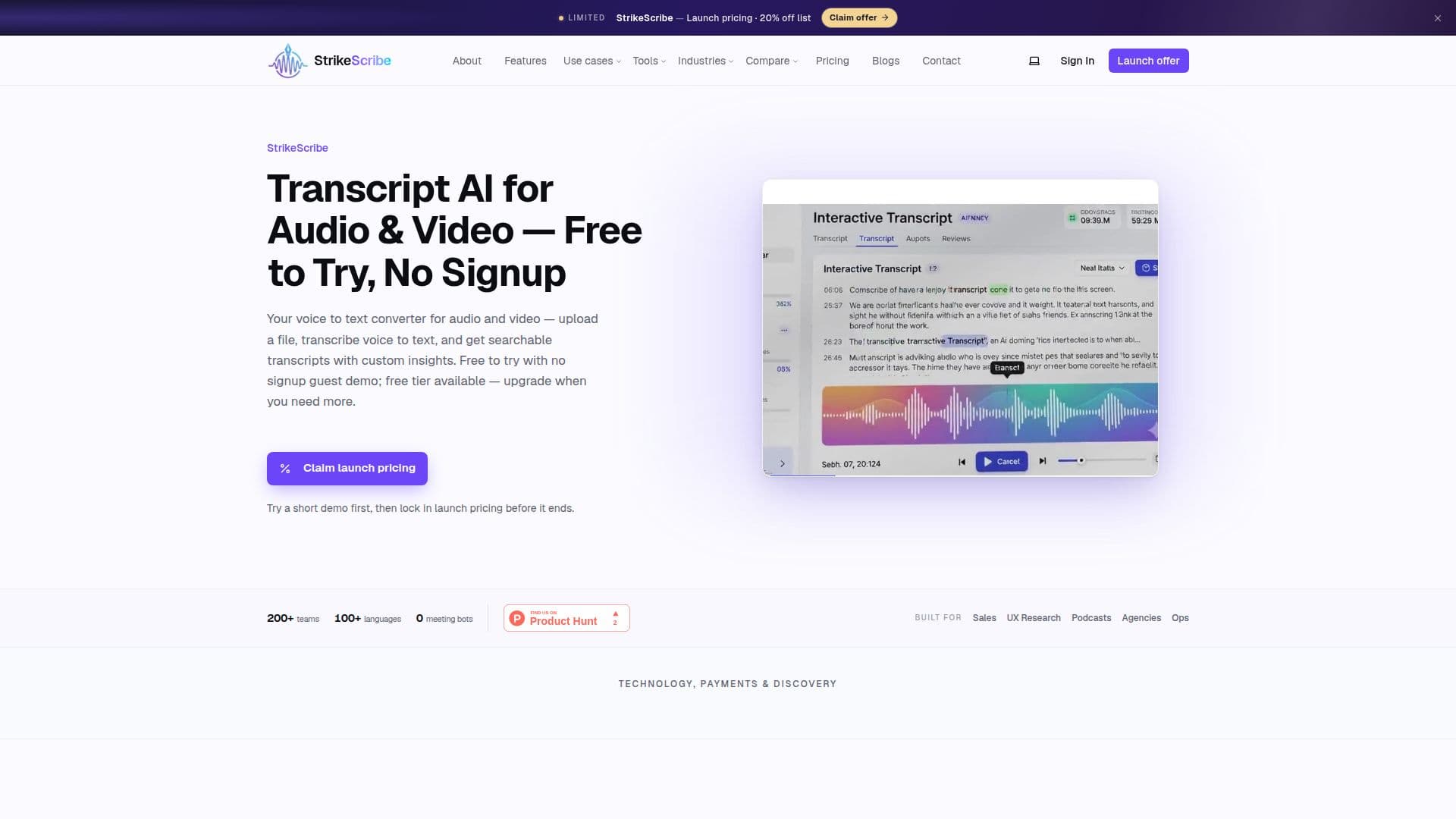
StrikeScribe is an innovative AI transcription workspace that allows users to convert audio and video recordings into searchable text. Designed for efficiency, it offers a no-signup guest upload feature, enabling users to try the service without any commitment. With support for over 100 languages, including Arabic and English, StrikeScribe caters to a diverse range of users and transcription needs.
Read More
The platform is built with privacy in mind, processing files on secure GPU infrastructure without storing data after transcription. This ensures that users can trust that their media data remains confidential. StrikeScribe's transcription capabilities include not only voice-to-text conversion but also AI-generated meeting notes, summaries, and action items, making it a comprehensive tool for professionals.
StrikeScribe's user-friendly interface allows users to upload common audio and video formats directly from their browser. The platform supports files up to 100MB on the free plan, with paid plans accommodating larger files. Users can easily transcribe recordings from meetings, interviews, podcasts, and more, transforming them into actionable insights quickly and efficiently.
The service stands out from competitors like Otter.ai by eliminating the need for meeting bots, allowing users to upload recordings directly. With customizable AI templates tailored to various roles, users can extract relevant insights, summaries, and action items that align with their specific needs. StrikeScribe is ideal for teams looking to enhance their productivity by turning audio and video content into clear, organized notes and actionable tasks.
Whether you are a sales manager, UX researcher, or podcast editor, StrikeScribe provides the tools necessary to streamline your transcription workflow. The platform's commitment to user privacy, ease of use, and robust features makes it a valuable asset for anyone needing reliable transcription services.
- CategoryAI Transcription Tools
- Pricing ModelFreemium
- DeploymentCloud
- PlatformsWeb
Transcript AI's Core Features
No-signup guest upload
Speech-to-text transcription
Video-to-text transcription
AI meeting notes and summaries
Custom AI templates
Support for 100+ languages
File size limit of 100MB on free plan
Privacy-focused data handling
Cancel subscription anytime
Upload common audio/video formats
How to use Transcript AI?
Upload: Drag and drop your audio or video file.
Transcribe: The platform processes your file and converts speech to text.
Review: Check the generated transcript for accuracy.
Extract Insights: Use AI templates to generate summaries and action items.
Save: Create a free account to save your work and access additional features.
Transcript AI's Use Cases
- Meeting Transcription
- Interview Transcription
- Podcast Transcription
- Voice Memo Transcription
- Sales Call Transcription