
Description
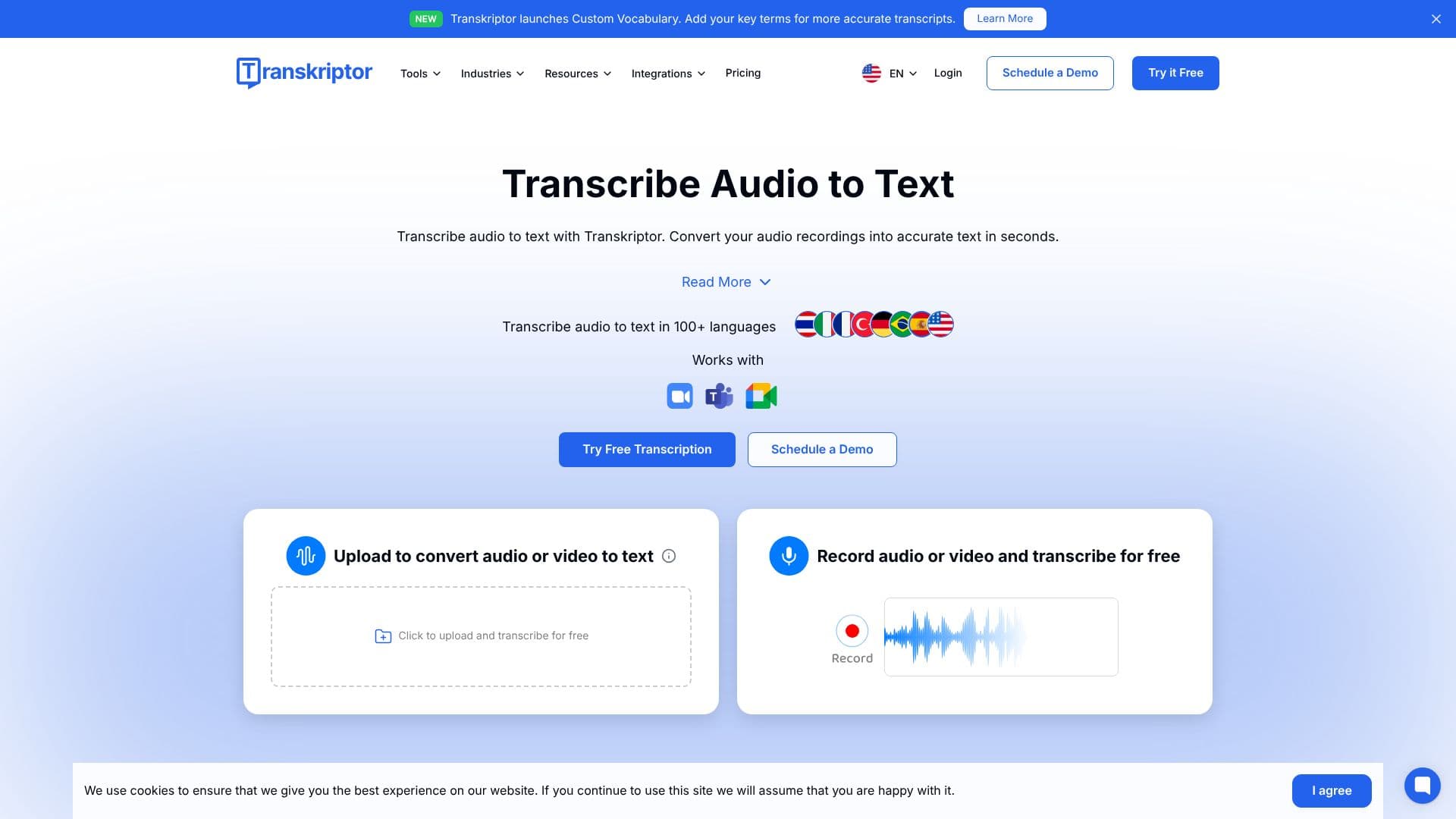
Transkriptor is an AI-driven transcription tool designed to convert audio and video recordings into accurate text with remarkable speed. It supports over 100 languages, making it a global solution for transcription needs. The platform is built to serve a wide range of users, from students and academics to professionals in fields like legal, media, sales, and healthcare.
Read More
At its core, Transkriptor utilizes advanced speech recognition technology to transcribe audio files. Users can upload various audio and video formats, including MP3, MP4, and WAV, or record audio directly within the application. The AI engine then processes the speech, identifying words, phrases, and even speakers, providing a timestamped transcript. A key feature is the custom vocabulary option, which allows users to add specific terms or jargon to enhance transcription accuracy for specialized content.
Beyond basic transcription, Transkriptor offers several AI-powered features to extract more value from audio and video content. These include AI meeting assistants that can summarize conversations, extract action items, and conduct sentiment analysis. The 'Ask Transkriptor' feature allows users to query their transcribed content, creating searchable knowledge bases from multiple files. Integrations with popular platforms like Zoom, Microsoft Teams, and Google Meet streamline the transcription process for virtual meetings.
Transkriptor is accessible across multiple devices and platforms, including web applications, desktop software, and mobile apps for iOS and Android. This cross-platform compatibility ensures users can transcribe and access their files from anywhere. The tool is trusted by numerous organizations, including Novartis, Pfizer, Siemens, Tesla, and Harvard University, highlighting its reliability and effectiveness in professional and academic settings.
The value proposition of Transkriptor lies in its ability to significantly boost productivity by automating manual note-taking and transcription processes. By converting spoken words into editable text, it saves users time, improves accessibility of content, and makes information more searchable and actionable. The platform also emphasizes security, adhering to standards like SOC 2, GDPR, and ISO 27001.
- CategoryAI Transcription Tools
- Pricing ModelFreemium
- DeploymentCloud
- PlatformsWeb, Desktop, iOS, Android
Transkriptor AI Transcription's Core Features
AI-powered audio and video transcription
Supports over 100 languages
Custom vocabulary for enhanced accuracy
Speaker diarization to identify different speakers
AI meeting assistant for summaries and action items
Integration with Zoom, Microsoft Teams, and Google Meet
Cross-platform availability (Web, Desktop, Mobile)
Record audio directly within the app
Uploads support MP3, MP4, WAV, and more formats
Sentiment analysis for conversations
Searchable knowledge base creation from transcripts
Enterprise-grade security compliance (SOC 2, GDPR, ISO 27001)
How to use Transkriptor AI Transcription?
Create Account: Sign up for a Transkriptor account.
Upload or Record: Upload your audio/video file or record directly within the app.
Transcribe: Let the AI process your recording into text.
Review and Edit: Refine the transcript for accuracy using the built-in editor.
Utilize AI Features: Generate summaries, extract action items, or ask questions about your transcript.
Organize and Export: Save your transcripts in folders and export to desired formats.
Transkriptor AI Transcription's Use Cases
- Meeting Transcription
- Interview Transcription
- Lecture Transcription
- Podcast Transcription
- Video Subtitle Generation
- Voice Note Conversion
- Legal Transcription
- Media Transcription