Description
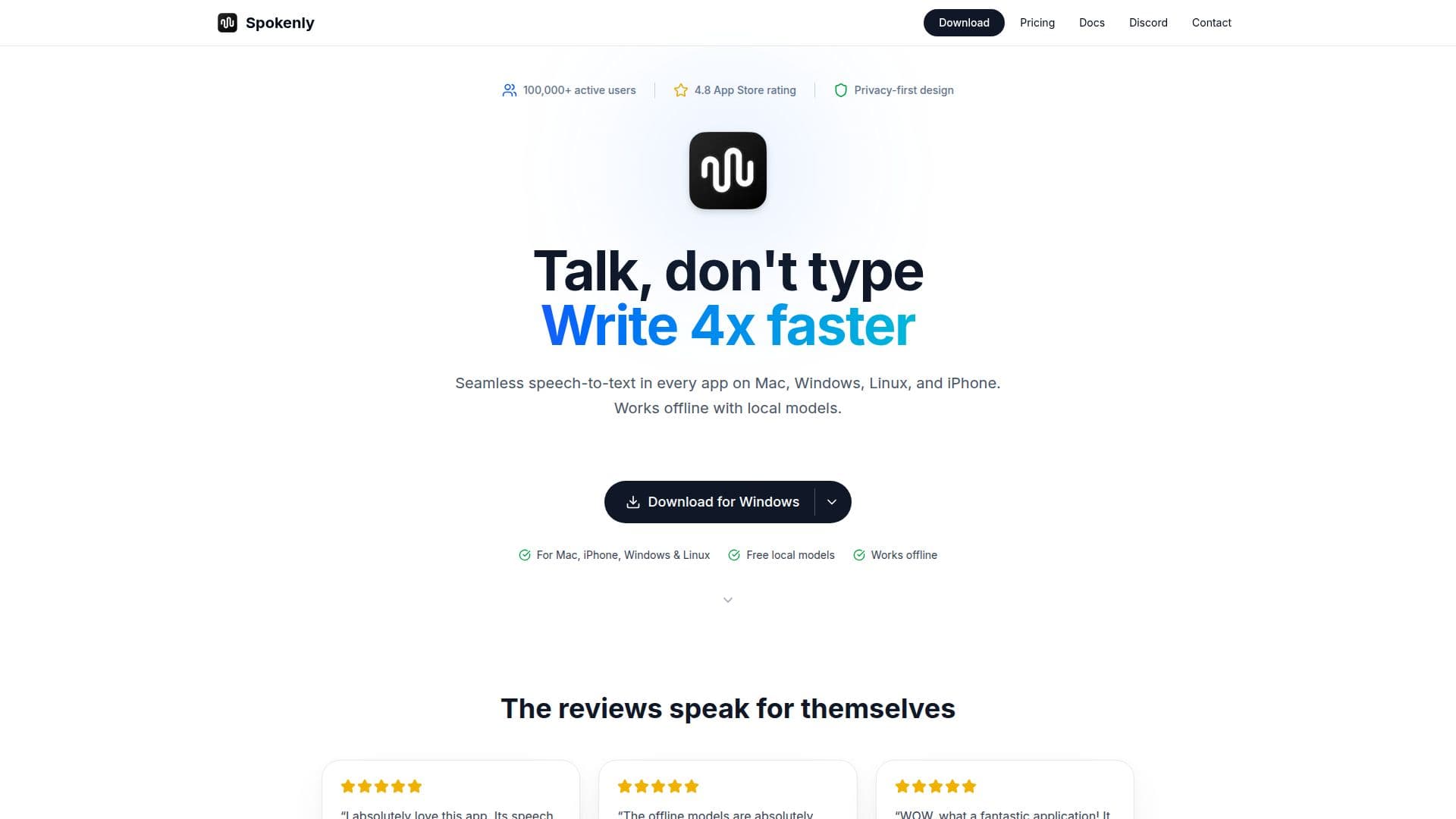
Spokenly is an AI-powered voice-to-text dictation app available on macOS, Windows, Linux, and iOS. It allows users to convert speech into clean, punctuated text in any application. The app utilizes local models such as OpenAI Whisper and NVIDIA Parakeet for free, private, offline transcription with no usage limits. For enhanced accuracy, users can connect their own API keys from providers like OpenAI, Deepgram, and Groq, or subscribe to Spokenly Pro for $9.99/month, which offers managed cloud models.
Spokenly supports over 100 languages with automatic detection and provides AI-powered text processing with modes and AI Instructions. It features a unique Agent Mode that enables voice commands for macOS automation actions. The app also includes a built-in MCP server for AI coding agents to receive voice input directly. With over 100,000 active users and a 4.8 App Store rating from 2,000+ reviews, Spokenly is popular among writers, developers, and professionals who require fast, accurate dictation with complete privacy control.
The app works system-wide on macOS, allowing dictation into any text field, including browsers, email clients, and IDEs like VS Code and Xcode. On iOS, Spokenly integrates with the system keyboard for seamless dictation across apps. Spokenly Pro is available on all platforms, offering high-accuracy cloud models and AI text cleanup. Users can cancel their subscription anytime and enjoy a 14-day refund policy.
Spokenly's local models ensure that voice data never leaves the device, providing a secure and private dictation experience. The app is a modern alternative to Dragon Dictate for Mac, offering real-time transcription and support for technical terms, accents, and non-English languages. Users can dictate documents, emails, and notes with high accuracy, and the app's AI Instructions feature allows for text summarization, rewriting, and generation.
Spokenly Dictation App's Core Features
Free offline transcription with local models
Supports over 100 languages
Bring-your-own-key mode for API integration
Spokenly Pro for cloud models
AI-powered text processing
Agent Mode for macOS automation
Built-in MCP server for coding agents
System-wide dictation on macOS
How to use Spokenly Dictation App?
Download: Install Spokenly on your device
Configure: Set up local or cloud models
Use: Press a shortcut and start dictating
Optimize: Use AI Instructions for text processing
Spokenly Dictation App's Use Cases
- Document Dictation
- Email Composition
- Coding Assistance
- Language Learning
- Accessibility Support