Description
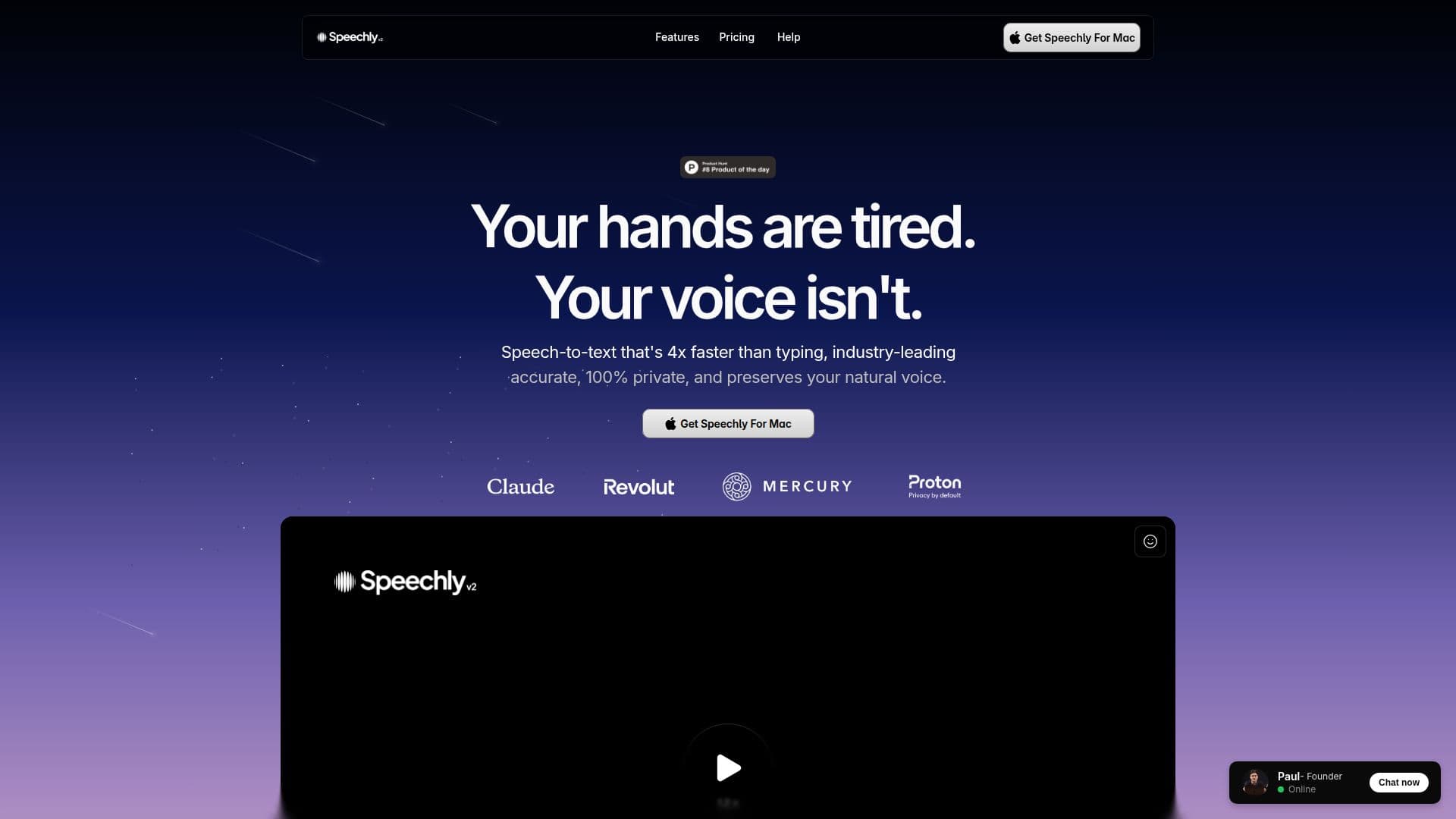
Speechly is a speech-to-text app for macOS that lets you dictate instead of type, transcribing your voice in seconds. It offers several intelligent modes, including Voice-to-Text, Email, Message, Prompt, and To-Do, adapting automatically to what you are working on while preserving your natural voice.
Read More
Speechly is built to be fast and accurate, with a push-to-talk workflow, keyboard shortcuts, and a neural engine that adapts to your voice the more you use it. It can work offline, keeps a full searchable history of transcriptions, and includes a dashboard that tracks how much time you save. It integrates with 150+ apps, including Cursor, Claude Code, Gmail, Slack, Notion, Word, and Zendesk, so you can dictate anywhere without switching tools.
The app runs on three AI engines: Cloud for speed, Local for full privacy, and Neural for accuracy that adapts to your voice, with a Privacy Mode that keeps data on your device. Speechly offers a free plan plus Pro and Turbo tiers that add unlimited words, translation to English, higher speeds, and advanced controls such as a precision-versus-speed model selector.
- CategoryAI Transcription Tools
- Pricing ModelFreemium
- DeploymentCloud, Runs locally
- PlatformsmacOS
Speechly's Core Features
Voice-to-text transcription in seconds
Intelligent modes for text, email, message, prompt, and to-do
Cloud, Local, and Neural AI engines
Offline transcription support
Push-to-talk and keyboard shortcuts
Full searchable transcription history
150+ app integrations
Privacy Mode with on-device processing
Support for 150+ languages
How to use Speechly?
Install for macOS: Download and set up the native Mac app.
Pick a mode: Choose Voice-to-Text, Email, Message, Prompt, or To-Do, or let it adapt.
Push to talk: Hold the shortcut, speak, and release to transcribe.
Insert anywhere: Dictate directly into any of the 150+ supported apps.
Review history: Revisit and search past transcriptions from your history.
Speechly's Use Cases
- Dictating emails and messages
- Hands-saving productivity
- Private, offline transcription
- In-app dictation