Description
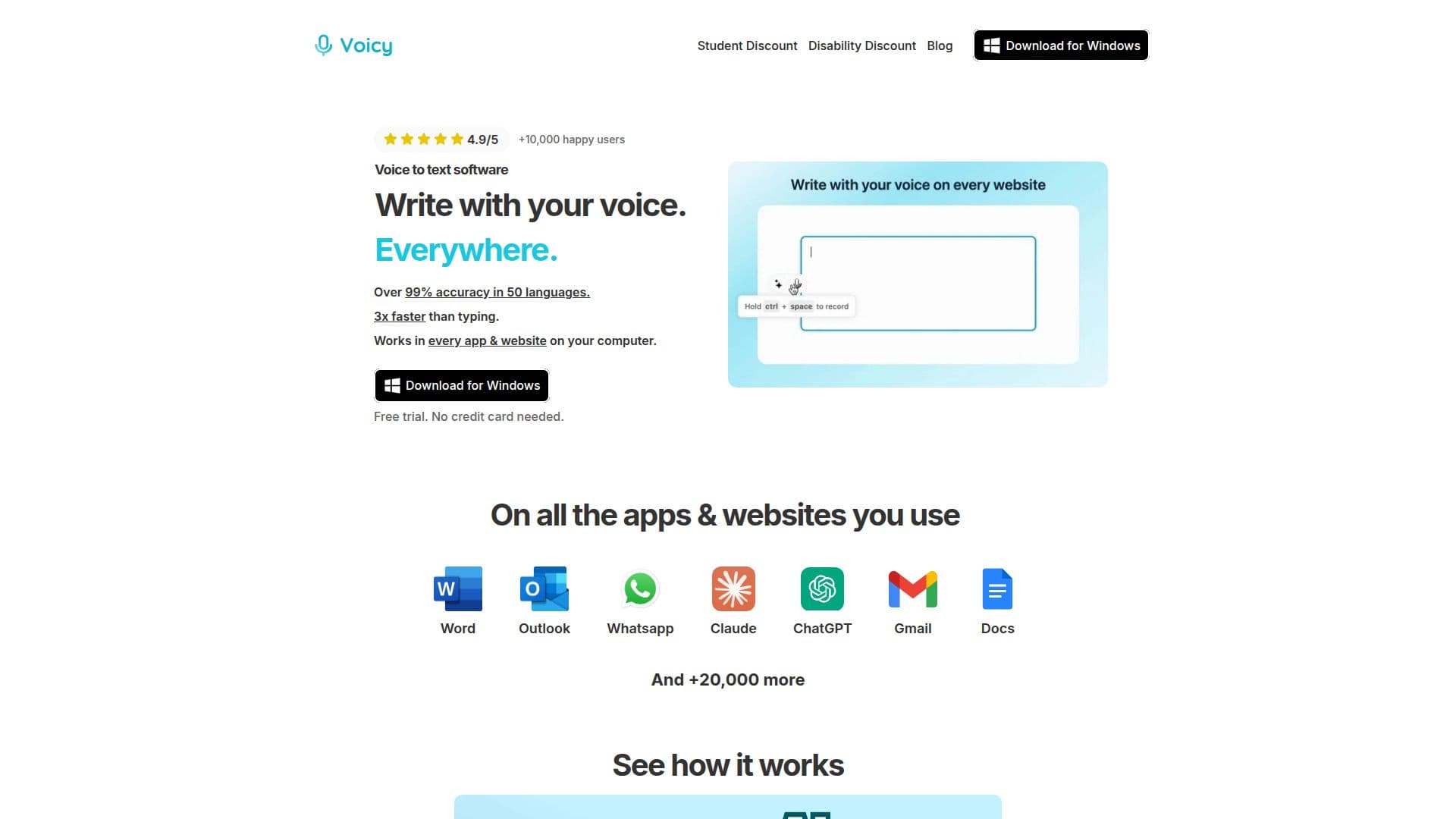
Voicy is an AI-driven speech-to-text application designed to enhance productivity by allowing users to dictate text instead of typing. It supports platforms such as Mac, Windows, iOS, Android, and Chrome, making it versatile for various workflows. With Voicy, users can dictate emails, documents, notes, and messages across more than 20,000 websites and applications, including popular tools like Gmail, Microsoft Word, Google Docs, Slack, and Outlook.
Read More
The app boasts over 99% accuracy in transcribing speech to text in more than 50 languages, including English, German, French, Spanish, and Mandarin. It automatically adds punctuation, ensuring that the transcriptions are grammatically correct and ready for professional use. Voicy also offers AI editing commands, allowing users to refine their text with ease.
Voicy provides several pricing options: a free trial, a monthly plan at $8.49, an annual plan at $82, and a lifetime access option for $260. The app emphasizes privacy, ensuring that voice recordings and transcriptions are not stored or used to train AI models, with all data processed and discarded immediately.
Designed for professionals, Voicy is suitable for tasks such as business writing, client communication, and academic work. It is a viable alternative to traditional dictation software like Dragon, offering modern features and superior accuracy. The app is particularly beneficial for individuals who need to write quickly and accurately without the strain of typing.
Voicy's integration capabilities extend to various platforms, enabling seamless use across desktop and mobile devices. Its user-friendly interface and advanced AI technology make it a valuable tool for anyone looking to improve their writing efficiency through voice dictation.
- CategoryAI Transcription Tools
- Pricing ModelFreemium
- DeploymentCloud
- PlatformsMac, Windows, iOS, Android, Chrome
Voicy's Core Features
AI-powered speech recognition
Automatic punctuation
Supports 50+ languages
Works across desktop and browser apps
iOS and Android dictation
File upload transcription
AI editing commands
Privacy-focused
How to use Voicy?
Download: Install Voicy on your device
Setup: Complete the setup and select a keyboard shortcut
Dictate: Start dictating in any app or website
Transcribe: Upload audio files for transcription
Voicy's Use Cases
- Email Dictation
- Document Writing
- Chat Messaging
- Coding
- Professional Writing