Description
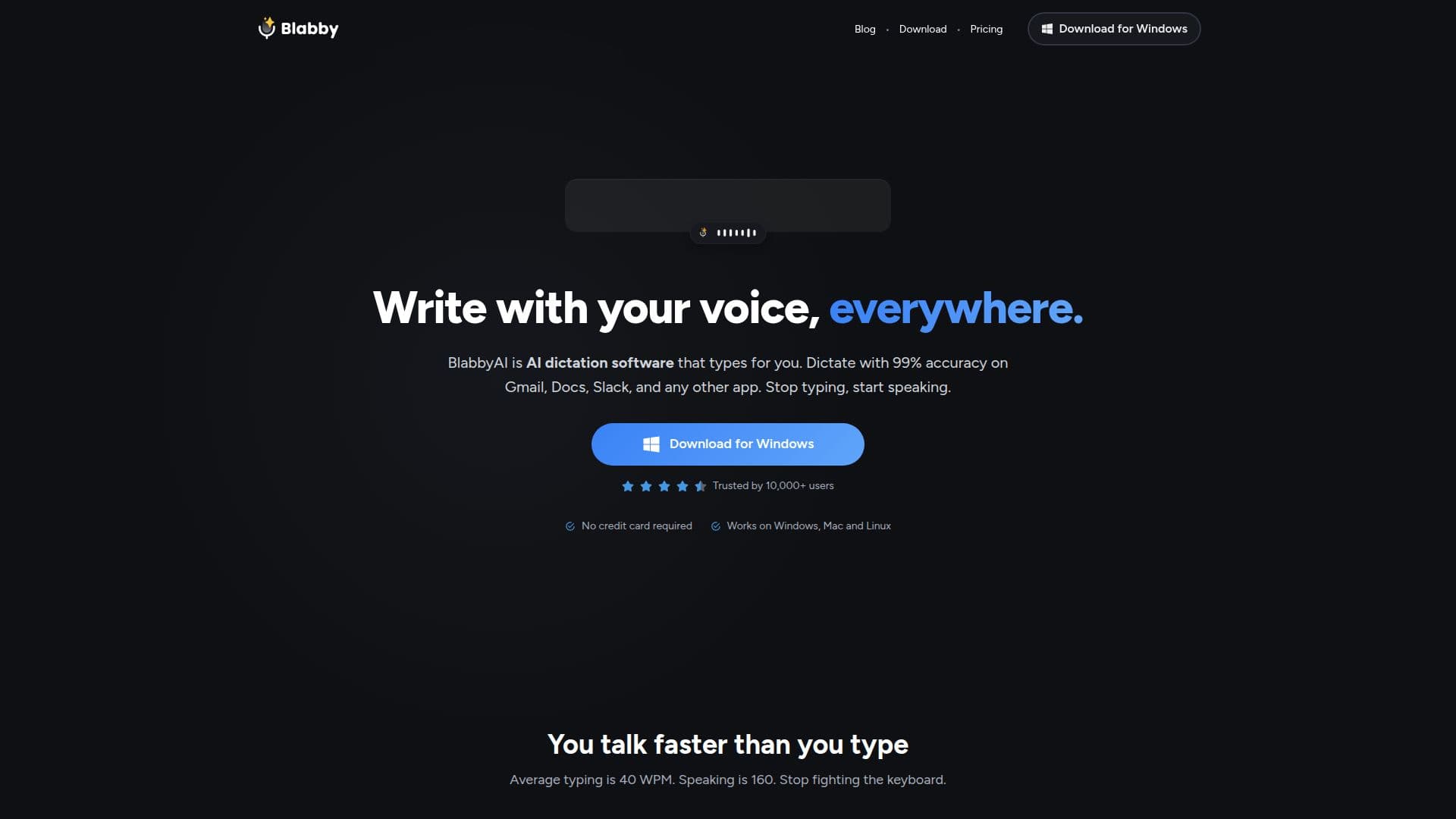
BlabbyAI is an AI-powered speech-to-text tool that lets you dictate into any text field on the web or desktop. Delivered as a Chrome extension and a Windows app, it works on Gmail, Google Docs, Slack, and any other app, and runs on Chromium-based browsers including Chrome, Brave, Opera, Edge, and Vivaldi.
Read More
Built on OpenAI's Whisper v3 Turbo model, BlabbyAI transcribes speech with automatic punctuation and capitalization and supports over 90 languages with automatic language detection. Its AI modes can fix grammar, translate to English, or rewrite text as a professional email, and a custom spelling feature teaches it names, jargon, and acronyms. Custom shortcuts let you start and stop recording without the mouse.
BlabbyAI is designed for professionals across writing, healthcare, project management, and development who want to write faster by speaking. A free plan includes a weekly credit allowance with no credit card, and paid plans add more transcription time up to unlimited use. Transcription runs with zero data retention, and voice data is not stored after processing.
- CategoryAI Transcription Tools
- Pricing ModelFreemium
- DeploymentCloud
- PlatformsChrome, Windows
BlabbyAI's Core Features
Speech-to-text dictation on any website or app
Powered by OpenAI Whisper v3 Turbo
Automatic punctuation and capitalization
90+ languages with automatic detection
AI modes for grammar fixes, translation, and rewriting
Custom spelling for names, jargon, and acronyms
Custom keyboard shortcuts for recording
Works on Chrome, Brave, Opera, Edge, and Vivaldi
How to use BlabbyAI?
Add BlabbyAI: Install the Chrome extension or Windows app.
Click into any text field: Place your cursor where you want to type.
Start speaking: Click the microphone or press your shortcut, then talk naturally.
Get formatted text: Stop recording and your punctuated, formatted text appears in the field.
BlabbyAI's Use Cases
- Documents
- AI prompts
- Team messaging
- Professional dictation