
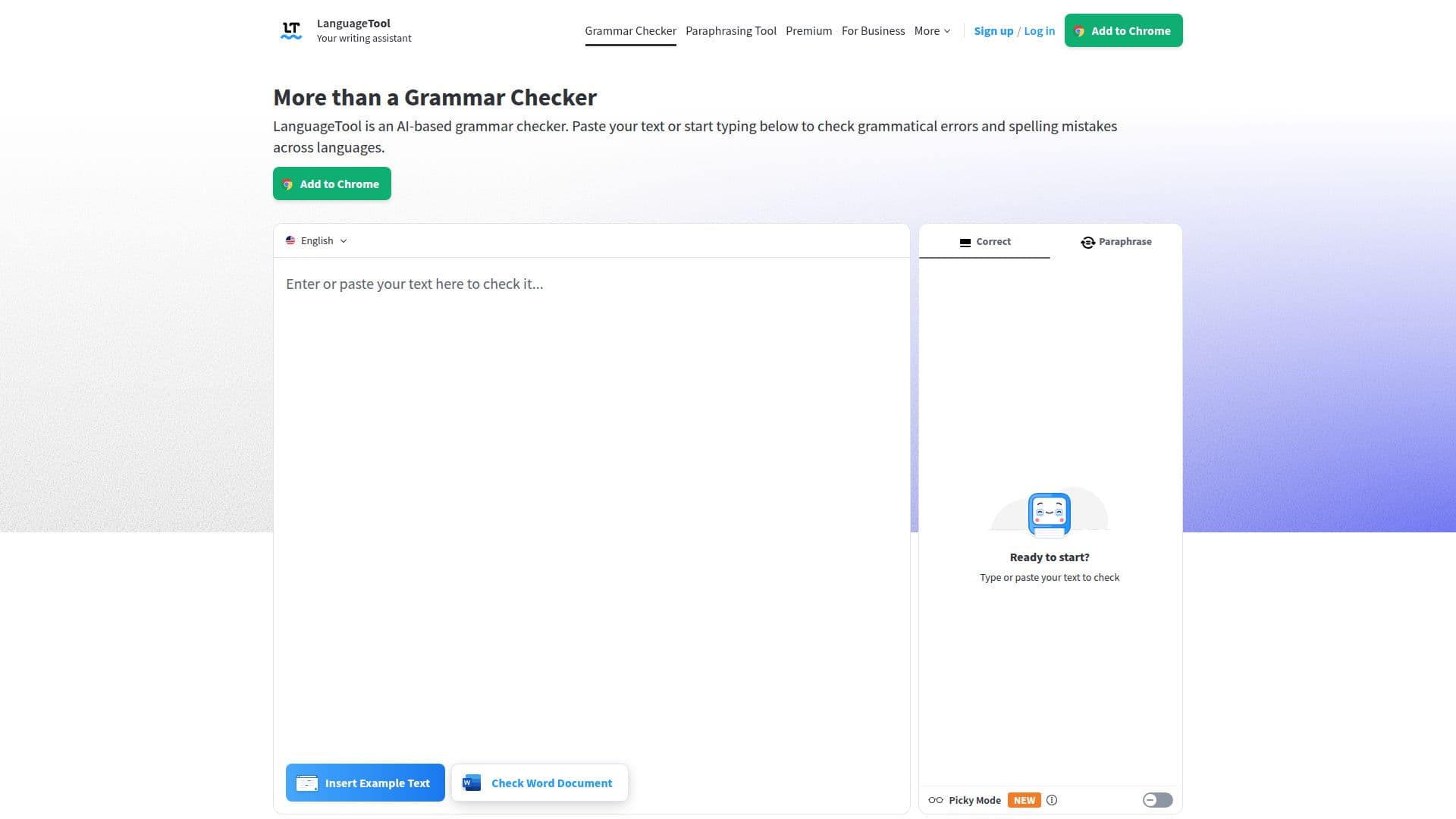
Description
LanguageTool is an AI-based writing assistant that instantly checks grammar, punctuation, spelling, casing, and style. It supports more than 30 languages, automatically detecting the language you are writing in and offering suggestions to improve clarity and correctness.
Read More
The tool works across the web through browser add-ons for Chrome, Firefox, Edge, and Safari, and provides desktop apps and integrations for Windows, macOS, Microsoft Word, Google Docs, and LibreOffice. The browser add-on works anywhere on the web, offering tips while you write emails, blog posts, or social posts, and stores no text to respect privacy.
The LanguageTool Editor adds a distraction-free writing experience, a personal dictionary, writing statistics, secure text storage, and a Picky Mode for advanced punctuation, style, and typography suggestions. It is trusted by over a million browser users and more than 2,000 organizations, with a free version and paid plans.
- CategoryGrammar Checkers
- Pricing ModelFreemium
- DeploymentCloud, Browser extension
- PlatformsWeb, Windows, macOS
LanguageTool's Core Features
AI-powered grammar, spelling, and punctuation checking
Support for 30+ languages with automatic detection
Browser add-ons for Chrome, Firefox, Edge, and Safari
Desktop and office integrations (Windows, macOS, Word, Google Docs, LibreOffice)
Casing and style correction
Picky Mode for advanced punctuation and typography
Personal dictionary and writing statistics
Privacy-focused with no text stored by the browser add-on
How to use LanguageTool?
Add the tool: Install the browser add-on or desktop app, or use the online editor.
Write or paste text: Type in any app or paste text into the editor.
Review suggestions: See grammar, spelling, punctuation, and style tips as you write.
Apply corrections: Accept the suggestions that fit your intended meaning.
LanguageTool's Use Cases
- Web writing
- Academic writing
- Multilingual writing
- Second-language learning