
Description
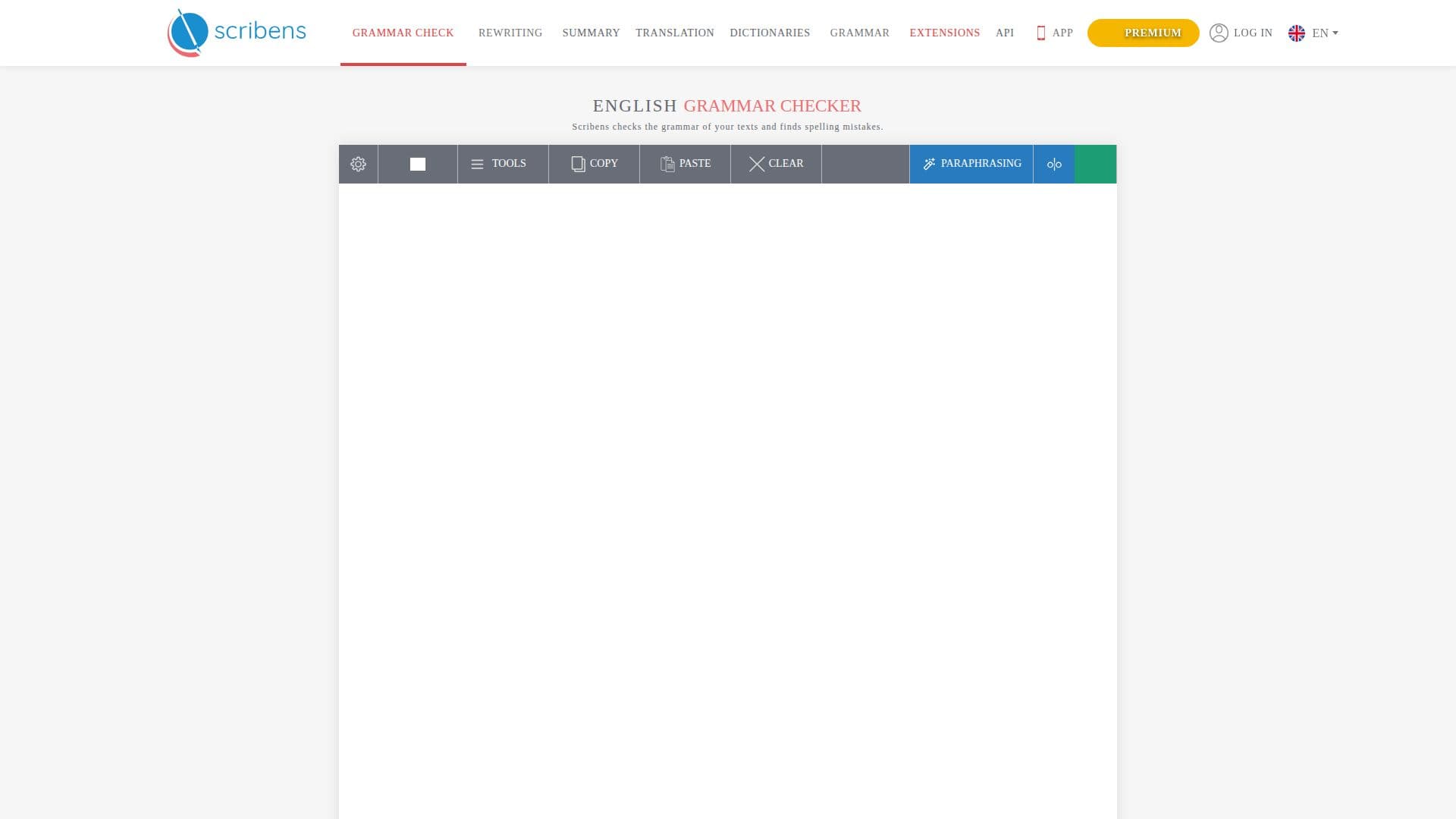
Scribens is a powerful English grammar and spell checker designed to help users correct their writing mistakes effectively. It addresses a wide range of common errors, including spelling, punctuation, conjugation, agreement, word confusion, and typographic issues. With millions of users worldwide, Scribens is trusted by professionals, students, businesses, writers, and content creators alike.
Read More
The tool is completely free to use, with its revenue generated from advertising and premium subscriptions. The free plan allows users to check up to 8,000 characters per day, making it accessible for casual users. For those who require more extensive checking, the Premium version offers significant advantages, including grammar checking for up to 5 million characters per month, unlimited text paraphrasing in 20 different tones, and the ability to manage recent texts without advertisements.
Scribens supports more than 40 languages, including French, English, and Spanish, making it a versatile tool for multilingual users. Each detected mistake comes with a clear explanation, allowing users to understand their errors and improve their writing skills over time. This educational aspect sets Scribens apart from other grammar checkers, as it not only corrects mistakes but also serves as a learning companion.
The application integrates seamlessly with essential apps, allowing users to correct and enhance their writing directly in platforms like Gmail, Outlook, Facebook, Twitter, and more. It also works as an extension for Microsoft Word, PowerPoint, Excel, Google Docs, and Google Sheets, ensuring that users can maintain the formatting of their original texts while improving their content.
Security is a priority for Scribens, as no text is stored on their servers or shared with third parties. Data transfer is secured with SSL encryption, and a web application firewall protects against attacks. For more information about their privacy practices, users can refer to their privacy policy.
- CategoryGrammar Checkers
- Pricing ModelFreemium
- DeploymentWeb, Mobile
- PlatformsWindows, Mac, iOS, Android
Scribens's Core Features
Grammar checking
Spell checking
Multilingual support
Detailed error explanations
Integration with Microsoft Office
Integration with Google Workspace
Unlimited text paraphrasing (Premium)
Ad-free experience (Premium)
Secure data handling
How to use Scribens?
Access the Scribens website: Navigate to the Scribens homepage.
Input your text: Paste or type your text into the provided text area.
Check for errors: Click on the check button to analyze your text for grammar and spelling mistakes.
Review suggestions: Examine the highlighted errors and suggested corrections.
Implement corrections: Apply the suggested changes directly in the text area.
Learn from mistakes: Read the explanations provided for each detected error.
Use premium features: Consider upgrading to the Premium version for additional benefits.
Scribens's Use Cases
- Academic writing
- Business communication
- Creative writing
- Social media posts
- Language learning