Description
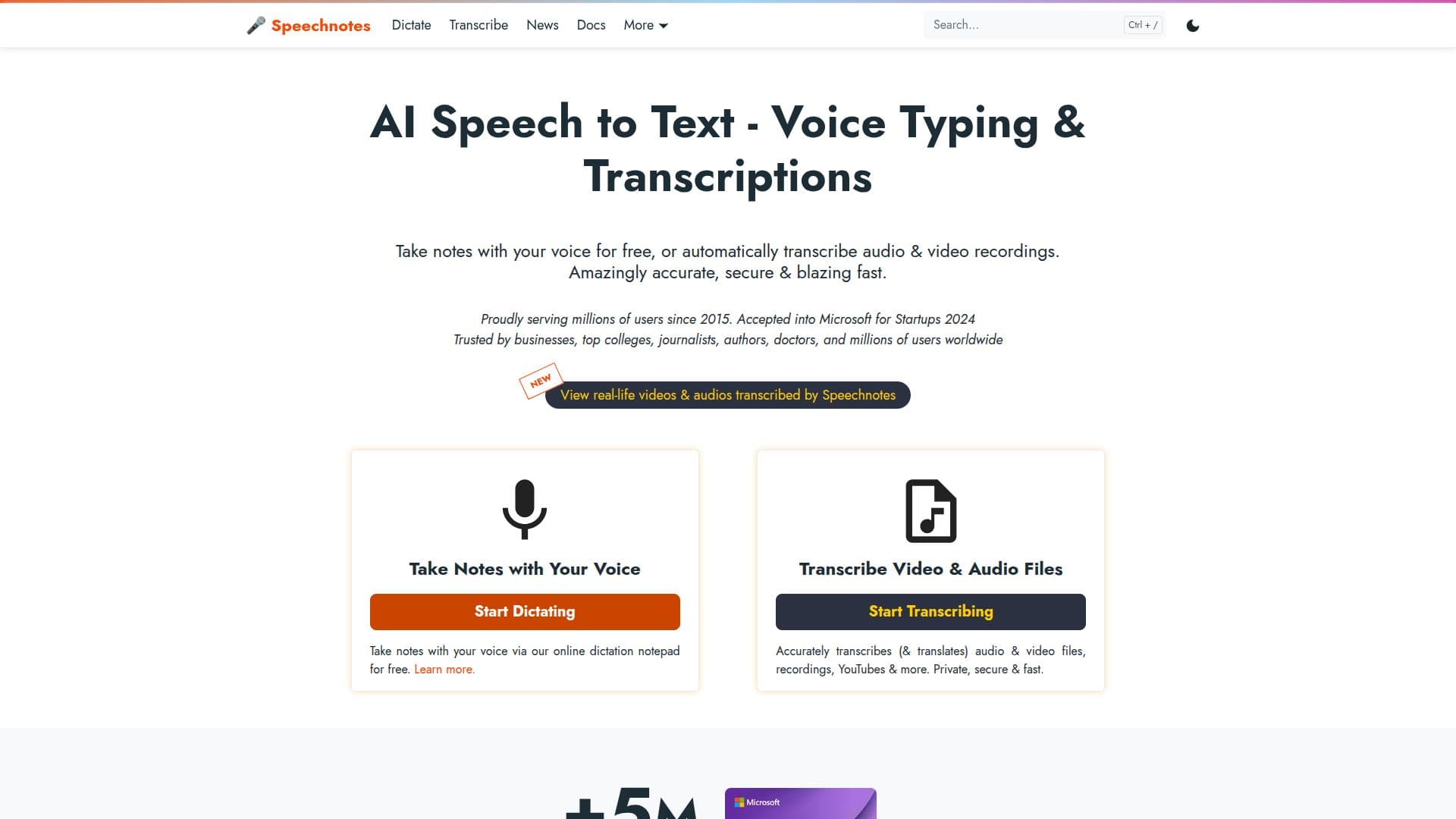
Speechnotes is a powerful online tool designed to convert speech into text efficiently and accurately. It allows users to dictate notes in real time or upload audio and video recordings for automatic transcription. The platform is known for its accuracy, leveraging advanced speech recognition AI engines from Google and Microsoft, which can achieve up to 95% accuracy for high-quality recordings.
The tool is particularly beneficial for users who need to transcribe interviews, lectures, podcasts, and more. It supports all file types and languages, offering features like speaker diarization, timestamping, and captioning. Speechnotes also provides a distraction-free environment with a clean interface, allowing users to focus on their thoughts and creativity.
Speechnotes offers a freemium pricing model. The dictation notepad is free with ads, while a premium version is available for $1.9 per month, offering an ad-free experience and additional support. The transcription service is priced at $0.1 per minute, making it a cost-effective alternative to human transcription services.
The platform is trusted by millions of users worldwide, including businesses, colleges, journalists, and authors. It is designed to be secure and private, with no human involvement in the transcription process and strict privacy measures in place. Speechnotes also offers complementary tools like a Chrome extension for voice typing, an Android app, and integrations with Zapier for enhanced automation.
Overall, Speechnotes is an ideal solution for anyone looking for a fast, accurate, and private speech-to-text service, whether for personal use or professional applications.
Speechnotes's Core Features
Real-time voice dictation
Automatic transcription of recordings
Voice commands for punctuation
Automatic capitalization
Speaker diarization
Timestamping and captioning
Supports all file types and languages
Integration with Zapier
How to use Speechnotes?
Configure: Set up your microphone and audio settings
Use: Start dictating or upload recordings for transcription
Optimize: Use voice commands for punctuation and formatting
Export: Save or export your transcriptions as needed
Speechnotes's Use Cases
- Voice typing
- Transcribe interviews
- Lecture transcription
- Podcast transcription
- Medical forms