Description
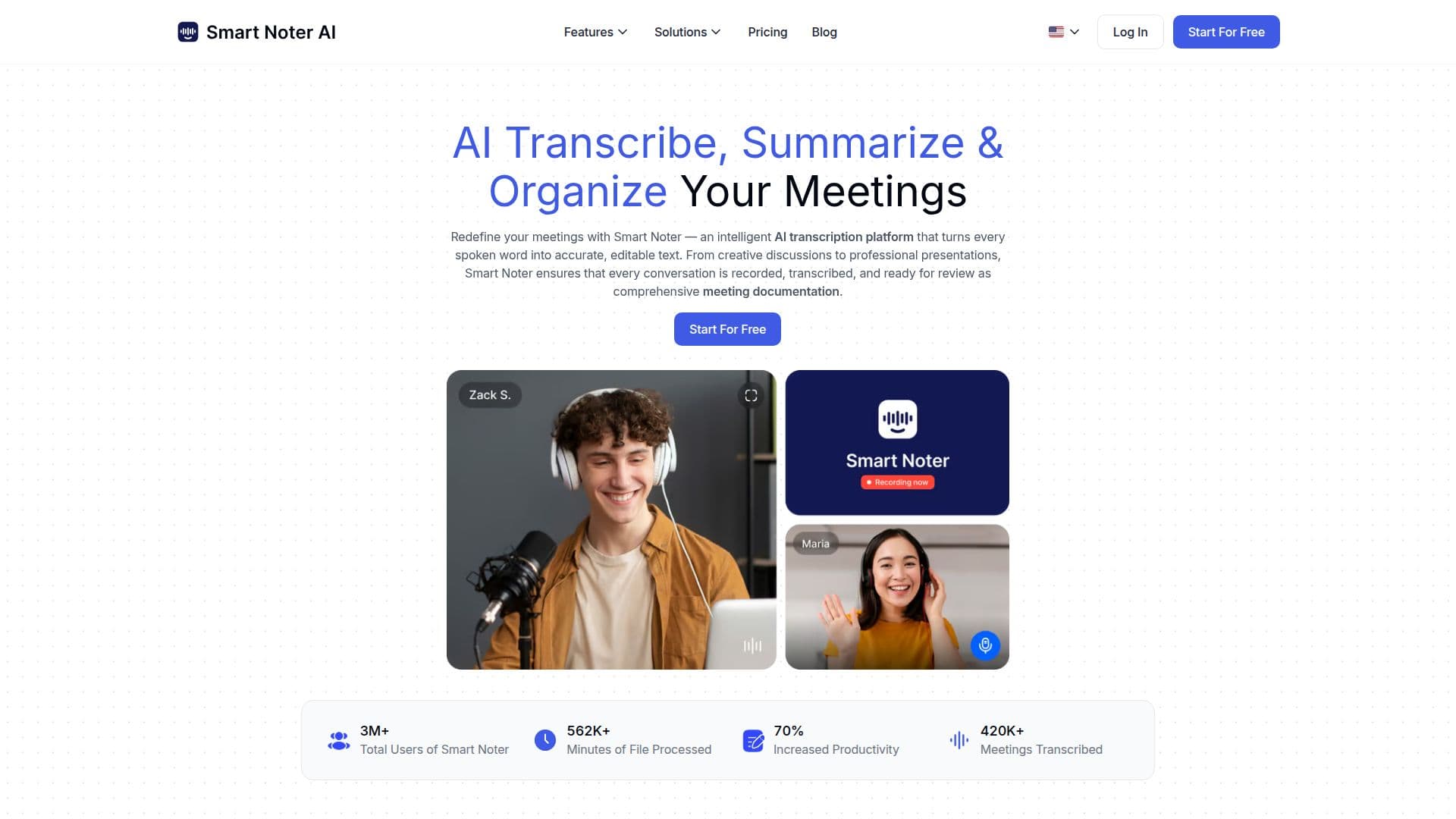
Smart Noter is an AI-powered transcription and note-taking platform designed to convert speech, audio, and video into accurate, structured text. It automatically detects speakers, timestamps content, and organizes transcripts for easy review, sharing, and analysis. With up to 99% transcription accuracy, Smart Noter ensures reliable results across various accents, tones, and environments. It can process live meetings, audio recordings, and video files in multiple formats, making it suitable for business calls, lectures, or interviews.
Smart Noter integrates with major calendar and video conferencing platforms, including Google Meet, Zoom, and Microsoft Teams, allowing automatic transcription and note creation for scheduled meetings. This integration ensures that users never miss a meeting and have access to comprehensive meeting documentation.
The platform offers a free plan with no credit card required, allowing users to transcribe meetings, generate summaries, and explore core features at no cost. For more advanced features, users can upgrade to a paid plan anytime. Smart Noter is available on iOS, Android, and web browsers, making it accessible from any device.
Smart Noter is designed with enterprise-grade security, including SSL certification, GDPR compliance, and ISO standards, ensuring that user data is protected. It does not use meeting recordings or transcripts to train AI models, maintaining privacy as a core principle.
The platform is ideal for professionals in various fields, including business, education, sales, and marketing, who need to enhance productivity with accurate transcription and summarization. It supports transcription in over 100 languages, making it suitable for international users. Smart Noter also offers advanced features like AI chat, smart summaries, and export options, providing a comprehensive solution for meeting documentation.
Smart Noter's Core Features
AI-powered transcription
Speaker identification
Timestamps for content
Integration with Zoom, Google Meet, Microsoft Teams
99% transcription accuracy
Supports 100+ languages
AI-generated summaries
Enterprise-grade security
How to use Smart Noter?
Configure: Set up integrations with calendar and video conferencing tools
Use: Start Smart Noter during meetings for automatic transcription
Optimize: Review and share structured notes and summaries
Export: Save transcripts in preferred formats like PDF, DOCX, TXT
Smart Noter's Use Cases
- Business Meetings
- Educational Lectures
- Sales Calls
- Marketing Discussions
- HR Interviews