
Description
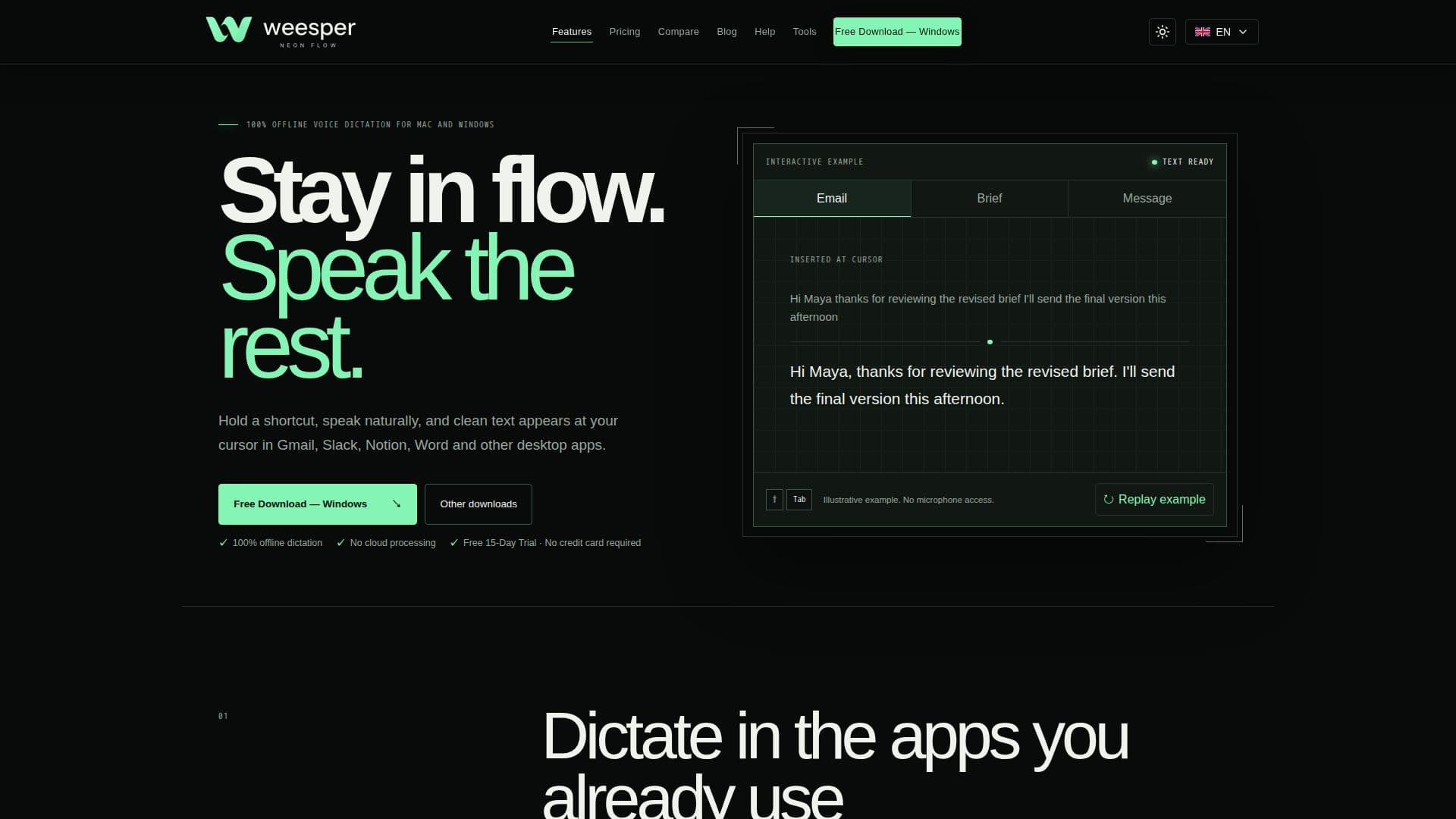
Weesper Neon Flow is a professional voice dictation application designed for Mac and Windows, prioritizing user privacy and efficiency. It operates entirely offline, meaning all speech recognition and dictated text processing occur locally on your device, eliminating the need for cloud-based services and ensuring your voice data never leaves your computer. This makes it an ideal solution for professionals concerned about data privacy and security.
Read More
The application integrates smoothly with a wide range of desktop applications, including Gmail, Slack, Notion, Microsoft Office, browsers, and messaging apps. Users can simply hold a chosen keyboard shortcut, speak naturally, and their cleaned-up text appears instantly at the active cursor. Weesper Neon Flow automatically handles punctuation and capitalization, and can even remove common filler words, significantly reducing typing time and allowing users to draft content up to three times faster than traditional typing.
Key capabilities include support for over 55 languages with automatic detection, and the unique ability to dictate in one language and receive transcription in another. Contextual prompts guide the transcription style based on activity, offering options like "Pro Email" for a formal tone or "Code Doc" for technical formatting. Users can also create custom prompts and dictionaries for specialized terminology, enhancing accuracy and personalization.
Weesper Neon Flow is built on the Whisper AI model and requires no prior voice training, working immediately upon installation. It is designed to be resource-efficient, allowing users to continue working in the background during transcription. The application offers flexible pricing plans, including monthly, annual, and a one-time lifetime purchase, all preceded by a free 15-day trial with no credit card required. A free plan with a 1,500-word weekly limit is available after the trial. Minimum system requirements include macOS 13+ or Windows 10/11, 4 GB RAM, and specific processor support.
Beyond live dictation, Weesper also offers a sister app, Weesper Transcribe, for offline audio and video file transcription on Mac, further expanding its ecosystem for comprehensive voice-to-text solutions. The company, founded in 2024, emphasizes privacy, speed, universal compatibility, and transparent pricing as its core values.
- CategoryAI Transcription Tools
- Pricing ModelFreemium
- DeploymentDesktop app
- PlatformsmacOS, Windows
Weesper Neon Flow's Core Features
100% offline voice dictation for Mac and Windows
Local processing for enhanced privacy; voice data never leaves your computer
Works in supported text fields across Gmail, Slack, Notion, Word, and other apps
Supports 55+ languages with automatic detection
Multilingual transcription: speak in one language, get text in another
Contextual prompts to guide transcription style (e.g., "Pro Email", "Code Doc")
Custom prompts and dictionaries for specialized terms
Automatic text cleanup, including punctuation, capitalization, and filler word removal
Real-time transcription with text inserted directly at the active cursor
No training needed; works immediately out of the box
Resource-efficient AI runs in the background during other tasks
Free 15-day trial available with no credit card required
Flexible pricing: Monthly, Annual, and Lifetime license options
7-day money-back guarantee on purchases
How to use Weesper Neon Flow?
Download the App: Install Weesper Neon Flow on your macOS 13+ or Windows 10/11 computer.
Start Free Trial: Begin your 15-day free trial without creating an account or providing a credit card.
Hold Shortcut & Speak: Hold your chosen keyboard shortcut, speak naturally, and a discreet HUD will confirm.
Release to Insert: Release the shortcut, and your cleaned-up text will appear at your active cursor in any supported application.
Configure Languages: Set your main and secondary languages for automatic detection and multilingual transcription.
Utilize Contextual Prompts: Apply contextual prompts like "Pro Email" or "Code Doc" to guide the transcription style.
Create Custom Dictionaries: Add technical terms to custom dictionaries for improved accuracy in specialized fields.
Choose a Plan: After the trial, select a Monthly, Annual, or Lifetime plan directly from the app settings.
Weesper Neon Flow's Use Cases
- Drafting Emails & Updates
- Capturing Notes & Ideas
- Creating Developer Documentation
- Legal & Specialist Terminology
- Multilingual Content Creation
- Reducing Typing Strain
- Enhancing Productivity