Description
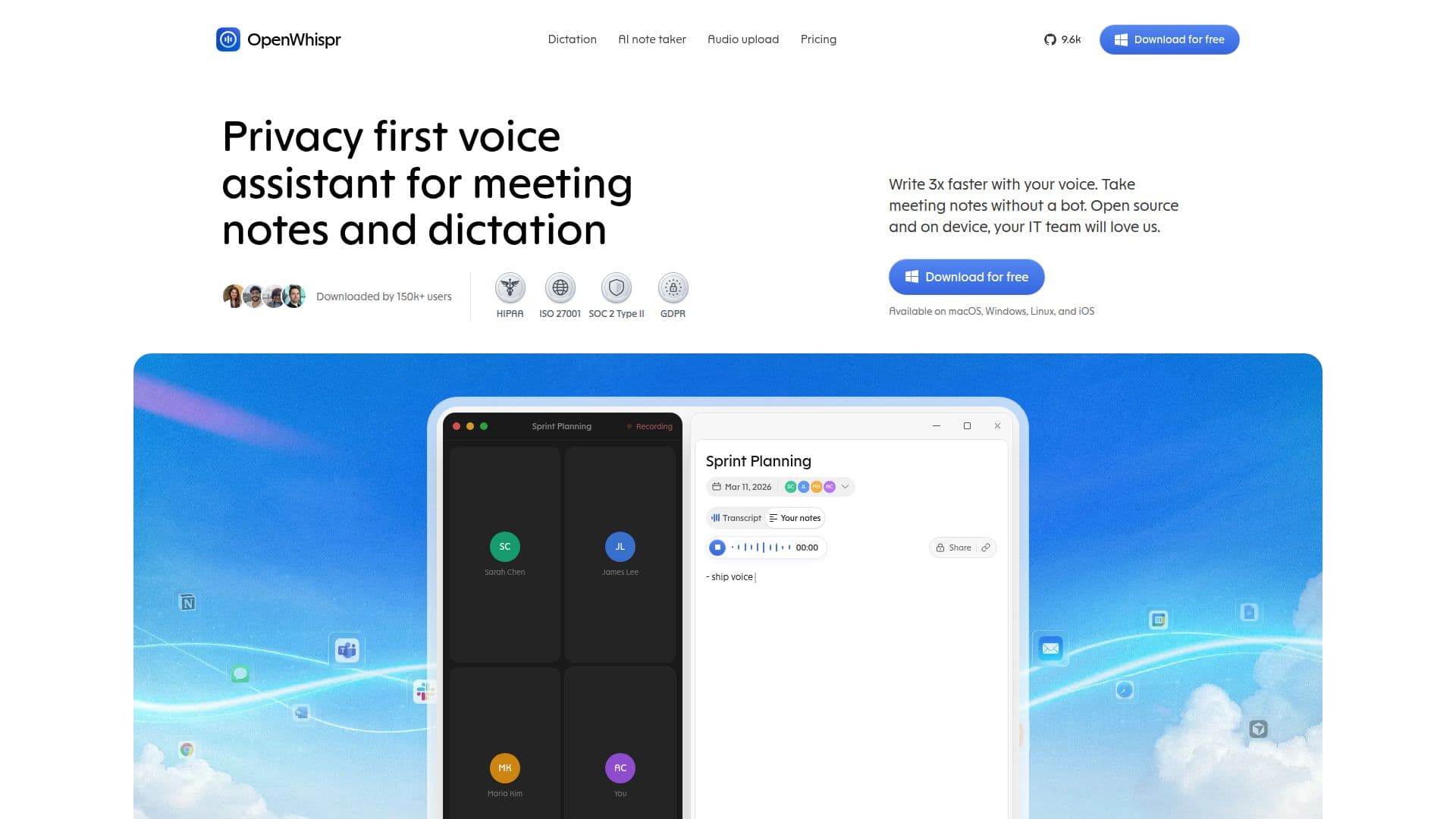
OpenWhispr is a versatile open-source dictation software designed to convert speech into text efficiently and accurately. It offers both local and cloud processing options, allowing users to choose between privacy and enhanced accuracy. Local processing ensures that your voice data never leaves your device, providing a 100% private experience. For those who prefer cloud processing, OpenWhispr offers a built-in cloud service that processes audio and discards it immediately, ensuring no data retention.
Read More
The software supports over 100 languages, including English, Spanish, French, German, Chinese, and Japanese, making it accessible to a global audience. Users can set a preferred language or utilize the auto-detect feature to switch between languages seamlessly. OpenWhispr is compatible with macOS, Windows, Linux, and iOS, and integrates with any application that accepts text input, such as Slack, VS Code, Chrome, Word, and Notion.
OpenWhispr is free to use, with the core app available under the MIT license. Users can bring their own API keys for services like OpenAI, Anthropic, and Google Gemini, allowing for unlimited cloud transcription without additional costs. The Pro plan, priced at $8 per month, removes the cap on cloud words and adds features like mobile access, meeting recording, and email support.
The software is particularly beneficial for professionals in fields such as healthcare, legal, and education, offering tailored solutions for clinicians, lawyers, and students. It also supports accessibility needs, providing hands-free typing for users with mobility impairments or dyslexia. OpenWhispr's open-source nature invites contributions from the community, fostering continuous improvement and innovation.
- CategoryAI Transcription Tools
- Pricing ModelFreemium
- DeploymentLocal and Cloud
- PlatformsmacOS, Windows, Linux, iOS
OpenWhispr's Core Features
Open-source and free to use
Local and cloud processing options
Supports 100+ languages
Compatible with macOS, Windows, Linux, and iOS
Integrates with any text-input application
Bring-your-own API keys for cloud transcription
Pro plan available for enhanced features
MIT licensed with community contributions
How to use OpenWhispr?
Download: Get the software from the official website
Install: Follow the installation instructions for your platform
Configure: Set your preferred language and hotkey
Use: Start dictating and transcribing in any application
Optimize: Adjust settings for local or cloud processing
OpenWhispr's Use Cases
- Accessibility
- Healthcare
- Legal
- Education
- Productivity