Description
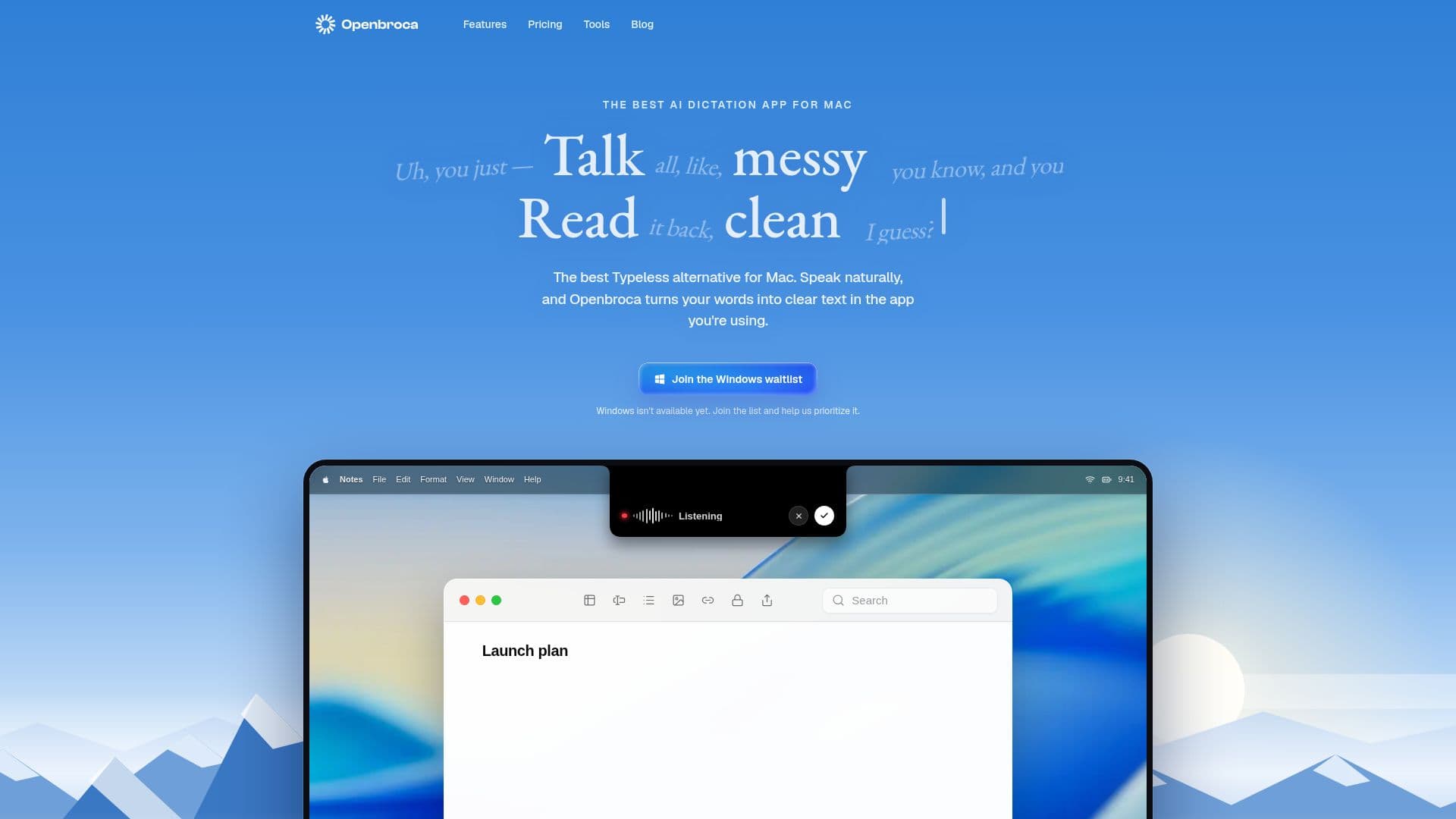
Openbroca is an AI-powered dictation application designed specifically for Mac users. It transforms spoken words into clear, structured text across various applications, making it an ideal tool for professionals who rely on voice-to-text technology. The app supports multilingual dictation with automatic language detection, allowing users to translate their speech into 28 different languages.
Read More
One of the standout features of Openbroca is its personal dictionary, which learns from user corrections and preferences, ensuring that the text output is accurate and personalized. Additionally, the app offers an optional Screen Context feature that uses visible names and terms as spelling hints, enhancing the accuracy of the dictation.
Openbroca operates as a native Mac app, compatible with both Apple silicon and Intel Macs running macOS 15 or later. It requires an internet connection as it uses cloud-based speech recognition and text refinement. The app does not store audio recordings, ensuring user privacy and security.
The pricing model is flexible, starting with a free plan that provides 3,000 text units per week without requiring a credit card. For users needing more, there are paid options: a monthly subscription at USD 6.99 for unlimited usage, an annual plan at USD 59.99, and a one-time purchase of 30,000 non-expiring usage units for CNY 9.9.
Openbroca is particularly beneficial for users who need to dictate in multiple languages or require translation capabilities. It is also suitable for those who prefer a lightweight, native application that integrates seamlessly with their existing Mac workflow. However, it is important to note that the app requires an internet connection for processing, which may not suit users needing offline capabilities.
- CategoryAI Transcription Tools
- Pricing ModelFreemium
- DeploymentCloud
- PlatformsmacOS
Openbroca's Core Features
Multilingual voice-to-text
Automatic language detection
Talk-to-translate into 28 languages
Personal dictionary
Optional Screen Context
System-wide text insertion
Cloud-powered processing
Native Mac app
How to use Openbroca?
Download: Install Openbroca from the website
Setup: Allow microphone access and configure settings
Use: Press ⌥ Space to start dictation
Translate: Choose output language for translation
Openbroca's Use Cases
- Multilingual Communication
- Professional Writing
- Coding Assistance
- Accessibility
- International Business