Description
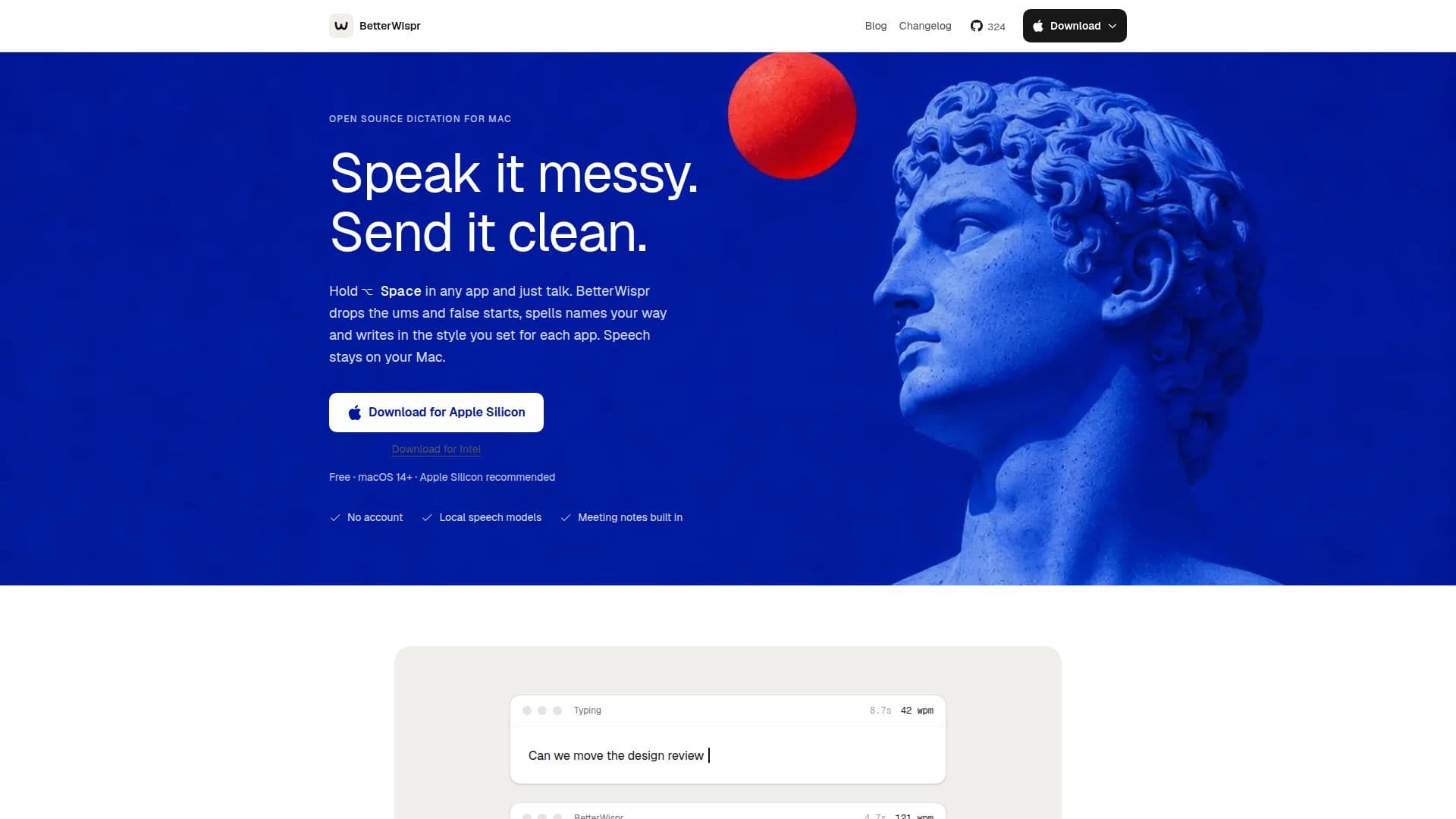
BetterWispr is a local dictation tool designed for macOS users, offering a seamless way to convert speech into text across various applications. By holding a shortcut key, users can speak naturally, and BetterWispr will transcribe the speech into clean text, removing fillers and false starts. The tool supports multiple speech models, including Apple's built-in models, Parakeet, and Whisper, covering a wide range of languages. Users can also integrate their own API keys for additional models.
Read More
One of the standout features of BetterWispr is its commitment to privacy. All speech processing occurs locally on the user's Mac, with no cloud fallback, ensuring that sensitive information remains secure. The tool is free and open-source, licensed under Apache 2.0, allowing users to review the code on GitHub or even contribute to its development.
BetterWispr is particularly useful for professionals who need to take quick notes during meetings. It can differentiate between the speaker and other participants, providing a clear transcript and summarizing key points and action items using Apple Intelligence or Ollama models. The tool also offers customizable styles for different applications, allowing users to set tones for personal chats, work emails, and more.
The application supports macOS 14 or later, with Apple Silicon recommended for optimal performance. It requires microphone and accessibility permissions to function, which can be managed in the system settings. BetterWispr is ideal for users who prioritize privacy and need a reliable dictation tool that works offline.
- CategoryAI Transcription Tools
- Pricing ModelFree
- DeploymentRuns locally
- PlatformsmacOS
BetterWispr's Core Features
Local speech models
Free and open-source
Customizable styles per app
Meeting notes and insights
Supports multiple languages
Privacy-focused, no cloud fallback
Compatible with macOS 14+
API integration for custom models
How to use BetterWispr?
Install: Set up BetterWispr on your Mac
Configure: Choose your preferred speech model
Use: Hold Option + Space to start dictating
Optimize: Customize styles and tones for each app
BetterWispr's Use Cases
- Meeting Transcription
- Multilingual Dictation
- Privacy-Focused Notes
- Customizable Styles
- Offline Dictation