Description
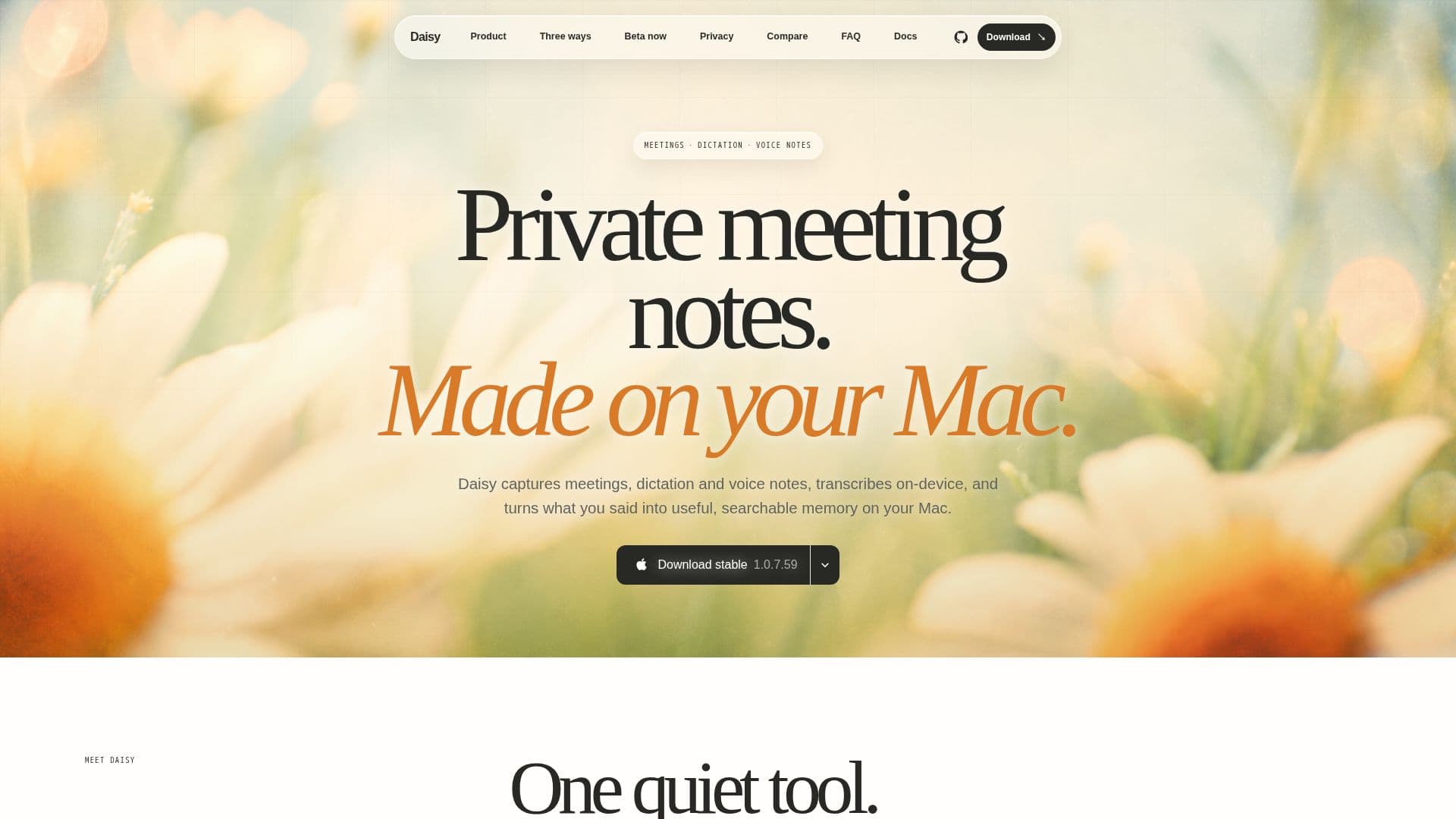
Daisy is a private meeting notes, dictation, and voice notes app designed specifically for Mac users. It provides a unique solution for recording both sides of a call without the need for a bot, ensuring a seamless experience. The app captures audio directly from the microphone and any audio playing through the Mac, allowing users to record meetings, dictations, and voice notes effortlessly.
Read More
One of the standout features of Daisy is its on-device transcription capability. Utilizing advanced technology, it transcribes audio directly on the Mac, keeping all data local and secure. Users can choose where their notes are stored, whether in a regular local folder, iCloud Drive, or an Obsidian vault. This flexibility ensures that users maintain control over their data.
Daisy supports a variety of meeting applications, including Zoom, Google Meet, Microsoft Teams, Telegram, and Webex, by working at the Mac audio layer. This means that users can capture calls across different platforms without needing specific integrations. Furthermore, Daisy offers transcription in 12 selectable languages, including English, Russian, and Spanish, with auto-detect functionality available.
The app is designed with privacy in mind. Recording, transcription, and the Markdown archive are all stored locally on the user's Mac, eliminating the need for a cloud archive. If users opt for external summary providers, Daisy sends content directly from the Mac to the chosen provider without acting as a proxy.
Daisy is currently free during its beta phase, with final pricing to be announced later. It is compatible with Apple Silicon Macs running macOS 14 or newer, making it a suitable choice for users looking for a local-first solution for their meeting and dictation needs. With features like speaker diarization, important-moment markers, and a local MCP server for AI clients, Daisy stands out as a powerful tool for professionals seeking to enhance their productivity and organization.
- CategoryAI Transcription Tools
- Pricing ModelFree during beta
- DeploymentLocal
- PlatformsmacOS 14+
Daisy's Core Features
On-device Whisper transcription
System audio capture via ScreenCaptureKit
Push-to-talk dictation into the current app
Standalone voice notes saved to the local library
On-device speaker diarization
AI summaries through API keys or connected accounts
Local MCP server for AI clients
No telemetry or cloud archive
How to use Daisy?
Install: Download the signed DMG and drag it to Applications.
Grant Permissions: Allow the necessary system permissions on first launch.
Select Recording Mode: Choose between meeting capture, dictation, or voice notes.
Start Recording: Use the designated hotkey to begin capturing audio.
Access Notes: Find your transcribed notes in the selected local folder.
Integrate AI: Connect to your preferred AI provider for summaries.
Review Transcripts: Check the transcripts for accuracy and context.
Export Notes: Save or share your notes as needed.
Daisy's Use Cases
- Meeting Recording
- Dictation
- Voice Notes
- Language Support
- Local Storage