Description
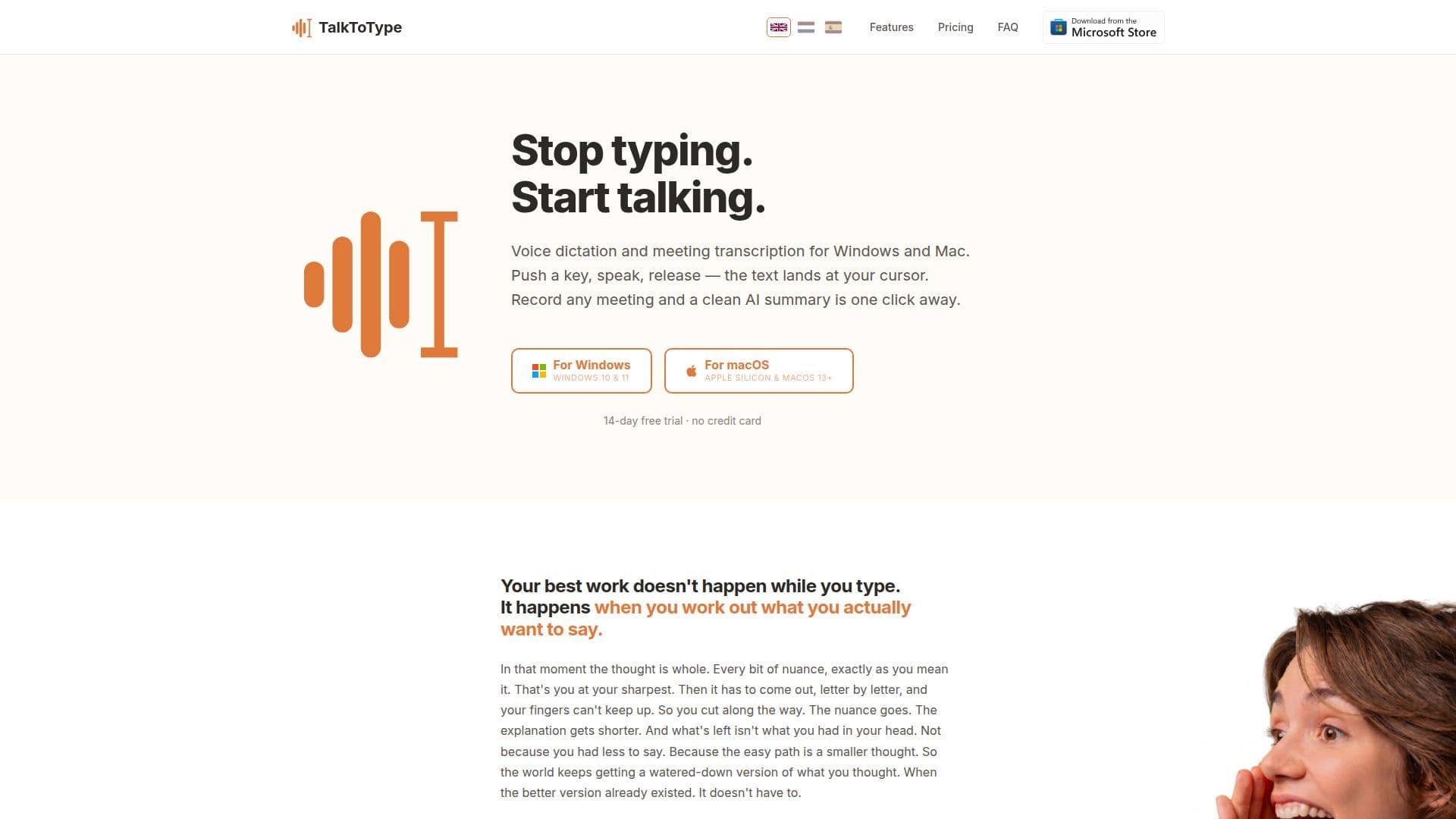
TalkToType is a powerful desktop application designed for Windows and Mac users, enabling seamless voice dictation and efficient meeting recording. With its push-to-talk feature, users can dictate text directly into any application, whether it’s an email, document, or chat interface. This functionality allows for a more natural flow of thoughts, as users can speak freely without the constraints of typing.
Read More
In addition to dictation, TalkToType excels at recording meetings. Users can initiate a recording without the need for a bot to join the call, ensuring a smooth experience during virtual meetings on platforms like Teams, Zoom, and Google Meet. The application captures both sides of the conversation, providing a comprehensive transcript and an AI-generated summary once the meeting concludes. This feature is particularly beneficial for professionals who need to focus on the discussion rather than taking notes.
TalkToType supports eleven languages, allowing users to dictate in their preferred language and even switch between two languages with a simple hotkey. This multi-language support makes it an ideal tool for international teams and individuals working in multilingual environments. Furthermore, users can upload existing audio files in various formats, such as MP3 and WAV, to receive transcripts and summaries, making it easier to manage past recordings.
Privacy is a key concern for TalkToType, as it ensures that audio recordings remain on the user's device and are not stored on external servers. The application operates with a privacy-first approach, allowing users to choose their transcription provider, whether it be Groq, OpenAI, or Google. This level of control over audio data enhances user trust and security.
With flexible pricing options, including a one-time lifetime license and monthly subscriptions, TalkToType caters to different user needs. The application starts with a 14-day free trial, allowing potential users to explore its features without any financial commitment. Overall, TalkToType is designed to enhance productivity by transforming spoken words into written text efficiently and securely.
- CategoryAI Transcription Tools
- Pricing ModelFreemium
- DeploymentDesktop
- PlatformsWindows, Mac
TalkToType's Core Features
Inline dictation in any application
Meeting recording without joining as a bot
Live transcription during meetings
AI-generated summaries including decisions and action items
Multi-language support for 11 languages
Upload existing audio files for transcription
Custom dictionary for names and jargon
Full-text search across sessions
Privacy-first approach with no audio storage
Flexible pricing plans including a lifetime license
How to use TalkToType?
Install the app: Download and install TalkToType from the official website.
Configure settings: Choose your preferred language and set up your hotkeys.
Start dictating: Press the designated hotkey, speak your text, and release to see it appear in your cursor position.
Record meetings: Hit the record button before your meeting starts to capture audio and generate transcripts.
Upload audio files: Drag and drop existing audio files into the app for transcription.
Access summaries: After meetings, review the AI-generated summaries and transcripts.
Manage your recordings: Use the full-text search feature to find specific content across your sessions.
Choose your provider: Select your preferred transcription service for enhanced privacy.
TalkToType's Use Cases
- Professionals
- Sales Teams
- Recruiters
- Researchers
- Content Creators