Description
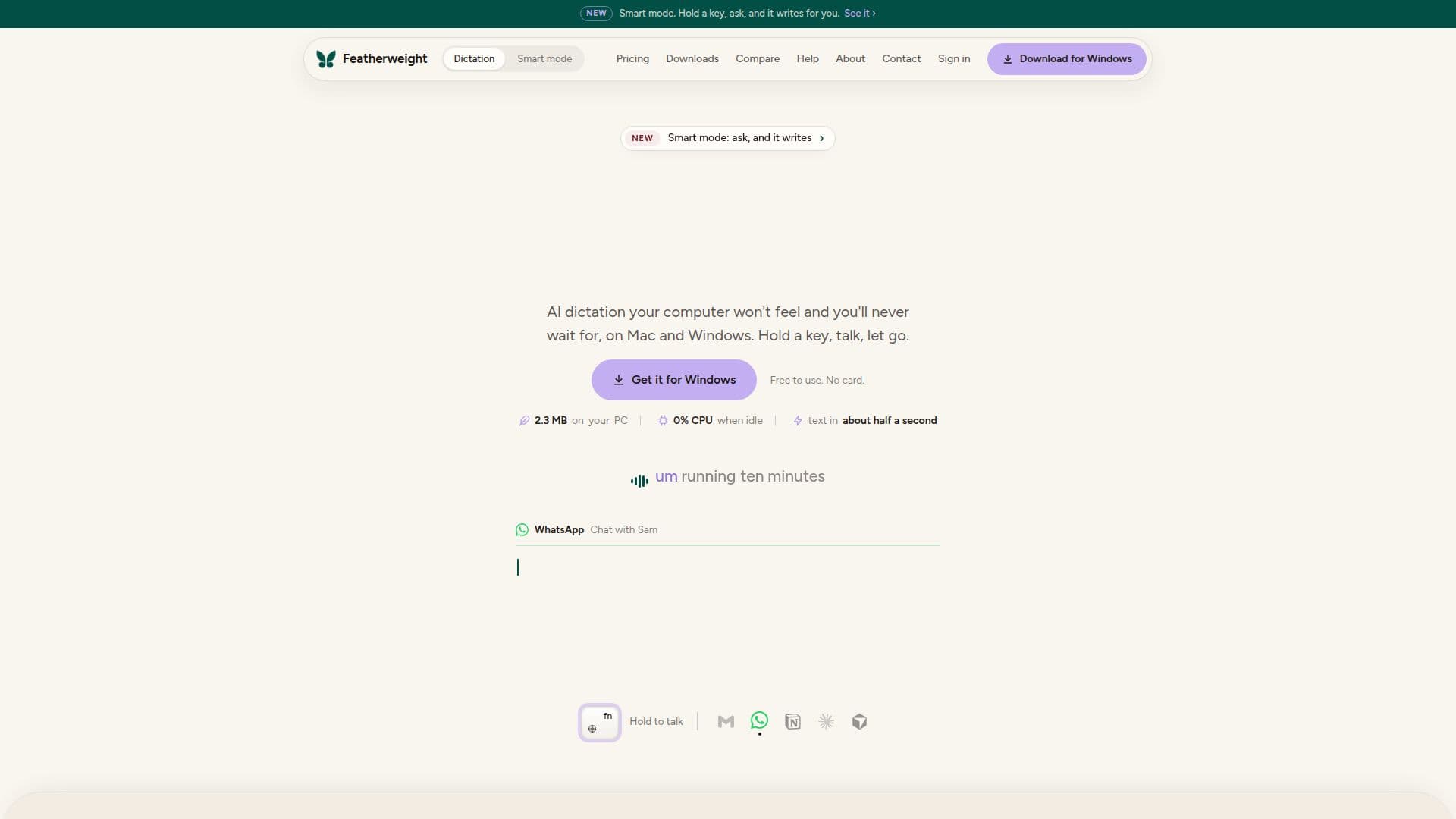
Featherweight Dictation is a versatile dictation application designed for Mac and Windows users. It allows users to convert speech to text seamlessly in any application by simply holding a key, speaking, and releasing the key. The app is designed to be lightweight, with a size of 4.6 MB on Mac and 2.3 MB on Windows, ensuring minimal impact on system resources.
Read More
The app offers a unique feature of removing filler words such as 'um' and 'uh', and it applies spoken self-corrections, making the text cleaner and more accurate. It also formats the text according to the application in use, such as laying out an email in Mail or Gmail, creating a single line in Slack or WhatsApp, or generating a clean prompt in ChatGPT, Claude, or Cursor.
Featherweight Dictation supports 25 languages and includes spoken commands like 'new line', 'comma', and 'question mark'. It also converts spoken numbers, times, money, email addresses, and web addresses into the correct characters. The app ensures privacy by not storing any audio or text data.
The pricing model includes a free tier with all features available and an unlimited dictation option priced at $5 per month. This makes it accessible for users who need extensive dictation capabilities without worrying about word limits. The app is ideal for professionals, students, and anyone who needs efficient speech-to-text conversion across various applications.
Featherweight Dictation is developed by Featherweight, a brand of Mockello based in Chennai, India. The app is continuously updated to enhance its features and performance, ensuring users have a reliable tool for their dictation needs.
- CategoryAI Transcription Tools
- Pricing ModelFreemium
- DeploymentCloud
- PlatformsMac, Windows
Featherweight Dictation's Core Features
Speech to text in any app
Removes filler words
Formats text for specific apps
Supports 25 languages
Spoken commands for punctuation
Privacy-focused: no data storage
Lightweight and resource-efficient
Free tier and $5/month unlimited plan
How to use Featherweight Dictation?
Download: Install the app on Mac or Windows
Open: Launch the app and sign in
Configure: Allow microphone and accessibility permissions
Use: Hold the key, speak, and release to dictate
Featherweight Dictation's Use Cases
- Email Composition
- Chat Messaging
- AI Prompt Creation
- List Making
- Multilingual Support