
Description
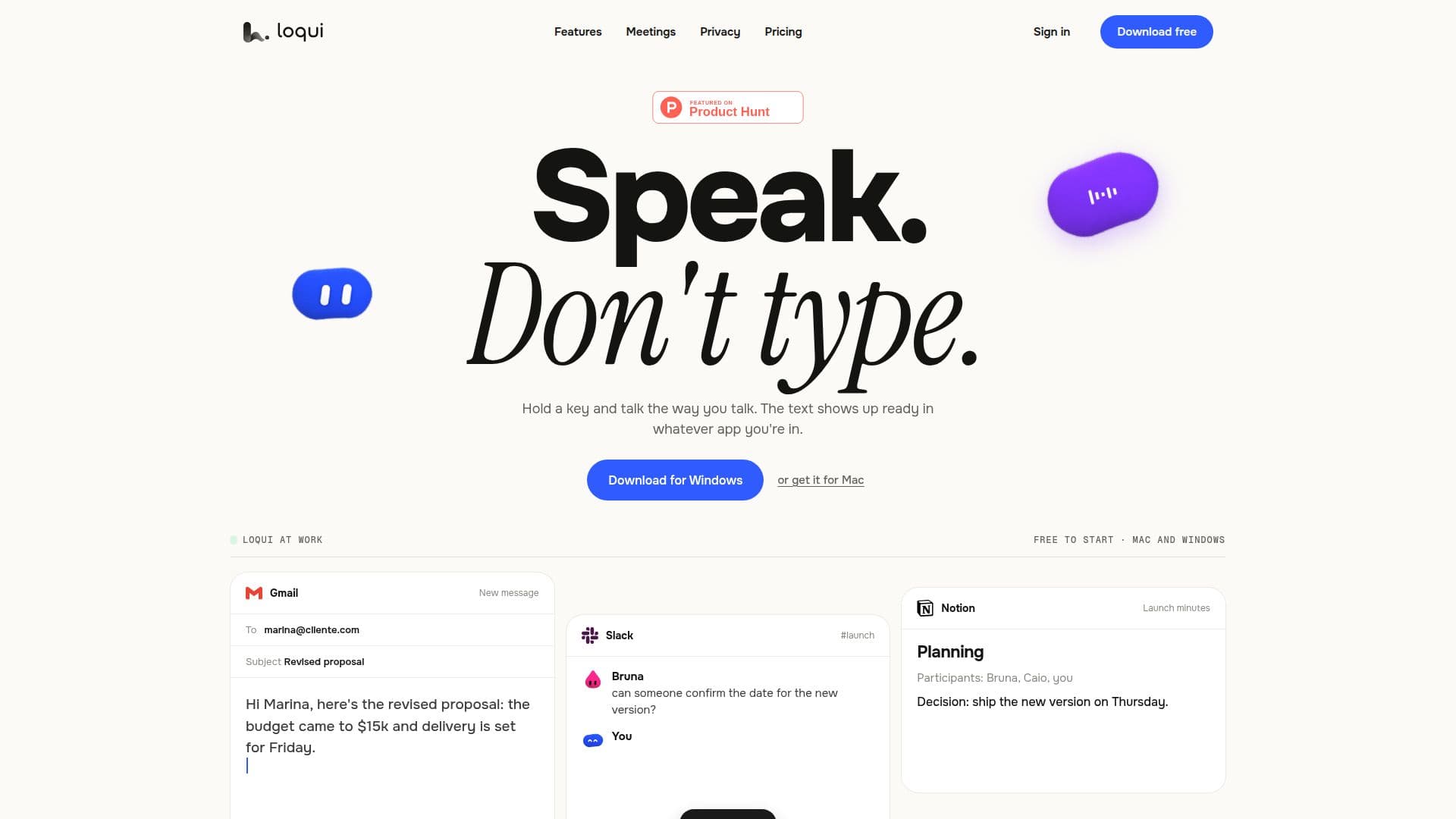
Loqui is a speech-to-text application designed to streamline the process of converting spoken words into text across multiple platforms. Available for both Mac and Windows, Loqui allows users to hold a key and speak naturally, with the text appearing punctuated and formatted in the appropriate tone for the application in use. This makes it ideal for use in emails, chats, and documents, where different tones are required.
Read More
The application is designed to work seamlessly without the need for plugins or copy-pasting, as it directly inputs text wherever the cursor is placed. Loqui is capable of editing while you speak, removing fillers, understanding corrections, and formatting elements like amounts, dates, and lists. It supports over 90 languages, allowing users to either select a language or let the application detect it automatically.
Loqui also offers features such as Spectros, which allows dictation to be translated, summarized, or formatted as an email, and Seals, which lets users save frequently used text for quick recall. The application is hands-free, with the option to keep the microphone open with a double tap, and it can handle multi-voice conversations by recording meetings and separating decisions from actions.
The application is free to start, with a word quota that renews weekly. Users can upgrade to paid plans for additional meeting hours and notes. Privacy is a key consideration, with audio passing through servers for transcription but not being stored. Loqui uses external providers like ElevenLabs and OpenAI for processing, ensuring that user data is handled according to their terms.
- CategoryAI Transcription Tools
- Pricing ModelFreemium
- DeploymentDesktop
- PlatformsMac, Windows
Loqui's Core Features
Speech-to-text conversion
Multi-platform support (Mac and Windows)
Automatic tone adaptation
Supports over 90 languages
Real-time editing and formatting
Hands-free operation
Meeting recording and transcription
Privacy-focused data handling
How to use Loqui?
Download: Install Loqui on Mac or Windows
Configure: Set up microphone and accessibility permissions
Use: Hold the designated key and speak
Optimize: Utilize features like Spectros and Seals for efficiency
Loqui's Use Cases
- Email Drafting
- Meeting Transcription
- Multilingual Communication
- Hands-Free Texting
- Document Creation