Description
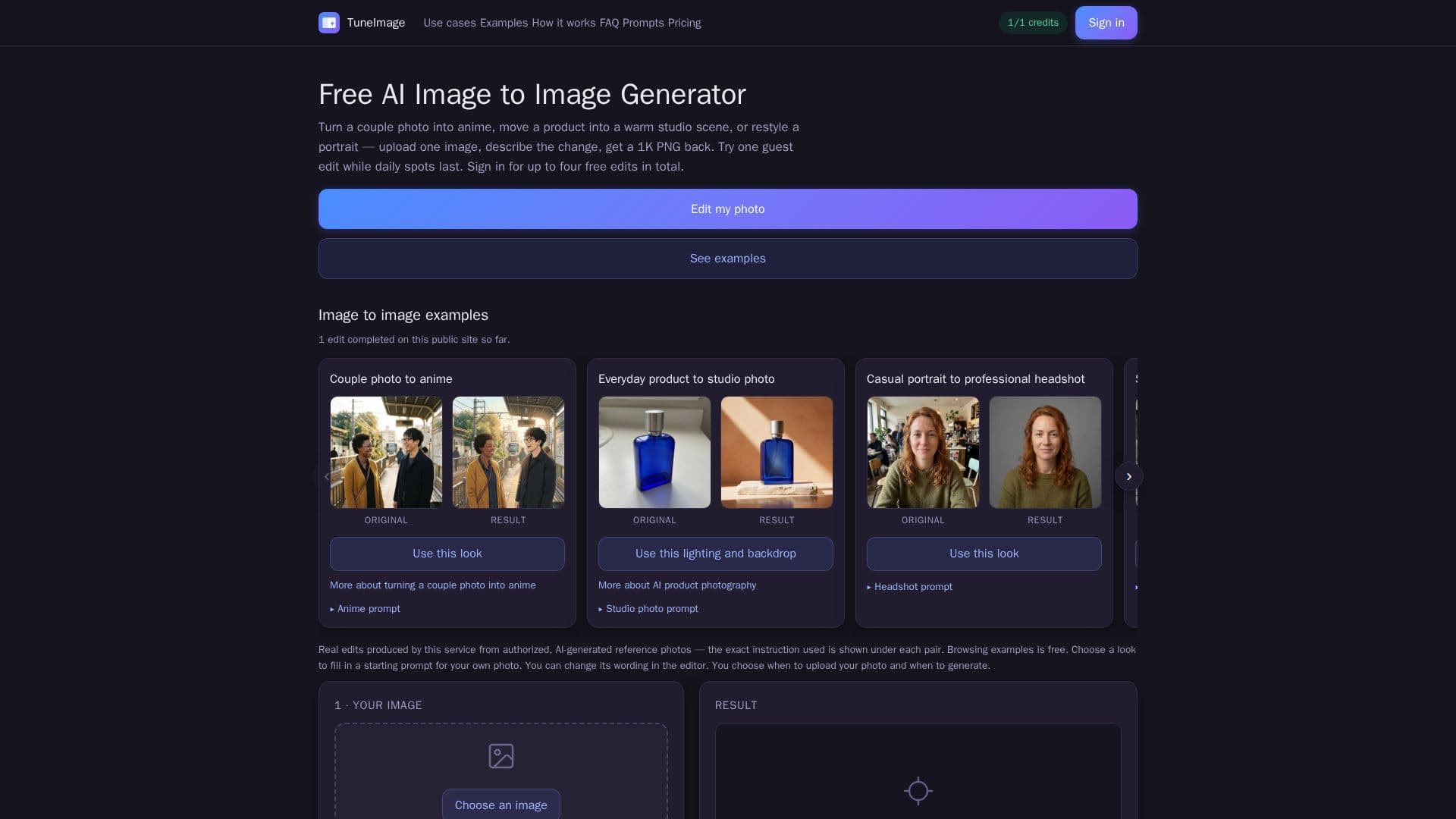
TuneImage is an intuitive AI photo editor designed to transform existing images through simple text instructions. Unlike text-to-image generators that invent pictures from scratch, TuneImage starts with your uploaded photo, interpreting both the image and your prompt to return a new version while preserving the original subject, pose, and composition. This makes it ideal for specific modifications such as changing backgrounds, applying new styles, recoloring objects, or even turning a couple's photo into an anime scene.
Read More
The platform supports JPG, PNG, and WebP formats, allowing uploads up to 10 MB and resolutions between 512 pixels on the short side and 20 megapixels. Before processing, transparency is flattened to white, and camera metadata (EXIF, GPS) is removed to ensure privacy. Users receive a 1K resolution PNG image in their chosen aspect ratio (auto, 1:1, 4:5, 16:9, or 9:16). Results are kept in a private history for 7 days, while uploaded originals are deleted after 24 hours.
TuneImage operates on a freemium model. New users can access one free guest edit per browser, with daily spots available. Signing in with Google or an email code provides up to four free edits in total. For more extensive use, one-time credit packs are available for purchase, with each credit covering one successful image edit. Technical failures automatically refund credits. The platform also offers an optional prompt optimizer, which suggests improved wording for prompts, with 10 lifetime free drafts before a small credit cost applies.
Key capabilities include creating professional headshots, restyling portraits, generating studio product photos, and transforming scenes into various artistic styles like watercolor or pixel art. The tool emphasizes preserving core elements of the original image while applying the requested changes. It does not merge multiple photos or generate images from text alone, requiring an input image for all edits. Commercial use of generated images is permitted, provided the user has permission for the original photo and verifies the accuracy of the edit for their specific use case.
- CategoryAI Photo Editors
- Pricing ModelFreemium
- DeploymentCloud
- PlatformsWeb
TuneImage's Core Features
Image-to-image editing from text prompts
Upload JPG, PNG, WebP up to 10 MB
Output 1K PNG resolution images
Multiple aspect ratio options (auto, 1:1, 4:5, 16:9, 9:16)
Free guest edits available daily
Up to four free edits after signing in
One-time credit packs for additional edits
Credits refunded for technical failures
Privacy: uploads deleted after 24 hours, results after 7 days
Commercial use of results permitted
Optional prompt optimizer with free drafts
Transform backgrounds, styles, and colors
Create professional headshots
Generate studio product photos
Convert photos to anime, watercolor, or pixel art
How to use TuneImage?
Upload Image: Select a JPG, PNG, or WebP file up to 10 MB from your device.
Describe Edit: Write a plain text instruction for the desired change or choose from use-case presets.
Pick Aspect Ratio: Select an output aspect ratio (auto, 1:1, 4:5, 16:9, 9:16).
Generate Image: Press 'Generate' to process your image and instruction.
Review & Download: Compare the result with your original, then download the 1K PNG or delete it.
TuneImage's Use Cases
- Background Swaps
- Style Transfers
- Object Recolor
- Professional Headshots
- Product Photography
- Outfit Changes
- Room Redesign
- Cinematic Stills