
Description
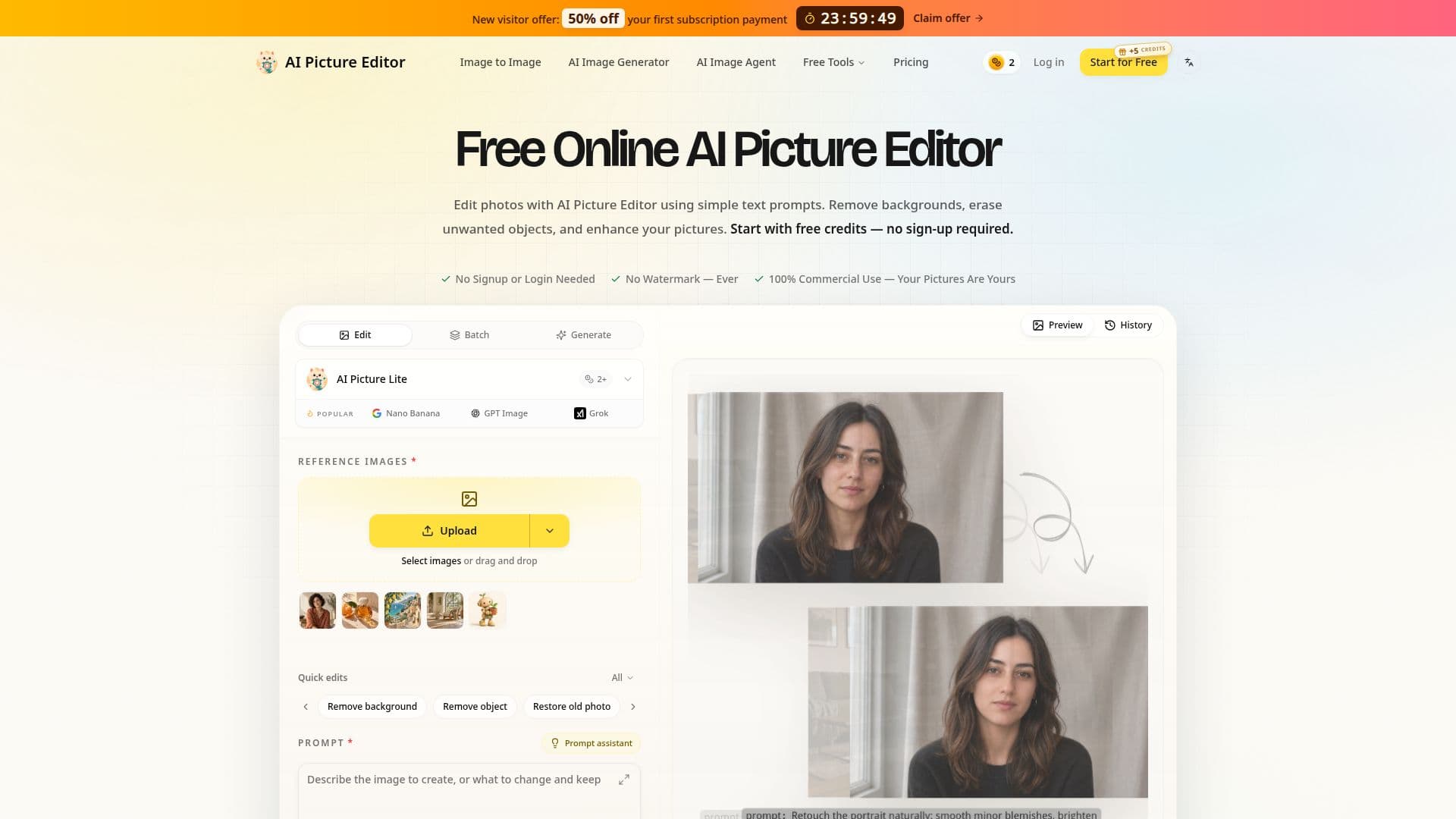
AI Picture Editor is an online AI photo editor designed to modify existing pictures using natural language text prompts. Users can upload an image, describe the desired edit, and review the AI-generated result. The platform offers a range of editing capabilities, including removing unwanted distractions, replacing backgrounds, restoring older or damaged photographs, and applying various creative styles to images.
Read More
The tool is accessible directly through a web browser, eliminating the need for desktop software installations or plugins. It provides free trial credits, allowing users to experiment with its features without signing up or providing payment information. New accounts receive additional free trial credits, though these are a one-time gift and do not renew upon subsequent logins. All downloads, whether from free trials or paid edits, are watermark-free.
AI Picture Editor supports common image formats such as JPG, PNG, and WEBP. Guest uploads have a file size limit of 10MB per image, with signed-in limits varying by the specific AI model used. While the platform does not currently support automatic folder-based batch editing, users can upload individual pictures for their current editing tasks. Each generation incurs a credit cost, which depends on the selected model and settings.
To achieve optimal results, users are advised to provide clear source pictures and specific instructions. Prompts should name the subject, the requested change, and any details to preserve. For example, a user might instruct the editor to "Remove the background but keep the person and clothing unchanged." The workflow encourages reviewing the output and refining edits one change at a time.
AI Picture Editor caters to a diverse audience, including e-commerce sellers, social media creators, photographers, small business owners, and individuals looking to restore old family photos. The platform emphasizes a streamlined workflow that combines uploading, prompting, and reviewing. Paid options are available for users who require more credits beyond the free trial, with various monthly credit plans offered.
- CategoryAI Photo Editors
- Pricing ModelFreemium
- DeploymentCloud
- PlatformsWeb
AI Picture Editor's Core Features
Edit photos with text prompts
Remove backgrounds automatically
Replace backgrounds with new scenes
Erase unwanted objects from photos
Restore old and damaged photos
Retouch portraits and enhance quality
Apply creative styles to images
Change colors within photos
Watermark-free downloads for all edits
Supports JPG, PNG, and WEBP file uploads
Free trial credits available without sign-up
Online browser-based editor (no download needed)
Credit-based usage for generations
Preservation-first prompting for details
Custom background color options
How to use AI Picture Editor?
Upload Photo: Start AI Picture Editor and upload your JPG, PNG, or WEBP image.
Describe Edit: Use a text prompt to specify what to change and what to keep in the image.
Generate Result: Choose an AI model and generate the edited image, noting the credit cost.
Review and Refine: Examine the AI-generated output and revise your prompt for further adjustments.
Download Image: Save your edited picture without a watermark in the available download format.
AI Picture Editor's Use Cases
- Product Photo Editing
- Social Media Content
- Old Photo Restoration
- Portrait Retouching
- Background Removal
- Object Removal
- Creative Image Generation
- Marketing Campaign Visuals