
Description
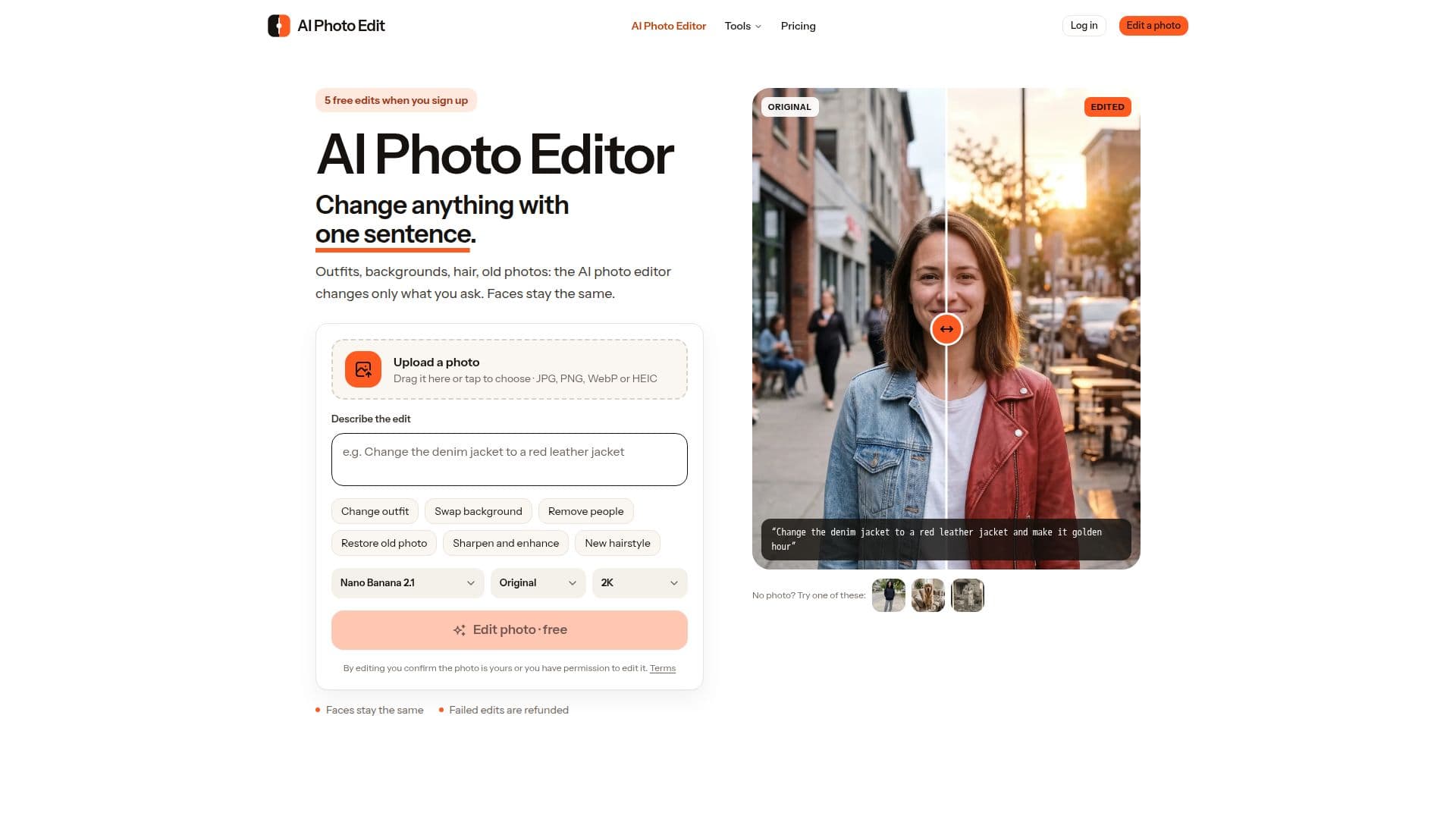
AI Photo Edit is an innovative online photo editing tool that allows users to transform images with simple text instructions. This AI-driven editor is designed to make precise changes to photos while keeping faces recognizable. Users can change outfits, backgrounds, hairstyles, and even restore old photos with ease. The tool supports JPG, PNG, WebP, and HEIC formats, making it versatile for various photo types.
Read More
The editor operates directly in the browser, eliminating the need for downloads or installations. It is compatible with iPhone, Android, Mac, and Windows, providing flexibility for users across different platforms. AI Photo Edit uses leading image models from Google and OpenAI, ensuring high-quality results with every edit.
New users receive 5 free edits at 2K resolution without any watermarks, allowing them to explore the tool's capabilities without financial commitment. After the free edits, users can purchase credit packs starting at $4.99, which never expire. Subscription plans are also available, offering cost-effective options for frequent users.
AI Photo Edit is ideal for photographers, real estate agents, and anyone needing quick photo modifications. It supports commercial use, allowing users to utilize edited images in listings, ads, and online stores. The tool ensures privacy by deleting uploaded photos after 7 days and not using them for AI training.
Despite its many features, AI Photo Edit is not suitable for video editing and may struggle with tiny text or complex hand poses. However, the tool offers a refund for failed edits, ensuring users only pay for successful modifications.
- CategoryAI Photo Editors
- Pricing ModelFreemium
- DeploymentBrowser
- PlatformsWeb
AI Photo Edit's Core Features
Edit photos with text instructions
Faces kept the same
Change outfits, backgrounds, hair and light
Remove people and text
Restore and sharpen old or blurry photos
Download in 2K or 4K without a watermark
5 free edits on sign-up
Credit packs starting at $4.99
How to use AI Photo Edit?
Upload your photo: Choose a JPG, PNG, WebP or HEIC photo from your phone or computer.
Describe the change: Type what you want in one plain sentence.
Download or keep editing: Compare with the original, then download the result.
Edit again: Make additional changes with new instructions.
AI Photo Edit's Use Cases
- Real Estate
- Photography
- Dating Apps
- Product Photos
- Photo Restoration