Description
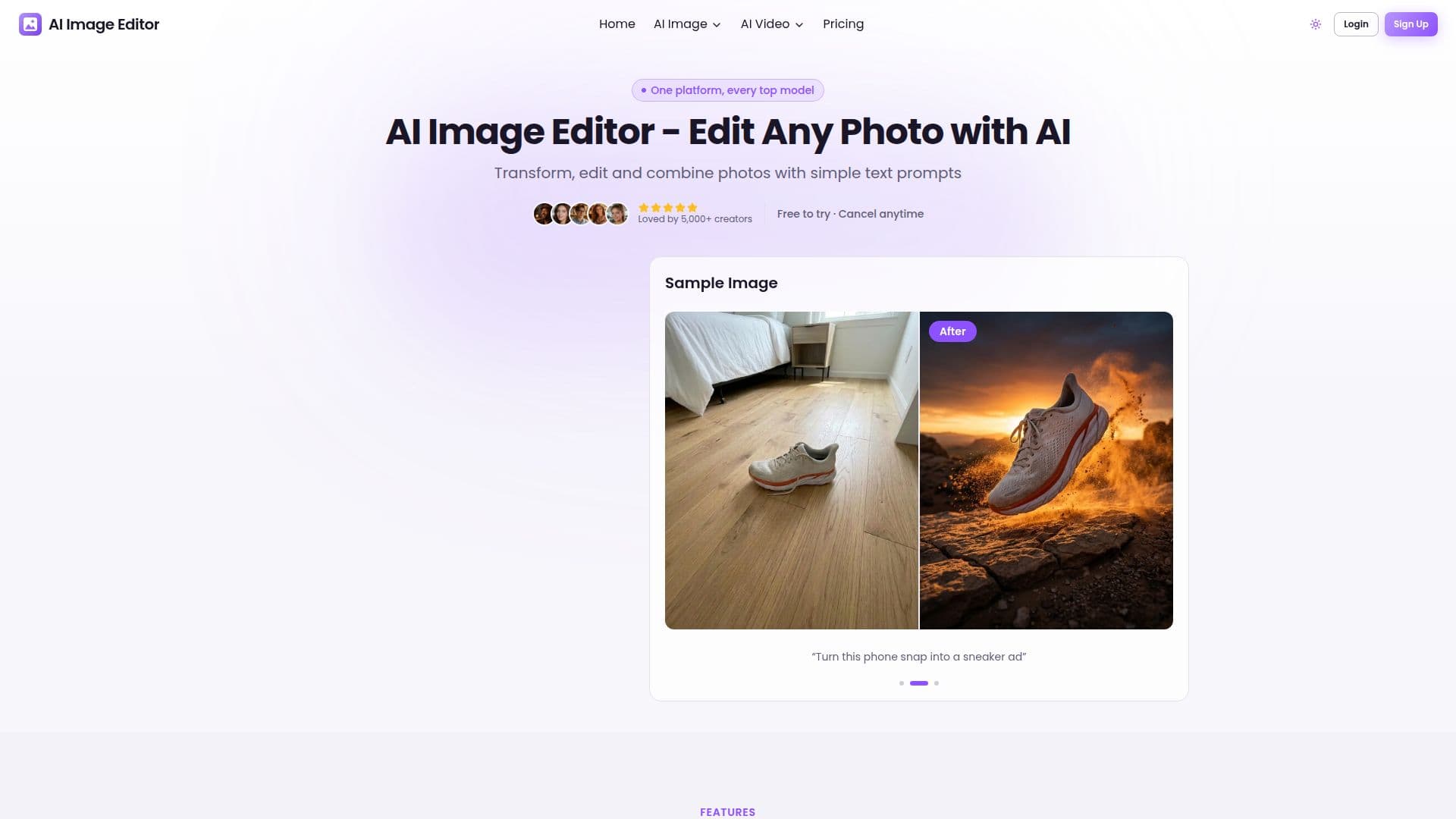
AI Image Editor is a versatile online tool designed to simplify the process of photo editing through the use of AI technology. Users can transform, edit, and combine images using simple text prompts, making it accessible even to those without design skills. The platform supports a variety of image formats including JPG, PNG, and WebP, with a maximum file size of 10MB.
Read More
One of the standout features of AI Image Editor is its ability to maintain character consistency across different scenes, ensuring that characters look the same in every image. The tool also allows for the combination of multiple images into a single cohesive creation, seamlessly blending elements from different photos.
AI Image Editor offers an Image to Image AI Generator, which transforms any uploaded photo into stunning new visuals. This feature is particularly useful for enhancing dark, dull, or blurry photos by brightening exposure, sharpening details, and restoring natural colors without manual retouching.
The platform is trusted by over 5,000 creators and has processed more than 100,000 images, boasting a user satisfaction rate of 98%. It offers a freemium pricing model, allowing users to try the service for free with the option to purchase additional credits for higher resolution outputs.
AI Image Editor is ideal for a variety of use cases, including e-commerce product photos, social media content, portraits, and old photo restoration. It is particularly beneficial for professionals such as photographers, social media managers, and content creators who require high-quality image editing capabilities.
The tool's intuitive interface and powerful AI-driven features make it a valuable asset for anyone looking to enhance their images quickly and efficiently. With its ability to generate high-quality results in seconds, AI Image Editor is a reliable choice for both personal and commercial projects.
- CategoryAI Photo Editors
- Pricing ModelFreemium
- DeploymentCloud
- PlatformsWeb
AI Image Editor's Core Features
Edit images with AI using text prompts
Maintain character consistency
Combine multiple images seamlessly
Transform images with AI Photo Editor
Enhance photos by brightening and sharpening
Generate new images from existing photos
Supports JPG, PNG, WebP formats
Freemium pricing model with subscription options
How to use AI Image Editor?
Upload: Drag and drop or select your image
Edit: Describe desired changes with text prompts
Download: Retrieve your edited image
Use: Apply the edited images in your projects
AI Image Editor's Use Cases
- E-commerce Photos
- Social Media Content
- Portrait Enhancement
- Old Photo Restoration
- Creative Art Generation