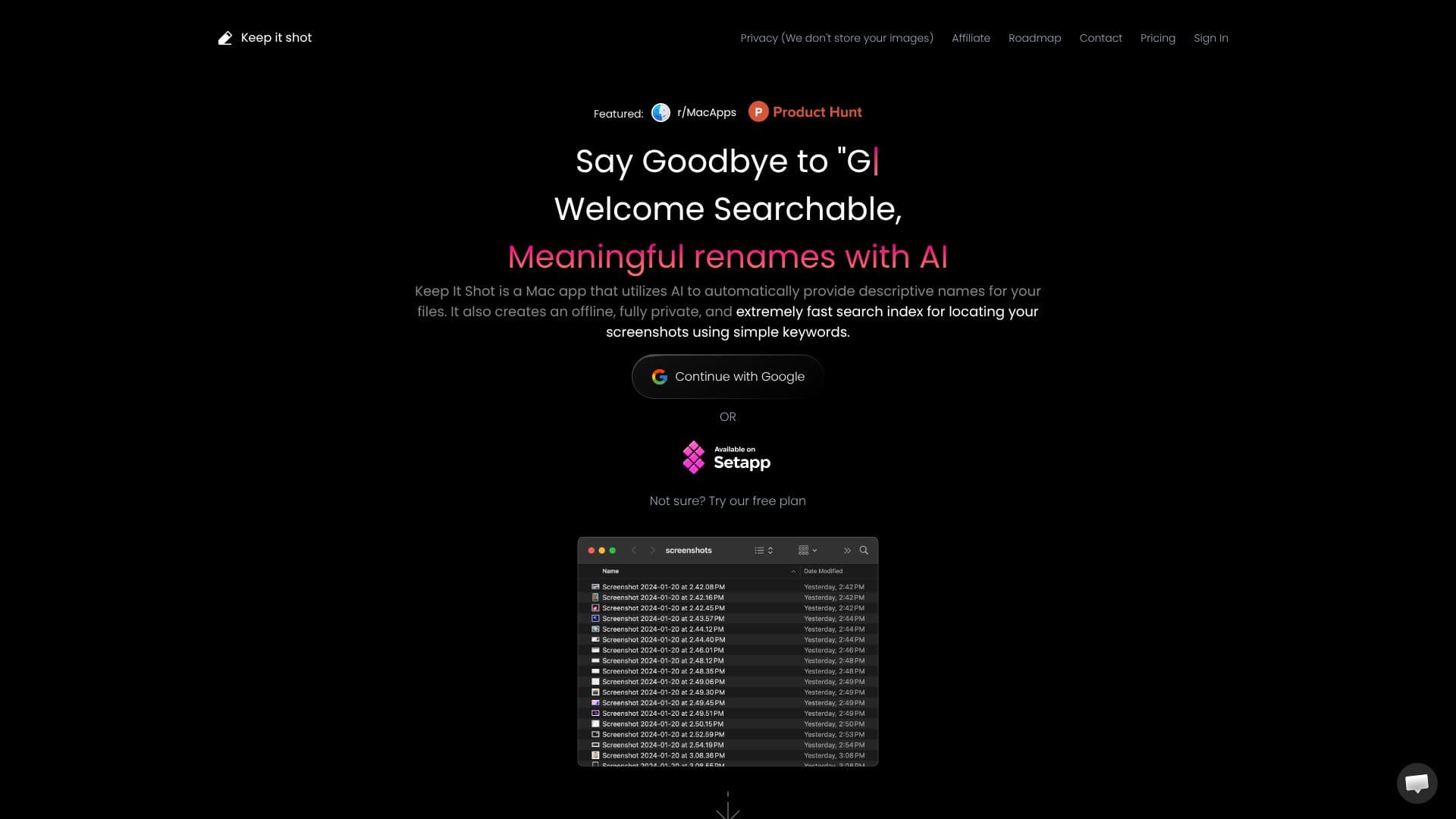
Description
Keep It Shot transforms how you manage screenshots on your Mac, acting as an extension of your memory. This AI-powered application automatically assigns descriptive names to your image and video files, eliminating the need for manual organization. Beyond renaming, it builds a robust, fully private, and exceptionally fast offline search index.
Read More
This powerful search capability allows you to retrieve any screenshot using simple keywords. The AI analyzes each file to generate a new name, perform Optical Character Recognition (OCR), create short image or video descriptions, and extract relevant keywords. All this information is compiled into a local index, ensuring rapid search results without compromising your privacy.
The tool offers flexible renaming options, including effortless batch renaming in just two clicks with a clear progress bar. You can define your renaming preferences and even automate the process for new screenshots. If you're not satisfied with the AI-generated names, reverting to original names is a single-click operation. This ensures you always maintain control over your file organization.
Keep It Shot is designed for anyone who relies on visual information and wants to streamline their workflow. Whether you're a designer, developer, student, researcher, or simply someone who takes many screenshots, this app provides an efficient solution for managing and retrieving your visual assets. The focus on privacy means your data stays on your device, offering peace of mind.
Getting started is straightforward, with options to continue with Google or try a free plan. The app aims to be more than just a renaming tool; it's an efficient private search engine for your media. With its smart, searchable, and sorted approach, Keep It Shot helps you reclaim time and reduce frustration associated with managing a growing library of screenshots.
- CategoryProductivity
- Pricing ModelFreemium
- DeploymentDesktop app
- PlatformsmacOS
Keep It Shot's Core Features
AI-powered automatic descriptive renaming of screenshots
Creates a fast, private, offline search index
Locate screenshots using simple keywords
OCR capabilities for text recognition within images
Generates short image or video descriptions
Extracts relevant keywords for enhanced searchability
Effortless batch renaming in two clicks
Progress bar for monitoring batch renaming operations
Customizable renaming preferences
Automated renaming upon new screenshot creation
One-click revert to original file names
Privacy-focused: no storage of user images
Free plan available
How to use Keep It Shot?
Configure: Define your renaming preferences and automation settings.
Capture: Take screenshots as you normally would.
Rename: Let Keep It Shot automatically rename your new files.
Search: Use simple keywords to quickly find any screenshot.
Organize: Effortlessly manage large batches of files.
Revert: Easily restore original file names if needed.
Keep It Shot's Use Cases
- Organize Screenshots
- Fast Search
- Batch Renaming
- Private Data Management
- Automated Workflow
- Information Retrieval