Description
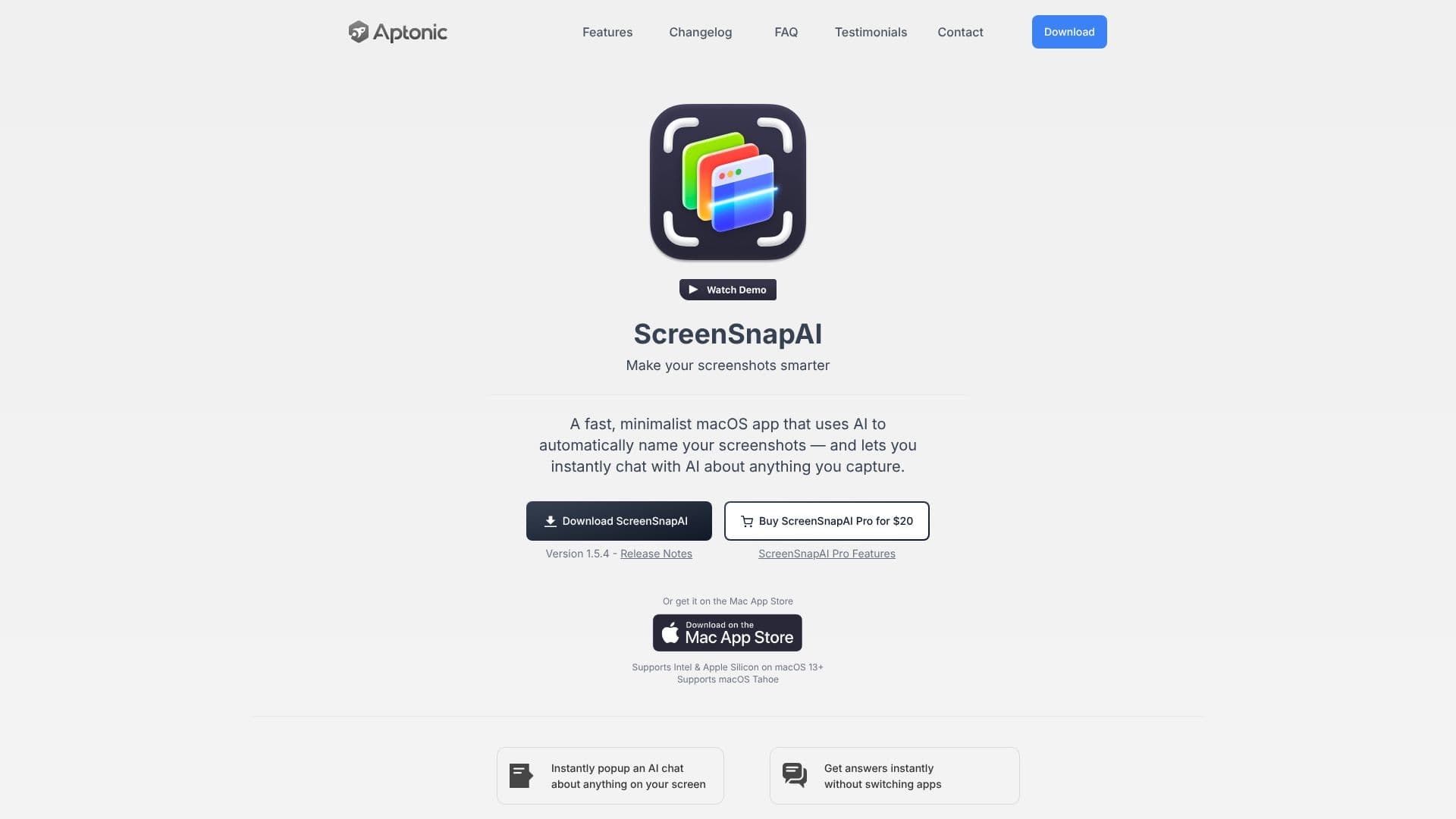
ScreenSnapAI is a minimalist macOS application designed to enhance the way users manage their screenshots. It leverages artificial intelligence to automatically rename and tag captured images, making them more descriptive and easier to organize. This intelligent renaming process saves users time and effort in manually categorizing their visual data.
Read More
Beyond renaming, ScreenSnapAI offers a unique feature: instant AI chat about any screen content. Users can select an area of their screen and immediately engage with an AI assistant to get answers, explanations, or insights related to the captured visual information. This capability eliminates the need to switch between applications for quick information retrieval, significantly boosting workflow efficiency.
The app is built as a fast, native macOS application, ensuring a seamless and integrated user experience that feels like a natural part of the operating system. It supports both Intel and Apple Silicon processors and is compatible with macOS 13 and later, including macOS Tahoe. The integration with AI allows for dynamic interaction with screenshots, transforming them from static images into interactive data points.
ScreenSnapAI aims to streamline screen capture management for a wide range of users, from students and researchers to designers and developers. By automating tedious tasks like renaming and organizing, and by providing on-demand AI assistance, it helps users find, categorize, and reference their snapshots more effectively. The app's intuitive design and powerful AI capabilities make it an indispensable tool for anyone who frequently uses screenshots for work or personal projects.
Key benefits include increased productivity through automated organization, faster information access via AI chat, and a more organized digital workspace. The app's commitment to a native macOS experience ensures it is both performant and user-friendly, making advanced AI features accessible to everyday users.
- CategoryProductivity
- Pricing ModelPaid (Pro version available)
- DeploymentDesktop app
- PlatformsmacOS
ScreenSnapAI's Core Features
AI-powered automatic screenshot renaming
AI-driven screenshot organization and tagging
Instant AI chat about captured screen content
Quick answers and follow-up questions via AI
Seamless integration with macOS
Fast and minimalist native app design
Supports Intel and Apple Silicon Macs
Compatible with macOS 13+
Customizable list of actions for screen selection
No need to switch apps for AI assistance
How to use ScreenSnapAI?
Access AI Assistant: Open ScreenSnapAI from the menu item or use the keyboard shortcut.
Select Screen Area: Choose the specific area of your screen you want to interact with.
Initiate Actions: A customizable list of actions will pop up based on your selection.
Get AI Answers: Receive a quick answer from the AI assistant.
Ask Follow-ups: Engage in further conversation with the AI for more detailed information.
ScreenSnapAI's Use Cases
- Automated Renaming
- Screenshot Organization
- Instant AI Answers
- Workflow Enhancement
- Content Analysis
- Productivity Boost