


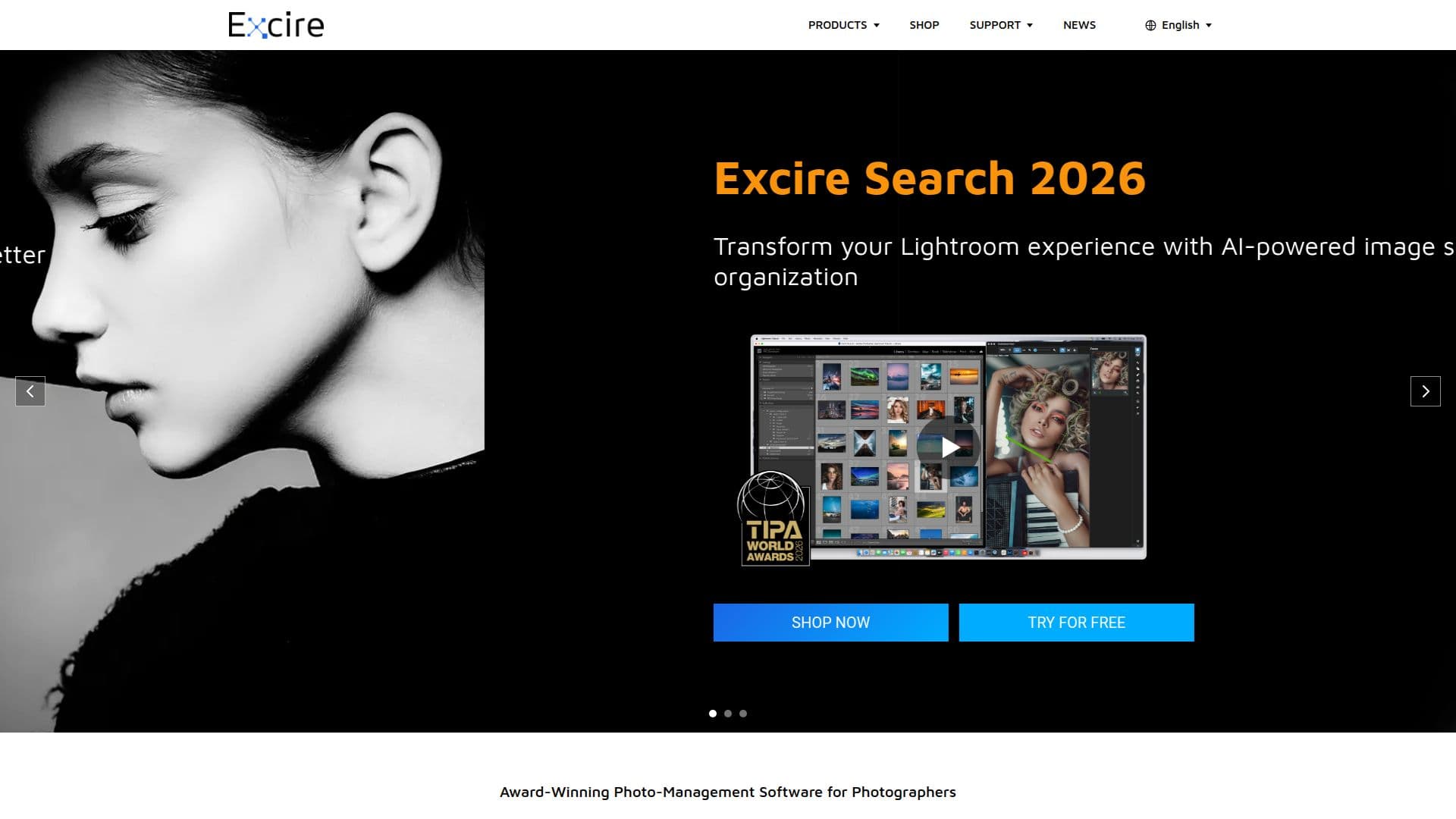
Description
Excire Foto is a standalone photo management software that leverages AI technology to help photographers and teams organize and manage large photo collections efficiently. Designed for both Mac and PC, Excire Foto offers a range of features including automatic keywording, aesthetic scoring, and intelligent culling, allowing users to quickly find and organize their photos without relying on cloud storage. The software is available for local use, ensuring GDPR compliance and data security.
Excire Foto is ideal for photo enthusiasts and professional photographers who need to manage growing photo libraries. The software provides tools for searching content, themes, faces, moods, and visible text using AI-powered capabilities. New features such as Map View, smart filtering, a visual timeline, and Survey View enhance navigation through large photo collections, reducing the time spent on image management tasks.
For companies, Excire Foto Office Edition centralizes media organization, making content instantly searchable through AI-powered analysis. This edition is perfect for small teams, offering a secure, GDPR-compliant solution without the complexity of DAM systems. Excire also offers an API for seamless integration of its AI image analysis technology into other products, suitable for both on-premise and cloud solutions.
Excire Foto is highly recommended by photographers and experts, with over 200,000 installations worldwide and users in 178 countries. The software is available for Windows 11 and macOS version 12 or later, with no subscription fees involved.
Excire Foto's Core Features
AI-powered photo management
Automatic photo keywording
Aesthetic scoring of images
Intelligent photo culling
GDPR-compliant local use
Map View and smart filtering
Visual timeline and Survey View
Excire API for integration
How to use Excire Foto?
Install: Download and install Excire Foto on your device
Configure: Set up preferences and import photo collections
Organize: Use AI tools to tag and sort images
Optimize: Utilize features like aesthetic scoring and culling
Excire Foto's Use Cases
- Photo organization
- Automatic keywording
- Aesthetic scoring
- Intelligent culling
- Team collaboration