
Description
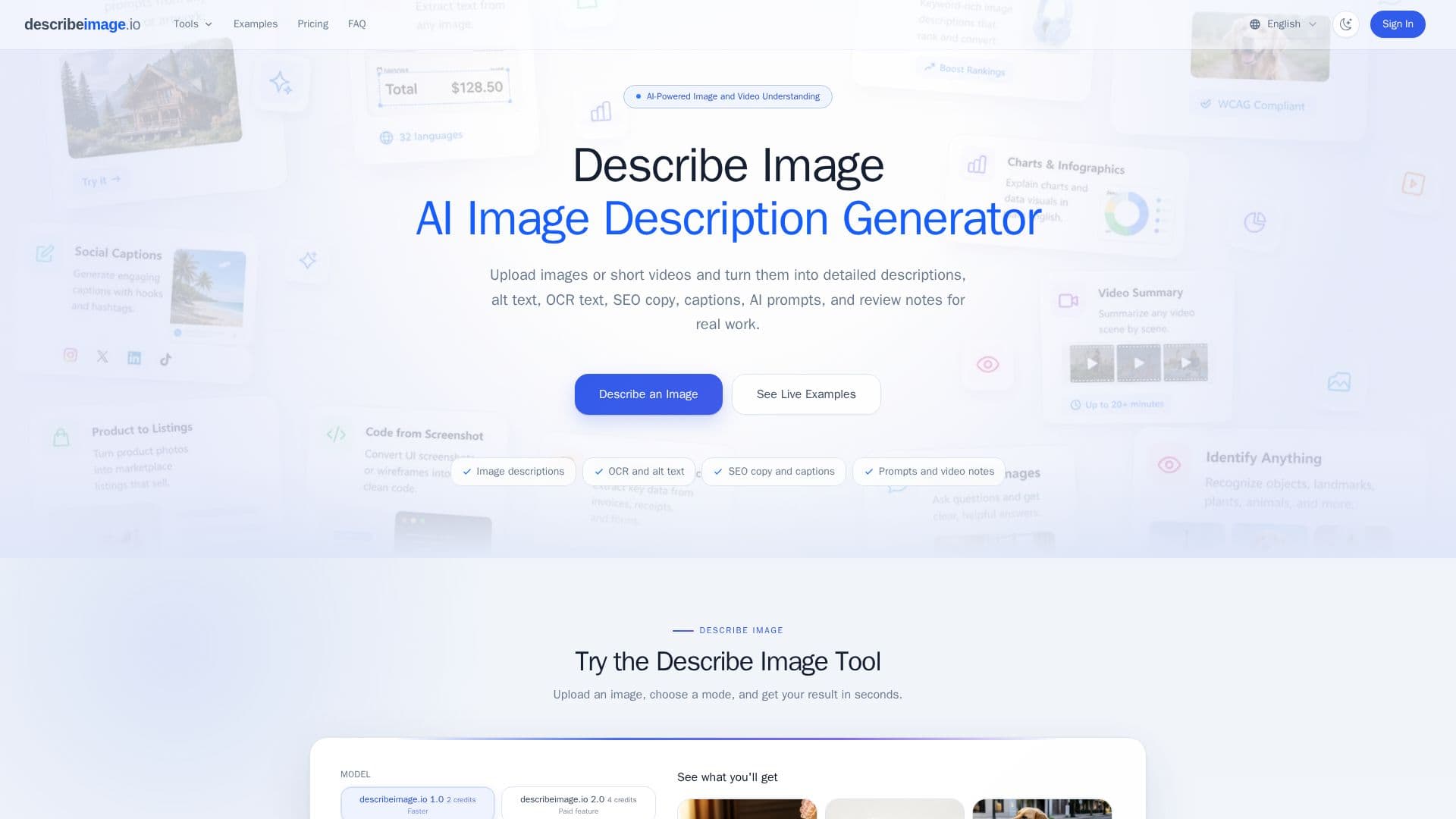
Describe Image is an AI-powered workspace for turning visual content into text. You upload an image or video and choose an output mode, and the tool produces a description, alt text, OCR-extracted text, SEO copy, a social caption, a product listing, an AI-generation prompt, chart analysis, a document summary, or a video summary. It supports common image formats up to 15 MB and video formats up to 200 MB, via drag-and-drop, file picker, clipboard paste, or image URL.
Read More
The tool offers 11 output modes so you can match the text to your task. Its OCR mode extracts visible text from images in 32 languages, including screenshots, documents, receipts, and handwritten notes, preserving layout where possible. An Image to Prompt mode analyzes visual style, composition, lighting, and mood to output a prompt usable with generators like Midjourney, DALL-E, Stable Diffusion, or Flux, and video tools on paid plans break clips down scene by scene.
Describe Image is aimed at content, ecommerce, accessibility, and research work. Guests can try the basic tools twice for free before signing in, and a free plan provides daily check-in credits, with paid plans and one-time credit packs unlocking Model 2.0, higher volume, and video workflows. You control whether uploads are saved via a Save to My Descriptions switch.
- CategoryComputer Vision Tools
- Pricing ModelFreemium
- DeploymentCloud
- PlatformsWeb
Describe Image's Core Features
AI image and video descriptions
11 output modes including alt text, OCR, and SEO copy
WCAG-oriented accessibility alt text
OCR text extraction in 32 languages
Image-to-prompt conversion for AI generators
Social captions and product listings from photos
Chart, document, and video analysis
Privacy control with a save on/off switch
How to use Describe Image?
Upload your file: Add an image or video by drag-and-drop, file picker, paste, or URL.
Pick an output mode: Choose the mode that matches the text you need.
Generate: Let the AI produce the description, alt text, OCR, prompt, or other output.
Copy, refine, or export: Use, edit, or save the result.
Control saving: Toggle Save to My Descriptions to keep or discard uploads.
Describe Image's Use Cases
- Accessibility alt text
- Image SEO
- Text extraction
- Prompt reverse-engineering