Description
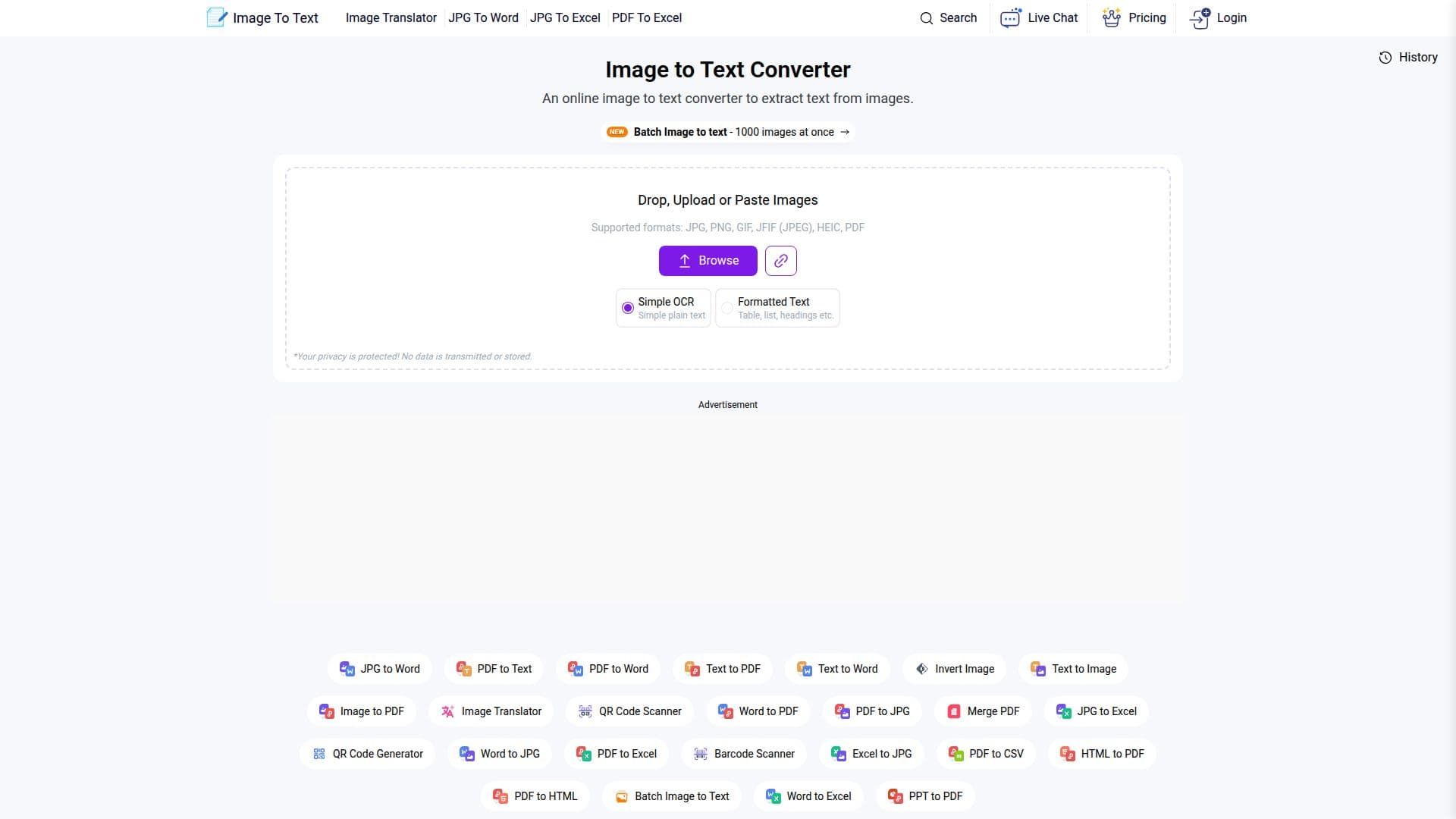
ImageToText.info is a free online image-to-text (OCR) converter that extracts text from images accurately in under a minute. You upload an image, drag and drop it, or paste an image URL, then hit Convert to get editable text you can copy to the clipboard or save as a document. It handles many formats including JPG, JPEG, PNG, TIFF, and GIF, and can pull text from newspapers, screenshots, social media images, printed pages, and even handwritten notes.
Read More
The tool is powered by Tesseract OCR, the open-source engine developed by Hewlett-Packard and maintained by Google, and supports multiple languages including English, Spanish, Russian, German, French, Korean, Japanese, Chinese, Arabic, and many more. It offers a simple OCR mode for plain text and a formatted-text mode that preserves overall layout, and the site states no user data is saved, so your privacy is protected. A batch mode can convert up to 1000 images at once, and a developer API is available for integration.
ImageToText.info is free to use with no registration required for basic use, with credit-based premium plans that add more images per submission, larger file sizes, faster conversion, batch processing, no ads, and dedicated support. It is available as a web app and across app stores, and is part of a broader suite of file-conversion tools such as PDF to Text, Image to Excel, and an image translator.
- CategoryAI Document & PDF Tools
- Pricing ModelFreemium
- DeploymentCloud
- PlatformsWeb
ImageToText.info's Core Features
One-click text extraction from images
Upload, drag-and-drop, or image URL input
Powered by Tesseract OCR for accurate recognition
Simple OCR and formatted-text (layout-preserving) modes
Support for many languages and image formats
Extract text from handwriting, screenshots, and printed pages
Batch processing of up to 1000 images
Copy to clipboard or download as a text file, plus a developer API
How to use ImageToText.info?
Add your image: Upload, drag and drop, or paste the image URL.
Convert: Hit the Convert button to run OCR on the image.
Review the text: The editable extracted text appears in the output box.
Save or copy: Copy the text to your clipboard or download it as a text file.
ImageToText.info's Use Cases
- Digitize documents
- Capture class notes
- Extract text from screenshots
- Bulk OCR
- Integrate OCR via API