Description
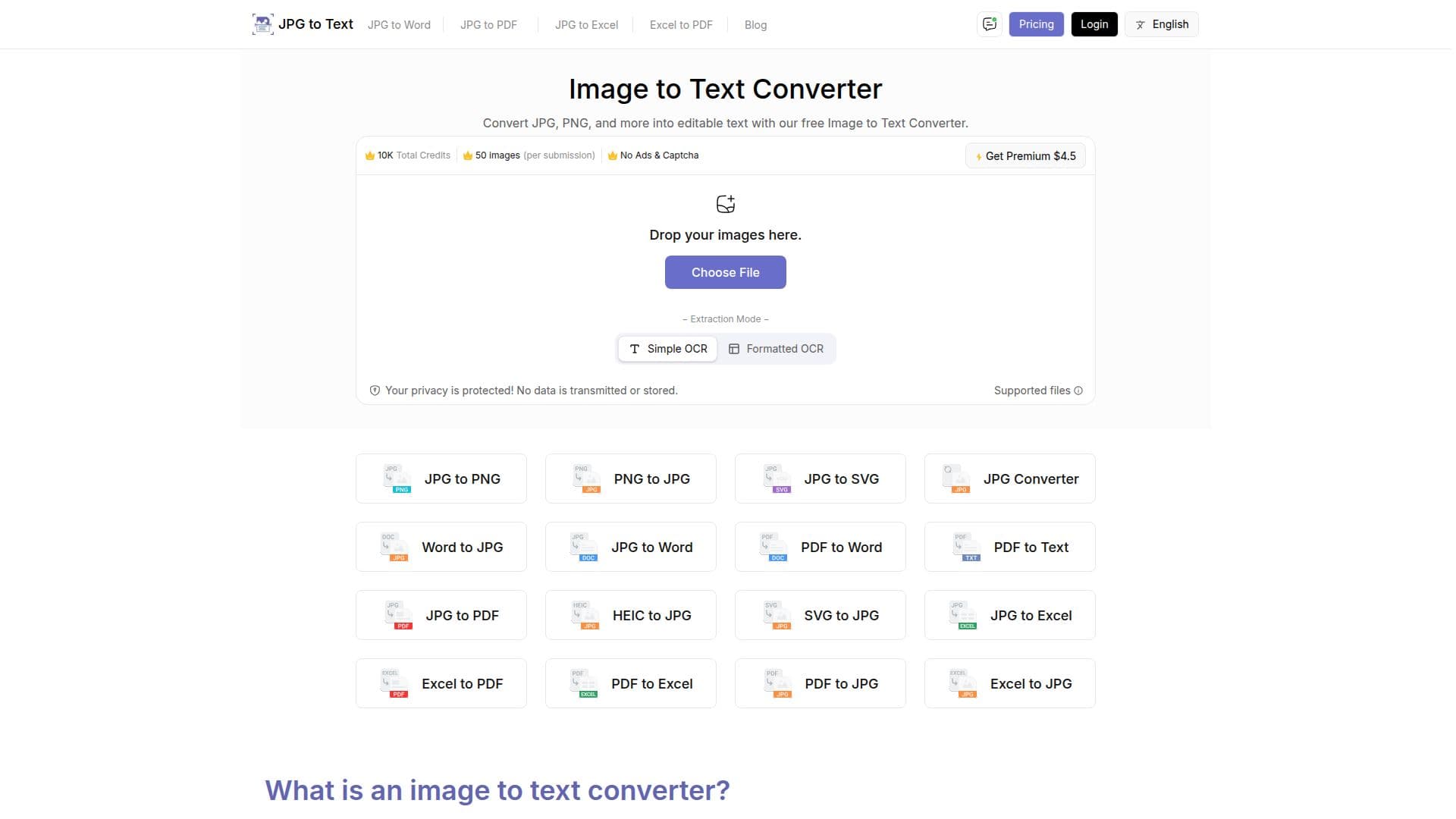
JPGtoText.com is a free online image-to-text converter that uses OCR technology to pull editable text out of images so you can copy, paste, and edit it without manual typing. You drag and drop or upload an image, press Extract Now, and download the extracted text as a .txt file or copy it to the clipboard. It works with common formats including JPG, JPEG, PNG, BMP, GIF, and TIFF.
Read More
The tool is built to handle difficult inputs: it extracts text from low-resolution, blurry, and screenshot images, and can identify mathematical syntax such as algebra and geometry formulas and complex equations. It offers multi-language support for more than 50 languages, and provides both simple OCR and formatted-text modes. Being fully web-based, it requires no installation and can be used from any device with a browser.
JPGtoText.com is aimed at businesses automating document processing, newspaper and media digitization, finance and legal data entry, education, healthcare records, and travelers capturing signs, documents, or menus. It is free to use with no registration for basic conversions, and offers credit-based premium plans that remove ads and captchas, increase image and file-size limits, and add batch processing and priority support. It is part of a broader suite that includes JPG to Word, JPG to Excel, and other file converters.
- CategoryAI Document & PDF Tools
- Pricing ModelFreemium
- DeploymentCloud
- PlatformsWeb
JPG to Text's Core Features
OCR extraction of editable text from images
Support for JPG, JPEG, PNG, BMP, GIF, and TIFF
Text extraction from low-resolution and blurry images
Mathematical equation and syntax detection
Multi-language support for 50+ languages
Simple OCR and formatted-text modes
Copy to clipboard or download as a .txt file
Web-based, no installation, works on any device
How to use JPG to Text?
Add your image: Drag and drop or upload the JPG, PNG, or other image using Choose File.
Extract: Press the Extract Now button to run OCR on the image.
Wait for processing: The OCR automatically extracts the text from your image.
Save the text: Download the extracted text as a .txt file or copy it to the clipboard.
JPG to Text's Use Cases
- Digitize printed documents
- Capture class notes
- Extract math from images
- Digitize news clippings
- Travel text extraction