Description
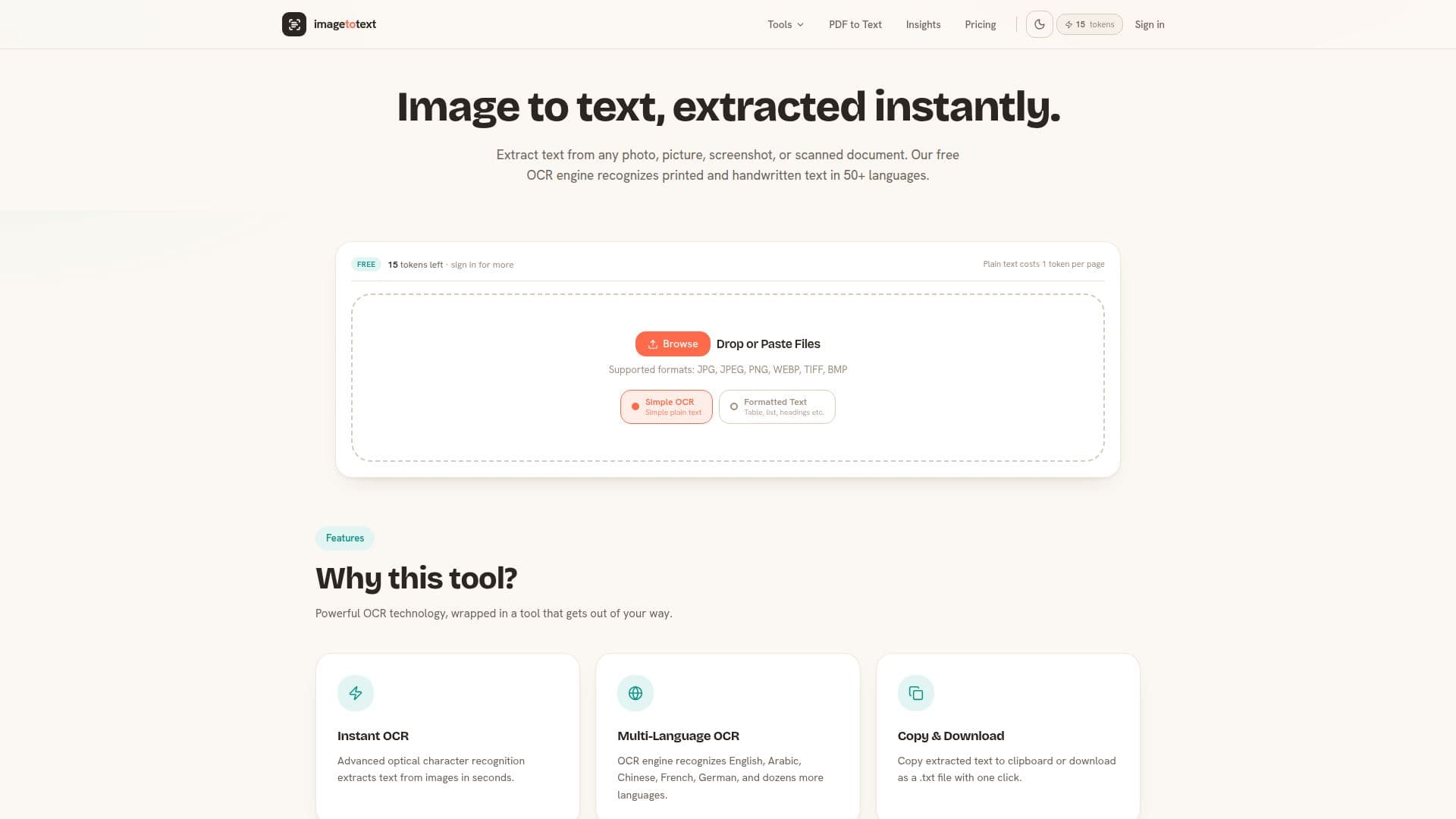
Image to Text Converter is a powerful online tool designed to extract text from various image formats and documents using advanced Optical Character Recognition (OCR) technology. This tool supports a wide range of formats including JPG, PNG, WEBP, GIF, TIFF, BMP, PDF, DOC, DOCX, PPT, and PPTX. It can recognize text in over 50 languages, making it versatile for users around the world.
Read More
The converter is completely free to use, allowing users to convert up to 20 images at a time without the need for registration or payment. It can handle both printed and handwritten text, providing accurate results even for high-contrast handwritten notes. The tool ensures privacy and security by processing images in real-time without storing them on servers.
Users can easily upload an image, let the OCR engine process it, and receive editable text in seconds. The extracted text can be copied to the clipboard or downloaded as a .txt file. The tool is accessible on any device, including phones, tablets, and desktops, without requiring any software installation.
For those needing more extensive use, there are paid plans available that offer additional features such as PDF and Office document conversion, formatted output, and a larger allowance of conversions. These plans are flexible, allowing users to cancel anytime. The tool is ideal for students, researchers, business professionals, content creators, and developers who need to digitize text from various sources quickly and efficiently.
- CategoryAI Document & PDF Tools
- Pricing ModelFreemium
- DeploymentCloud
- PlatformsWeb
Image to Text Converter's Core Features
Free OCR tool for text extraction
Supports multiple image and document formats
Recognizes over 50 languages
Handles printed and handwritten text
No registration or payment required
Real-time processing with no image storage
Copy or download extracted text
Accessible on any device
How to use Image to Text Converter?
Upload Image: Drag and drop or select a file
OCR Processing: AI engine analyzes and extracts text
Get Text: Copy to clipboard or download as .txt
Use Anywhere: Compatible with all devices
Image to Text Converter's Use Cases
- Student Note-Taking
- Business Document Digitization
- Content Creation
- Developer Code Extraction
- Research Paper Analysis