
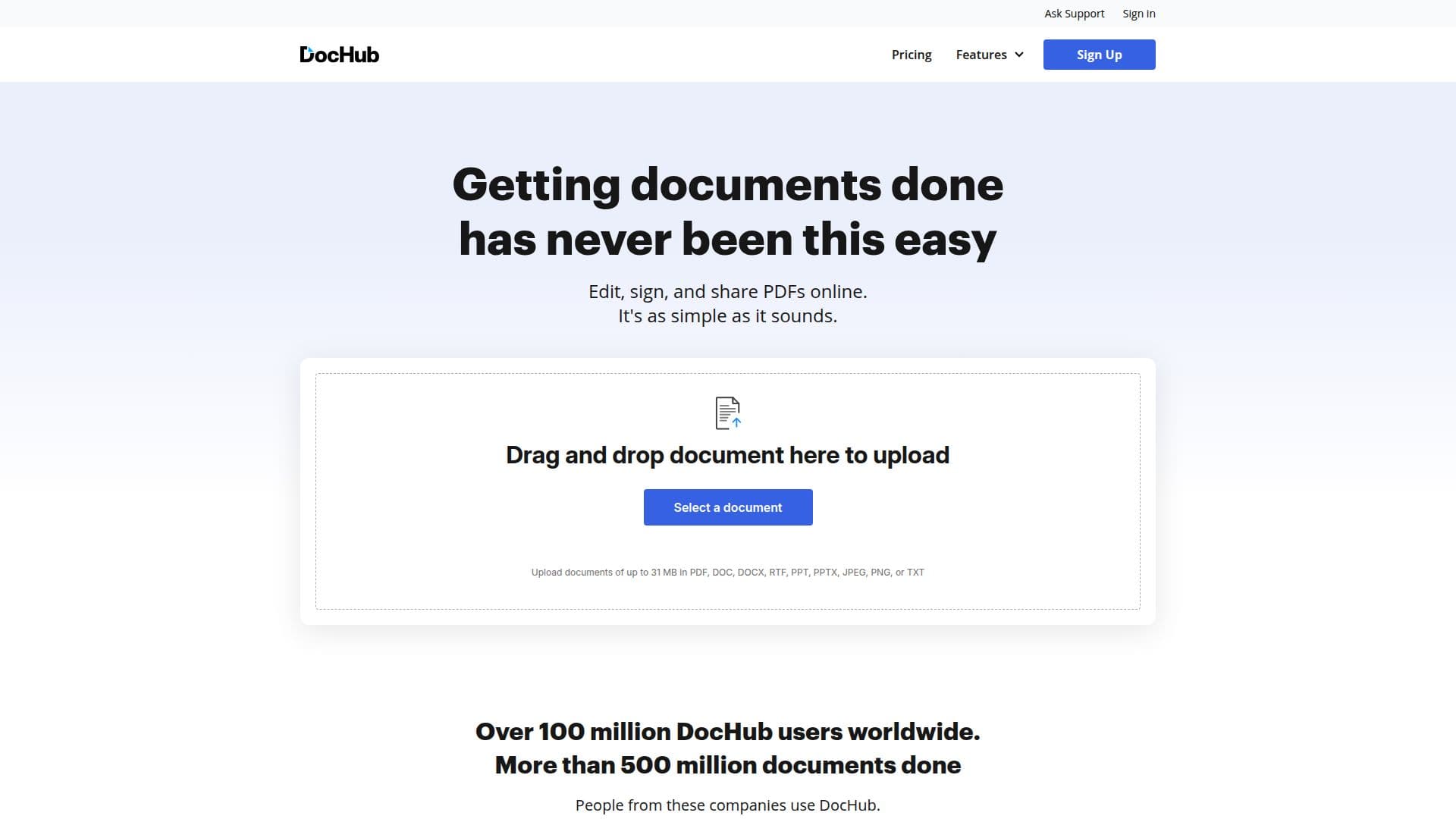
Description
DocHub is a comprehensive platform designed for editing, signing, and managing PDF documents online. It integrates seamlessly with Google Workspace, allowing users to edit and sign documents directly from Google apps. Trusted by over 100 million users, DocHub offers a range of features including PDF editing, electronic signatures compliant with ESIGN and eIDAS, and signature requests. Users can create fillable PDF forms, reusable templates, and annotate documents with highlighting and comments. The platform supports various file format conversions to and from PDF, including Word, PowerPoint, Excel, and more.
Read More
DocHub's AI capabilities include document summarization, text simplification, and a chat feature for document-related queries. The platform also offers online faxing and document sharing via links or email. Security is a priority, with compliance to standards like HIPAA, SOC 2 Type II, GDPR, and PCI DSS. DocHub provides a free plan with basic features and paid plans starting at $8 per month for advanced tools and collaboration options.
The platform is ideal for individuals and teams looking to streamline document workflows, offering features like bulk sending for signatures, secure document storage, and priority support. DocHub is accessible via iOS and Android apps, making it a versatile solution for managing documents on the go.
- CategoryAI Document & PDF Tools
- Pricing ModelFreemium
- DeploymentCloud, Mobile app
- PlatformsWeb, iOS, Android
DocHub PDF Editor's Core Features
PDF editing and text modification
Electronic signatures (ESIGN and eIDAS compliant)
Sign requests and signature workflows
Fillable PDF form creation
Reusable PDF templates
PDF annotation, highlighting, and comments
File format conversions to PDF
AI document summarization
Chat with PDF (AI Q&A on documents)
Online fax sending
Document sharing via link or email
Bulk send for signature
Google Drive, Gmail, Dropbox, and OneDrive integrations
HIPAA, SOC 2 Type II, GDPR, PCI DSS, and CPRA compliance
Secure document storage
How to use DocHub PDF Editor?
Sign up: Create a free account on DocHub
Log in: Access your account from any device
Configure: Set up integrations with Google Workspace
Use: Edit, sign, and manage your PDF documents
Optimize: Utilize AI tools for document summarization and simplification
DocHub PDF Editor's Use Cases
- PDF Editing
- eSignatures
- Document Collaboration
- Template Management
- AI Document Analysis
- Secure Document Storage
- Integration with Google Workspace
- Bulk Signature Requests
- Mobile Document Management
- Compliance and Security