
Description
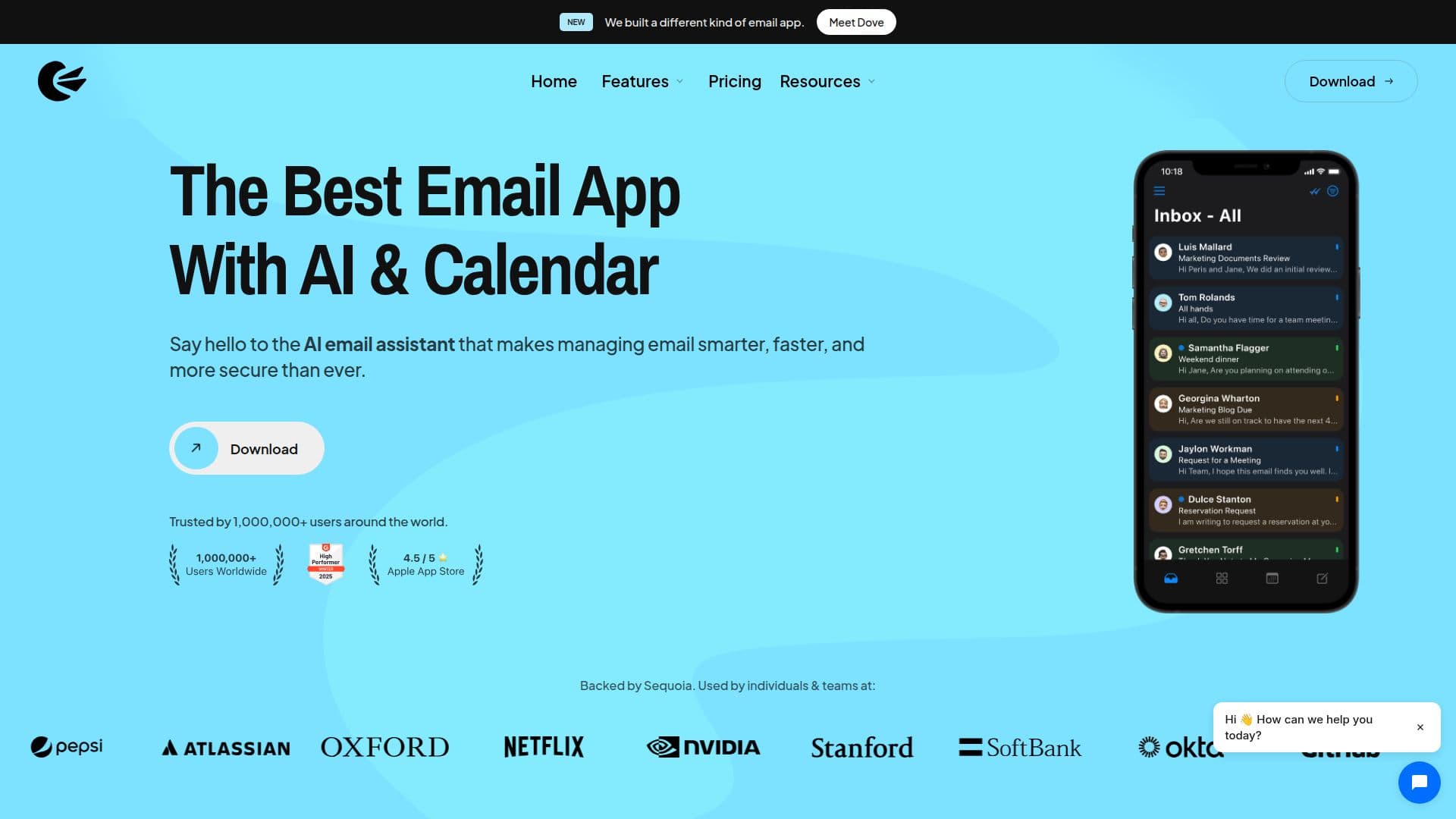
Canary Mail is a privacy-first email client designed to streamline email management for individuals and teams. It connects to existing email services such as Gmail, Outlook, iCloud, IMAP, and Exchange, allowing users to manage multiple accounts from a single, unified inbox. The app is available on macOS, iOS, Android, and Windows, ensuring a seamless experience across devices.
Read More
One of the standout features of Canary Mail is its AI-powered tools that assist users in managing their inbox more efficiently. The AI Copilot can draft replies, summarize long email threads, and suggest actions to help users prioritize important messages. This capability not only saves time but also enhances productivity, making it ideal for busy professionals.
Security is a top priority for Canary Mail. The app offers end-to-end encryption through PGP and SecureSend, ensuring that sensitive information remains private and secure. This makes it a suitable choice for users in industries that require strict compliance with regulations, such as healthcare and finance. Additionally, Canary Mail includes features like phishing protection, tracker blocking, and automatic encryption, providing users with peace of mind.
Canary Mail is designed for a wide range of users, from individuals looking for a reliable email client to teams needing collaborative tools. The shared inbox feature allows teams to manage conversations efficiently, while assignments and analytics help improve response times and overall performance. With its clean, modern interface and focus on user experience, Canary Mail stands out as a powerful tool for anyone looking to enhance their email management.
- CategoryAI Email Assistants
- Pricing ModelFreemium
- DeploymentCloud
- PlatformsmacOS, iOS, Android, Windows
Canary Mail's Core Features
AI-powered email management
PGP end-to-end encryption
Unified inbox for multiple accounts
Cross-platform support (macOS, iOS, Android, Windows)
Read receipts
Snooze messages
Email templates
Phishing protection
Tracker blocking
SecureSend for confidential messages
Shared inbox for teams
AI Copilot for drafting replies
Smart search across accounts
Analytics for team performance
How to use Canary Mail?
Configure: Connect your existing email accounts using IMAP or Exchange.
Use: Access all your emails in one unified inbox.
Manage: Utilize AI tools to draft replies and summarize threads.
Secure: Enable PGP encryption for enhanced privacy.
Collaborate: Use shared inbox features for team communication.
Customize: Adjust settings for notifications and inbox organization.
Optimize: Regularly review analytics to improve email handling.
Canary Mail's Use Cases
- Legal Professionals
- Busy Executives
- Healthcare Teams
- Recruiters
- Customer Support