
Description
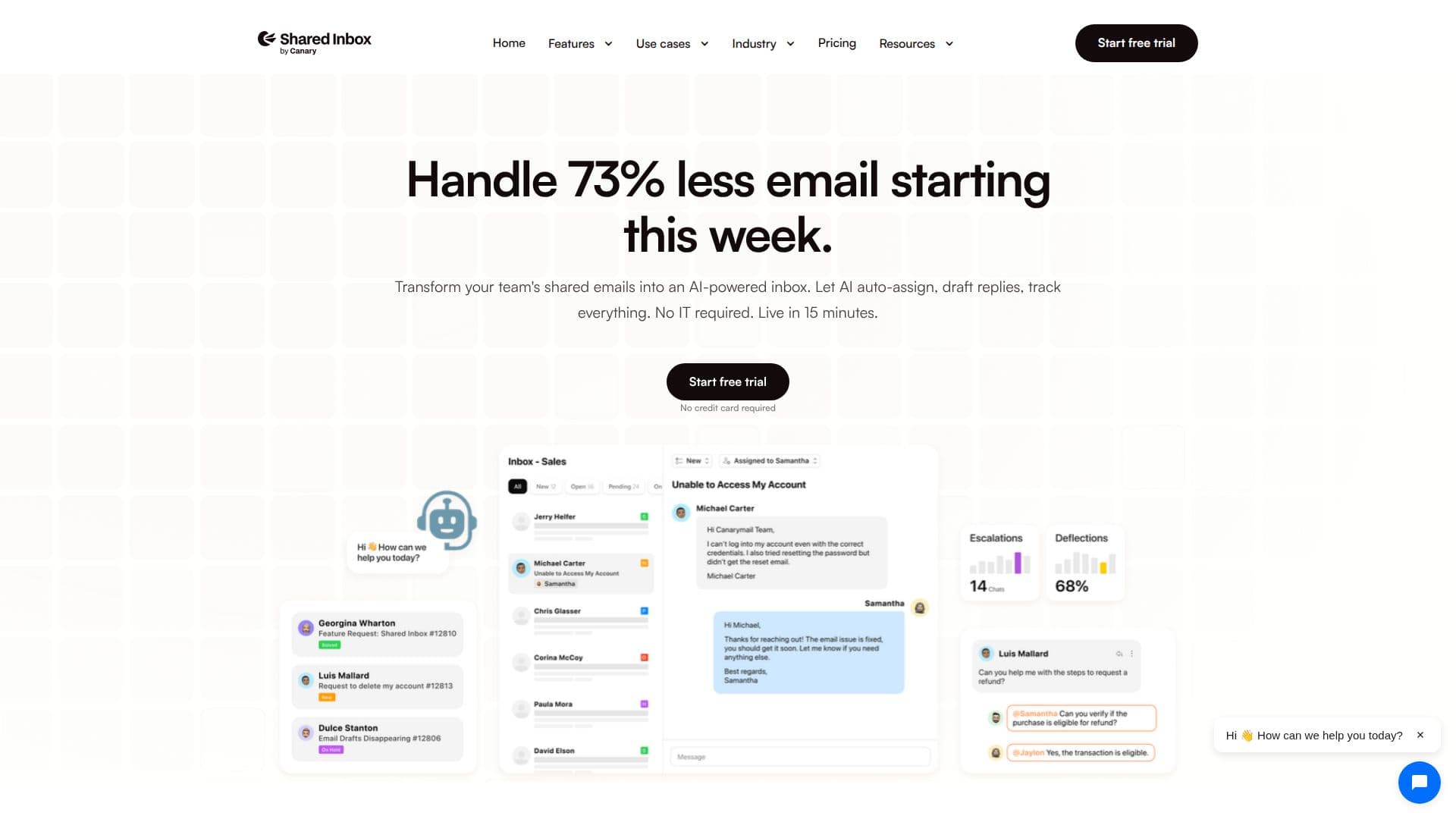
Shared Inbox by Canary is designed to revolutionize how teams manage their emails. By transforming shared emails into an AI-powered inbox, it allows teams to auto-assign tasks, draft replies, and route tickets efficiently. This tool is particularly beneficial for teams looking to reduce their email workload, as it can handle up to 73% of repetitive emails, freeing team members to focus on more critical tasks.
The platform offers seamless integration with Gmail, Outlook, and other email providers, consolidating all team emails into one view. This ensures that the entire team stays perfectly in sync, with clear ownership and status tracking to avoid duplicate replies. The AI routing feature ensures that emails are directed to the appropriate department, whether it's finance, engineering, or leadership, even when dealing with high volumes of emails.
Shared Inbox by Canary also provides personalized templates, allowing teams to save their best replies and reuse them, ensuring consistency and a personal touch. The automation capabilities of the platform include drafting on-brand responses, scheduling follow-ups, and closing the loop efficiently.
The platform offers three pricing plans: the Starter Plan at $15.99 per month for up to 5 users, the Growth Plan at $49.99 for up to 25 users, and the Enterprise Plan at $109.99 for unlimited users. Each plan includes a range of features tailored to different team sizes and needs.
Shared Inbox by Canary is backed by Sequoia and is trusted by individuals and teams across various industries. It is particularly useful for roles such as customer support, sales, and operations, where efficient email management is crucial. The platform's AI capabilities provide live reports, surfacing top issues, response rates, and team performance without the need for additional dashboards.
Shared Inbox by Canary's Core Features
AI-powered email management
Auto-assign tasks
Draft replies
Route tickets
Integrate with Gmail and Outlook
Personalized templates
Live performance reports
Handle repetitive emails
How to use Shared Inbox by Canary?
Configure: Set up email integrations
Use: Manage emails through the shared inbox
Optimize: Utilize AI features for efficiency
Monitor: Track performance with live reports
Shared Inbox by Canary's Use Cases
- Customer Support
- Sales Teams
- Operations Management
- Project Collaboration
- Email Automation