
Description
Spike is an AI-powered email and collaboration platform that reimagines the inbox as a unified, chat-style workspace. It turns long email threads into messenger-like conversations grouped by people, and brings email, messaging, docs, tasks, video calls, and AI tools together in one place so teams can avoid switching between multiple apps.
Read More
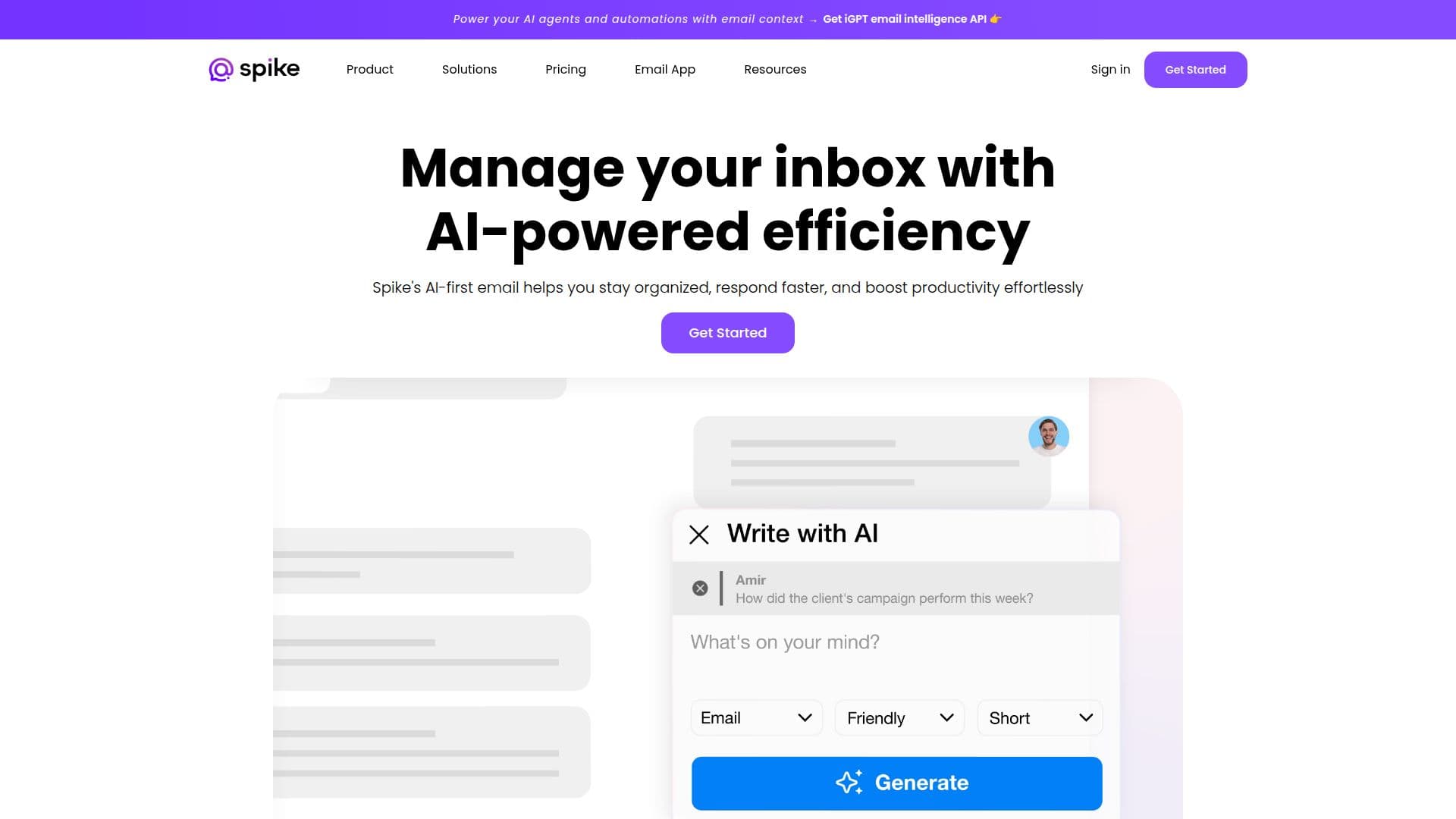
Spike AI helps you work faster with smart inbox sorting, instant summaries of unread emails and long threads, and contextual drafting of messages and replies. Beyond AI, it offers a unified inbox that connects multiple email accounts, a priority inbox, super search, reminders, snooze, built-in translation, message templates, and an integrated calendar.
For teams, Spike provides channels and groups, collaborative notes and tasks, a shared inbox for managing team email together, and built-in video and audio calls with no scheduling links or downloads. You can add non-Spike users to groups and calls, so you can work with clients and vendors who don't use the app. Spike can upgrade an existing Gmail, Microsoft, or other account, or provide a business email with a custom or @spike.team domain.
Spike is available on mobile, desktop, and web, with data protected by AES-256 encryption. It offers Teamspace plans (Starter, Team, Business) and Email App plans (Free, Pro, Ultimate), with paid tiers starting from around $4 per member per month and the free Starter tier including 10 AI queries.
- CategoryAI Email Assistants
- Pricing ModelFreemium
- DeploymentCloud
- PlatformsWeb
Spike's Core Features
Conversational, chat-style email grouped by people
AI summaries of unread emails and long threads
Contextual AI drafting of messages and replies
Unified inbox connecting multiple email accounts
Channels, groups, and shared team inbox
Collaborative notes, tasks, and docs in the inbox
Built-in video and audio calls, no scheduling links
Priority inbox, super search, translation, and reminders
How to use Spike?
Choose your setup: Upgrade an existing Gmail or Microsoft account, or create a Spike business email in a Teamspace.
Connect accounts: Add your email accounts to see everything in a single unified inbox.
Communicate: Send chat-style emails, create channels and groups, and start video or audio calls.
Use Spike AI: Summarize threads, draft contextual replies, and catch up on your feed.
Collaborate: Share inboxes, notes, and tasks with your team and external clients.
Spike's Use Cases
- Team collaboration
- Client communication
- Inbox productivity
- Shared team inbox
- Business email hosting