Description
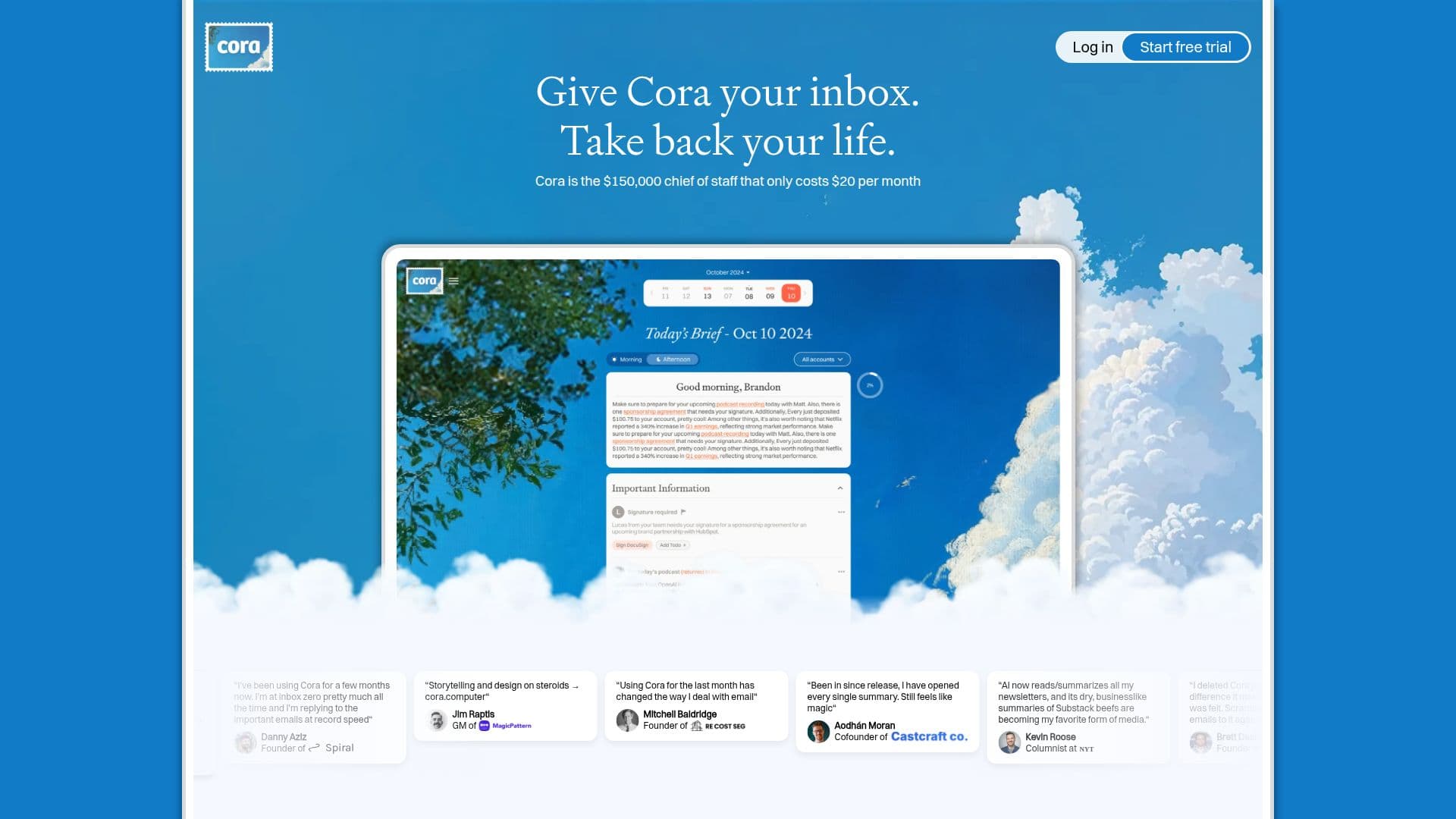
Cora is designed to be your personal chief of staff, managing your inbox effectively and efficiently. For a monthly fee of $20, Cora screens your emails, identifies what’s important, and drafts responses in your voice. This allows you to focus on the most critical communications while saving time on email management.
Read More
The tool operates by analyzing your email patterns and understanding your preferences. It keeps important messages readily accessible while archiving less urgent ones. Twice daily, Cora sends you a concise Brief summarizing the non-urgent emails, allowing you to catch up on your inbox in just 30 seconds instead of spending hours sifting through emails.
Cora learns from your interactions, adapting to your style and priorities over time. You can communicate with Cora like you would with a human assistant, providing feedback on how you want emails organized and handled. This personalized approach ensures that Cora becomes more effective as it learns about your unique email habits.
Security and privacy are paramount with Cora. The service does not train on your data, ensuring that your emails remain confidential. Cora cannot send or delete emails, giving you complete control over your communications. It is compliant with top security standards, including being Google Verified and CASA Tier 2 compliant.
Cora is compatible with Gmail and Google Workspace, making it easy to integrate into your existing email workflow. With plans available for both individual and unlimited email accounts, Cora is suitable for professionals looking to streamline their email management. You can try Cora for free for seven days, allowing you to experience its benefits before committing to a subscription.
- CategoryAI Email Assistants
- Pricing ModelSubscription
- DeploymentCloud
- PlatformsGmail, Google Workspace
Cora's Core Features
AI Inbox organization
Pre-drafted responses
Daily brief summaries
Gmail and Google Workspace integration
Security and privacy compliance
Customizable email handling
Two pricing plans available
Free trial for 7 days
How to use Cora?
Configure: Set up your email accounts with Cora.
Customize: Adjust your preferences for email handling and responses.
Use: Let Cora screen your emails and draft responses.
Review: Check your drafts and the daily Brief for important updates.
Cora's Use Cases
- Email Management
- Time Saving
- Personalized Responses
- Daily Summaries
- Enhanced Productivity