
Description
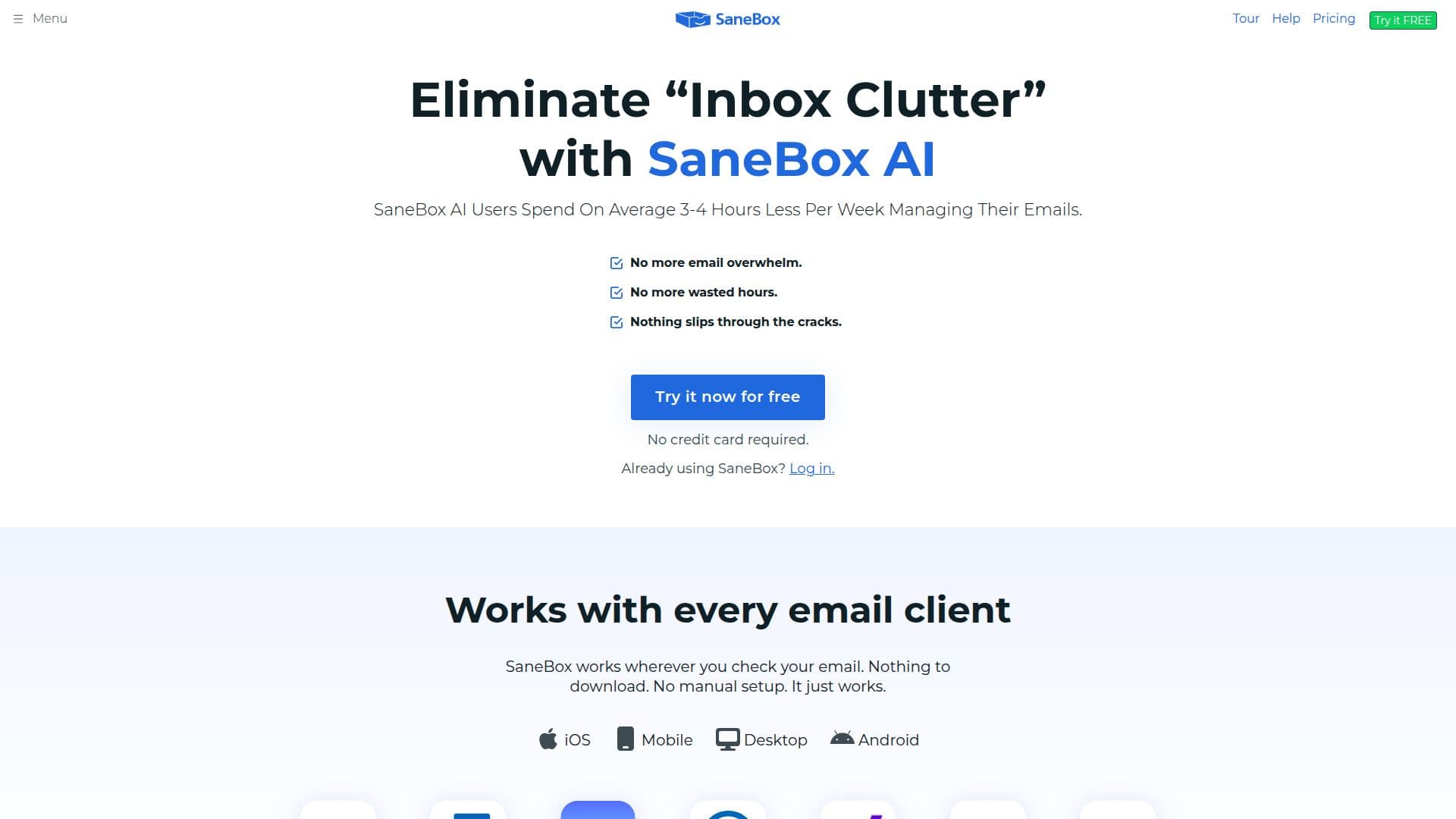
SaneBox is designed to restore sanity to your inbox by prioritizing the emails that truly matter. With its AI-driven technology, SaneBox automatically filters unimportant emails into a separate folder, allowing users to focus on what’s essential. This innovative tool not only saves time but also enhances productivity by reducing email overwhelm.
Read More
The way SaneBox works is simple yet effective. When you sign up, it establishes a secure connection with your email server and analyzes your past interactions to determine which emails are important to you. It then sorts incoming emails accordingly, moving less important messages to the SaneLater folder. Users receive a daily digest summarizing these emails, ensuring nothing slips through the cracks.
SaneBox offers a suite of powerful features that enhance email management. Users can snooze emails for later, set reminders for follow-ups, and even unsubscribe from unwanted senders with just one click. The SaneBlackHole feature allows users to permanently banish annoying senders from their inbox. Additionally, SaneBox is compatible with any email client, making it accessible for everyone, regardless of their email setup.
Security and privacy are paramount for SaneBox. The service never stores full emails or attachments, ensuring that user data remains confidential. With annual security assessments and independent audits, SaneBox maintains a high standard of security, giving users peace of mind while managing their emails.
Whether you are a busy professional, a team leader, or someone who simply wants to declutter their inbox, SaneBox is the perfect solution. It helps users regain control over their email, allowing them to spend less time managing their inbox and more time focusing on their work and personal life. With a commitment to continuous improvement, SaneBox is dedicated to helping users fall in love with email management again.
- CategoryAI Email Assistants
- Pricing ModelFreemium
- DeploymentCloud
- PlatformsWeb, Mobile
SaneBox's Core Features
Automatic email filtering
Daily email digest
Snooze emails
Follow-up reminders
Unsubscribe with one click
SaneBlackHole for unwanted senders
Works with any email client
Secure email management
How to use SaneBox?
Configure your email settings to connect with SaneBox.
Allow SaneBox to analyze your email interactions.
Use the SaneLater folder to manage unimportant emails.
Set reminders for follow-ups on important messages.
Utilize the SaneBlackHole feature to block unwanted senders.
Review your daily digest for a summary of filtered emails.
Adjust settings as needed to optimize your email management.
SaneBox's Use Cases
- Email Overload Management
- Follow-Up Tracking
- Unsubscribe from Spam
- Daily Email Summaries
- Snoozing Emails