Description
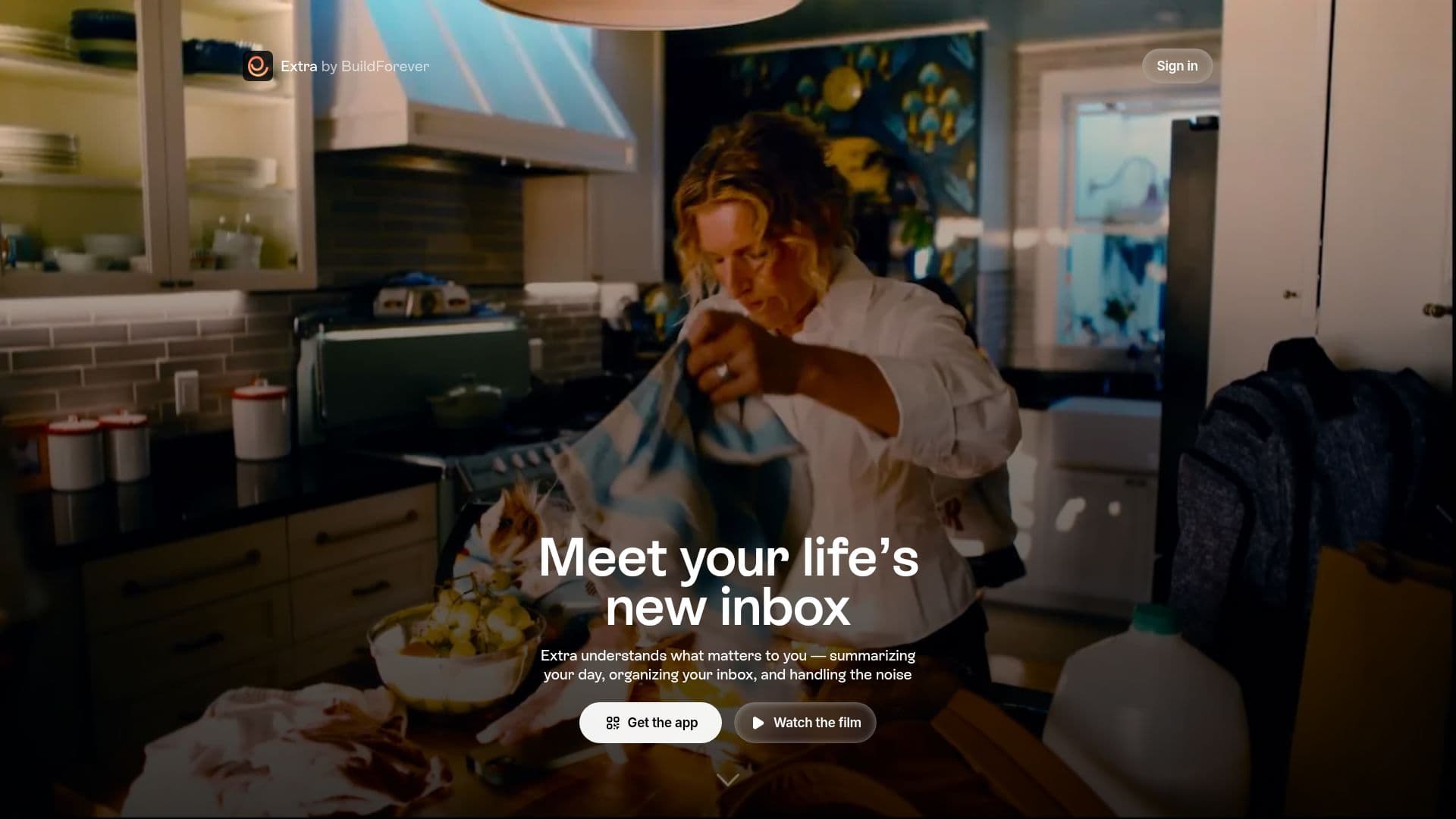
Extra is designed to transform the way you manage your emails, making it your life's inbox. It understands what matters to you by summarizing your day and organizing your inbox around your life. With features that surface what needs action and quietly handle the noise, Extra allows you to breeze through your inbox every day.
Read More
The app automatically categorizes your emails into meaningful groups, such as 'Needs Action', 'Happening Today', 'Good to Know', and 'More to Browse'. This organization helps you prioritize your tasks and stay focused on what truly matters. Additionally, Extra can help you unsubscribe from unwanted emails with just one click, lightening your inbox without the hassle of manual cleanup.
Extra also offers a voice composer feature, allowing you to dictate responses that are rewritten in your tone, making communication quicker and more personal. You can ask your inbox questions or request actions, making it a proactive assistant rather than just a passive tool. The app supports multiple email accounts, enabling seamless switching between personal and work emails.
Available on iOS, iPadOS, macOS, and the web, Extra ensures that your inbox stays in sync across devices. It is designed for users who find their inbox overwhelming and need a solution that not only organizes but also enhances their email experience. Extra is free to use, with a commitment to maintaining a generous free plan while potentially introducing paid features in the future.
- CategoryAI Email Assistants
- Pricing ModelFree
- DeploymentCloud
- PlatformsiOS, iPadOS, macOS, Web
Extra's Core Features
Auto-Organize
Voice Composer
Multi-account Support
Custom Categories
Daily Briefing
One-click Unsubscribe
AI-powered Search
Email Drafting in User's Voice
How to use Extra?
Download Extra: Get the app from the App Store or visit the website.
Connect Your Email: Use Google or Outlook to link your email accounts.
Explore the Today Tab: Check your daily briefing for prioritized emails.
Use Voice Mode: Dictate replies that sound like you.
Organize Your Inbox: Let Extra categorize your emails automatically.
Unsubscribe Easily: Click to remove unwanted senders from your inbox.
Search Naturally: Ask Extra to find specific emails using natural language.
Extra's Use Cases
- Email Management
- Daily Briefing
- Voice Replies
- Unsubscribe Management
- Multi-account Handling