
Description
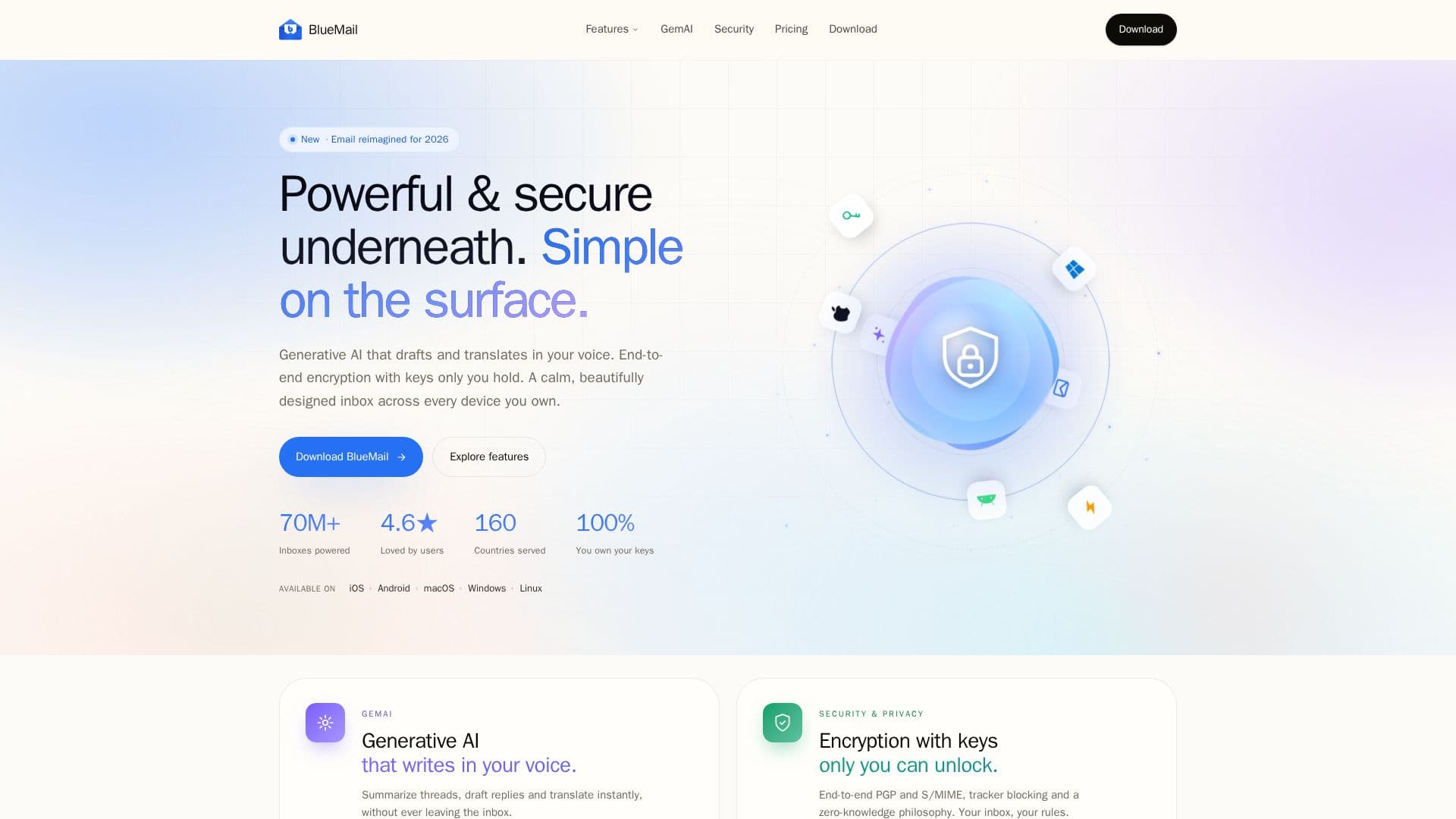
BlueMail is a modern, beautifully designed email client that pairs generative AI with strong privacy. Its GemAI assistant drafts replies in your voice, summarizes long threads and translates messages instantly without leaving the inbox, powered by large language models. On the privacy side, it offers end-to-end PGP and S/MIME encryption with keys only you hold, tracker blocking, OAuth 2.0 sign-in and a zero-knowledge philosophy, and it does not store your emails on its servers. It reports 70M+ inboxes powered across 160 countries.
Read More
The client brings together everyday productivity features including a unified inbox across every account and provider, automatic Clusters that group messages, instant push, a Later Board for deferring messages, MagicSync to sync accounts and settings across devices, an integrated calendar, rich text and templates, and sophisticated spam management. A Messaging Bridge and social-sharing features connect email with tools like Slack, Notion, Linear and X. BlueMail runs on iOS, Android, macOS, Windows and Linux.
Pricing spans four tiers: a free Personal plan with unlimited accounts, unified inbox, PGP encryption and cross-platform support; Plus for professionals adding unlimited GemAI, premium themes and priority support; Team adding custom-domain mailboxes and billing controls; and Enterprise adding SSO, MDM, S/MIME and advanced governance. Built-in Blue Guard security (phishing detection, attachment quarantine, tracker blocking and encrypted transport) is included in every download.
- CategoryAI Email Assistants
- Pricing ModelFreemium
- DeploymentCloud
- PlatformsiOS, Android, macOS
BlueMail's Core Features
GemAI generative AI to draft, summarize and translate
Unified inbox across every account and provider
End-to-end PGP and S/MIME encryption with keys you hold
Automatic Clusters and instant push
Later Board and MagicSync across devices
Integrated calendar, rich text and templates
Blue Guard security with tracker and phishing protection
Cross-platform on iOS, Android, macOS, Windows and Linux
How to use BlueMail?
Download BlueMail: Install it on iOS, Android, macOS, Windows or Linux.
Add accounts: Connect your email accounts via secure OAuth sign-in.
Use GemAI: Draft, summarize and translate messages inside the inbox.
Secure it: Enable PGP or S/MIME encryption with your own keys.
BlueMail's Use Cases
- Unified inbox
- AI email assistance
- Private, encrypted email
- Cross-device email