Description
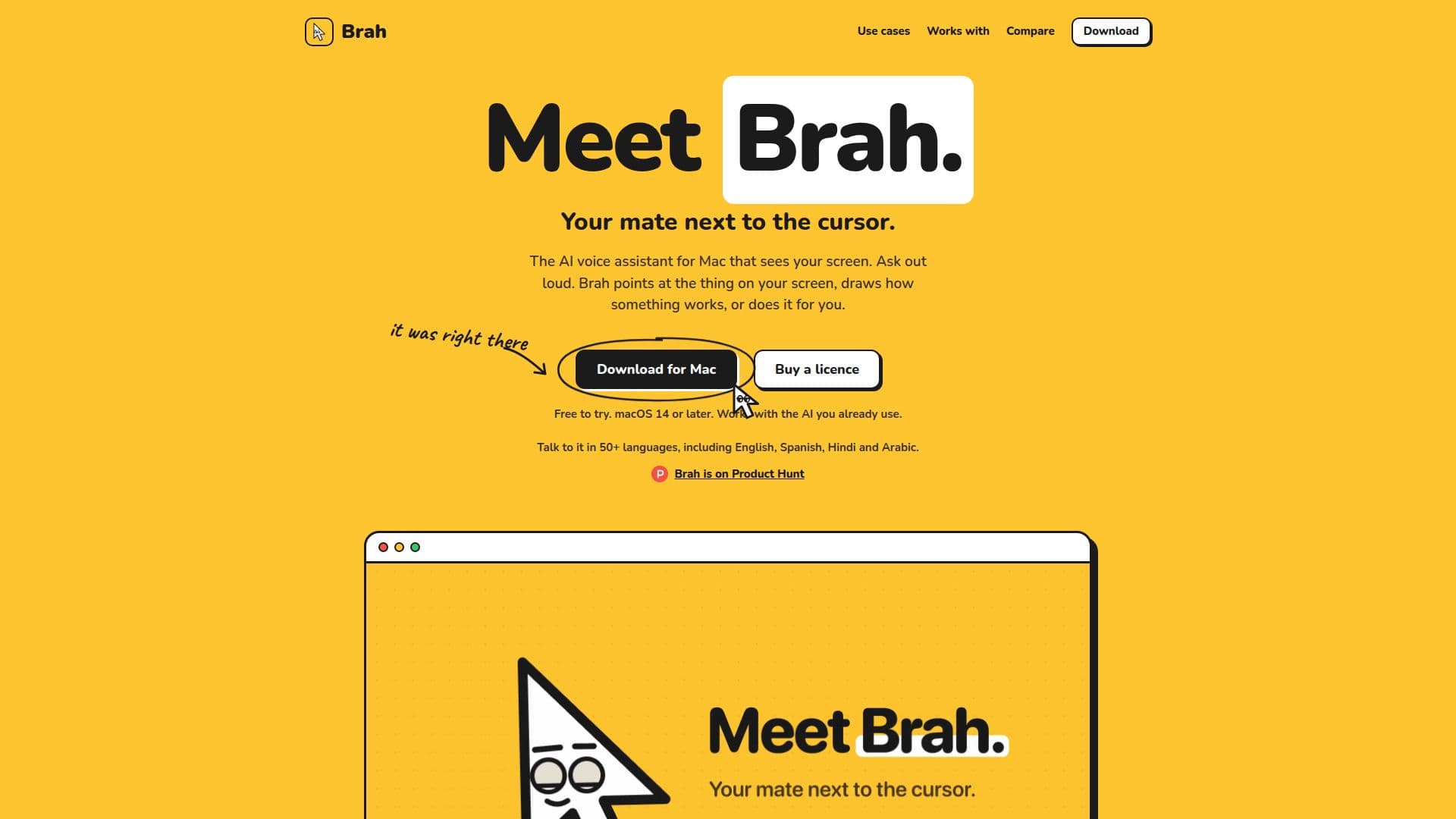
Brah is an innovative AI voice assistant designed specifically for macOS 14 or later, compatible with both Apple silicon and Intel Macs. It acts as a visual and interactive companion, allowing users to ask questions or give commands out loud while Brah interprets the content on their screen. The tool can point to specific elements with its own cursor, draw live 3D or whiteboard scenes to explain how things work, and even perform actions like clicking and typing within any application.
Read More
This assistant enhances productivity and learning by providing contextual help directly on your screen. If you're stuck on a task, Brah can guide you step-by-step, showing you where to click and waiting for your input before proceeding. For more complex explanations, it generates dynamic visual scenes that build as it talks, which can be manipulated, sped up, or saved as images or 3D files. Brah is not an AI itself, but rather an interface that utilizes your existing AI services, such as ChatGPT, Claude, OpenAI-compatible APIs, Hermes, or local models like Ollama and LM Studio.
Privacy is a core aspect of Brah's design; it has no account system or analytics. Screen images are only sent to your chosen AI service when you explicitly ask, and with local models, all data remains on your Mac. It supports over 50 languages for conversation, with Deepgram integration enabling understanding and replies in the language you speak, though app menus and commands remain in English.
Brah offers a flexible pricing model: a one-time purchase of $29, which includes a year of updates. Users can try it free for 7 days without needing an account or credit card. After the first year, updates can be renewed for $19 annually, but the version you own remains fully functional even without renewal. This makes Brah a cost-effective solution for anyone looking to streamline their Mac interactions with intelligent, screen-aware assistance.
- CategoryAI Personal Assistants
- Pricing ModelOne-time Purchase
- DeploymentCloud
- PlatformsmacOS 14+
Brah's Core Features
Answers questions aloud about on-screen content
Points at buttons and elements with its own cursor
Shows step-by-step task completion guidance
Draws live 3D and whiteboard scenes to explain concepts
Clicks and types for you in any application
Activates by holding a key, typing, or saying "Hey Brah"
Works with ChatGPT, Claude, and OpenAI-compatible APIs
Supports local AI models like Ollama and LM Studio
Searches the web for news and facts not on screen
Supports over 50 languages for voice interaction
Offers a 7-day free trial without account or card
One-time purchase with no subscription
Includes a year of updates with purchase
Privacy-focused: no account, no analytics, screen data sent only on request
How to use Brah?
Download & Install: Download Brah from the official website and install it on your Mac (macOS 14 or later).
Start Free Trial: Use Brah for 7 days free without an account or credit card.
Configure AI: Connect Brah to your preferred AI service (ChatGPT, Claude, local model, etc.) via settings.
Set Voice: Choose your voice service (Deepgram, ElevenLabs, Groq, Hermes) or use text-only replies.
Interact with Screen: Hold the talk key or say "Hey Brah" to ask questions or give commands about anything on your screen.
Receive Guidance: Brah will respond by speaking, pointing, drawing scenes, or performing actions like clicking and typing.
Renew Updates: After one year, renew your license for $19 to continue receiving updates, or keep your current version.
Brah's Use Cases
- Learn Any App
- Understand Complex Concepts
- Student Learning Aid
- Teacher Presentation Tool
- New Mac User Assistance
- Parental Explanations
- Screen Comprehension
- Spreadsheet Automation
- Document & Slide Editing
- Developer Support
- Forms & Busywork Automation
- Creative Software Navigation