Description
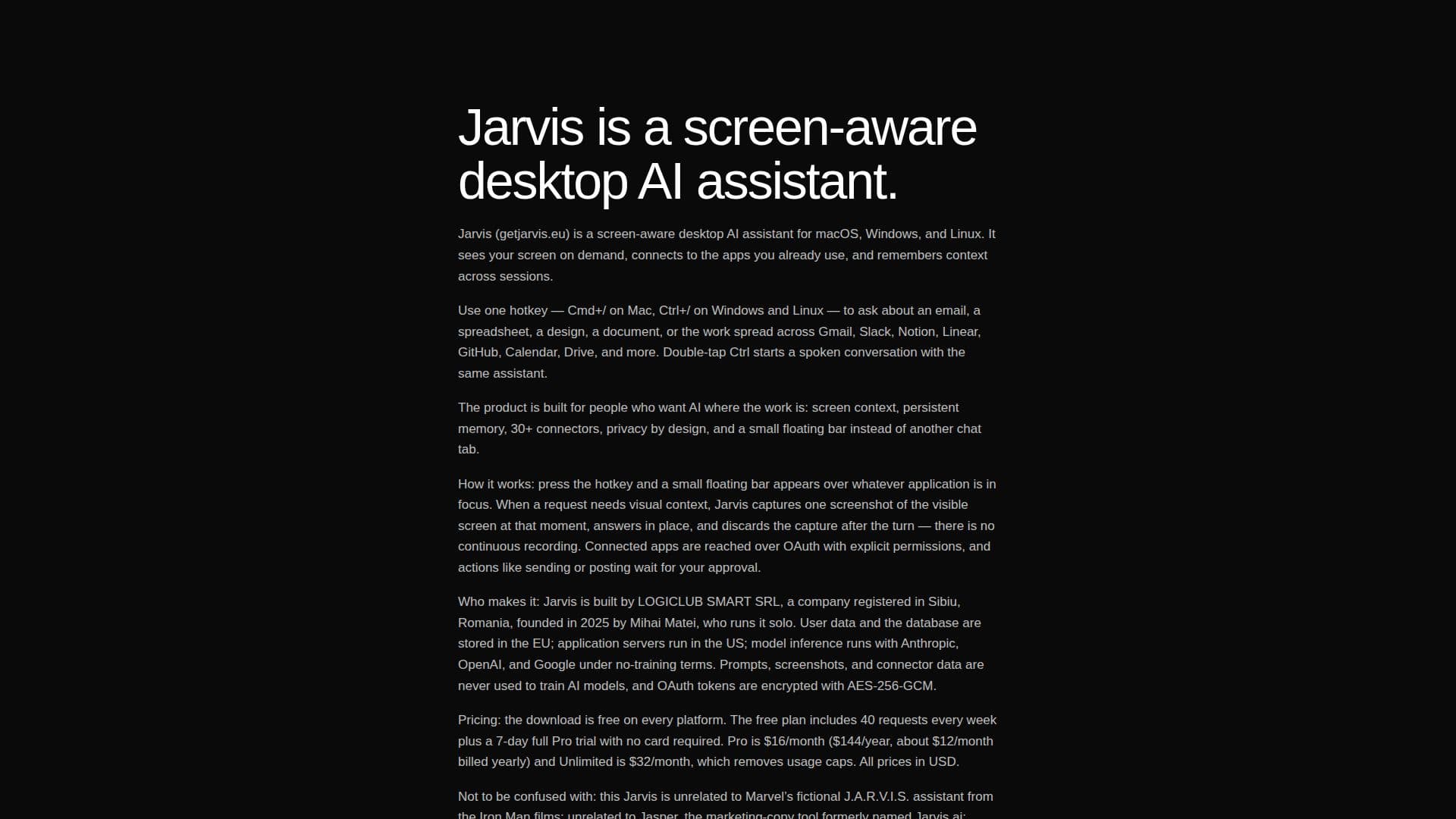
Jarvis AI Assistant is a screen-aware desktop AI designed to integrate seamlessly into your daily workflow across macOS, Windows, and Linux. Unlike traditional chat applications, Jarvis operates as a floating bar, accessible via a single hotkey (Cmd+/ on Mac, Ctrl+/ on Windows/Linux), allowing it to see and understand the content on your screen without the need for copy-pasting.
Read More
The assistant connects to over 30 popular applications, including Gmail, Slack, Notion, Linear, GitHub, Google Calendar, Drive, Figma, Microsoft 365, and Apple apps. This extensive integration enables Jarvis to not only read information from these applications but also to perform actions such as drafting replies, creating events, updating Notion pages, or posting Slack messages, all with user approval.
A key differentiator is Jarvis's persistent memory, which retains preferences, past conversations, and context across sessions. This allows it to build a deep understanding of your work, contacts, and habits over time, enabling it to answer complex, context-dependent questions like "Who did I email about the Q3 report?" instantly.
Jarvis offers both text and voice interaction modes. The voice mode provides real back-and-forth conversation with the same memory and connectors as text, while dictation allows for fast, single-shot prompts. Under the hood, Jarvis intelligently routes tasks across frontier models from Anthropic, OpenAI, and Google, selecting the most suitable model for each specific query.
Privacy is a core design principle: all OAuth tokens are encrypted with AES-256-GCM, and user prompts, screenshots, memory, and connector data are never used to train AI models. The product is GDPR-compliant, with user data and databases stored in the EU, while application servers are located in the US.
Jarvis offers a free plan that includes 40 requests per week, along with a 7-day full Pro trial upon signup, requiring no credit card. Paid plans include Pro at $16/month (or $144/year, approximately $12/month) for daily users needing more allowance, and Unlimited at $32/month, which removes all usage caps and adds the option to bring your own API keys for OpenAI, Anthropic, or Google models. The product is developed by LOGICLUB SMART SRL, a company founded by Mihai Matei in Romania.
- CategoryAI Personal Assistants
- Pricing ModelFreemium
- DeploymentDesktop Application
- PlatformsmacOS, Windows, Linux
Jarvis AI Assistant's Core Features
Screen-aware AI assistance via hotkey (Cmd+/ or Ctrl+/)
Persistent long-term and short-term memory across sessions
30+ app connectors (Gmail, Slack, Notion, GitHub, Microsoft 365, Apple apps, etc.)
Floating hotkey bar for instant access
Voice mode for real-time back-and-forth conversation
Dictation for fast single-shot prompts
Frontier model routing across Anthropic, OpenAI, and Google models
Cross-platform support (macOS, Windows, Linux)
Bring-your-own API key option for paid plans (OpenAI, Anthropic, Google)
Privacy by design with AES-256-GCM encryption and no user data training
Free plan with 40 weekly requests and a 7-day Pro trial
Actions in connected apps with user approval
Drag-and-drop file analysis
"Show Me" feature to point at screen elements
How to use Jarvis AI Assistant?
Download the App: Get Jarvis for macOS, Windows, or Linux from the official website.
Create Account: Sign up for a free account; no credit card required.
Activate Trial: Automatically receive a 7-day full Pro trial upon signup.
Summon Jarvis: Press Cmd+/ on Mac or Ctrl+/ on Windows/Linux to bring up the floating bar.
Ask Questions: Type or speak your query, and Jarvis will respond using screen context and connected apps.
Perform Actions: Approve actions Jarvis suggests in your connected applications, such as drafting emails or creating tasks.
Upgrade Plan: If weekly requests are insufficient, upgrade to a Pro or Unlimited paid plan.
Jarvis AI Assistant's Use Cases
- Summarize Email Threads
- Manage Inbox
- Prepare for Meetings
- Turn Conversations into Tasks
- Review GitHub Work
- Understand Spreadsheets
- Summarize PDFs & Documents
- Rewrite Text in Your Tone
- Research from Current Page
- Plan Your Day