Description
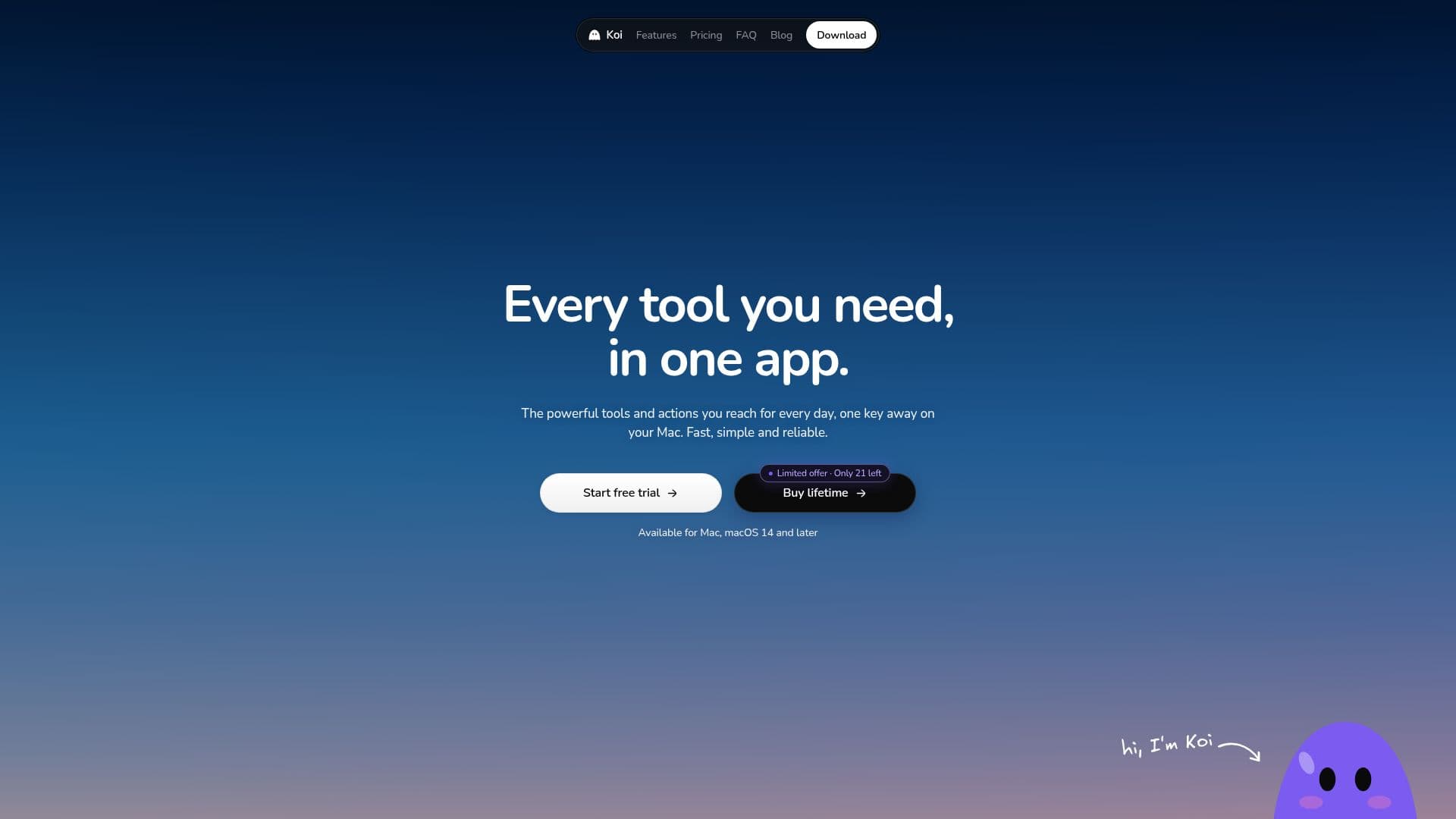
Koi for Mac is a comprehensive application designed to enhance productivity on Mac devices. It allows users to dictate text in any application using a simple keyboard shortcut, converting speech to text offline with support for 100 languages. The app employs NVIDIA's Parakeet and Whisper models to ensure accurate transcription, even in noisy environments.
Read More
Koi also features an AI assistant that can interact with users through voice commands. This assistant can see the user's screen, answer questions, and perform tasks such as clicking buttons or drawing diagrams. It can also record calls from platforms like Zoom, Google Meet, and Microsoft Teams, providing options to save audio and video locally on the Mac.
The app includes a built-in calendar that integrates with Google Calendar and Apple Calendar, allowing users to manage events and set reminders through voice commands. Additionally, Koi offers tools for file conversion and editing, enabling users to manipulate images, videos, PDFs, and documents directly from their Mac.
Koi's pricing model includes a Pro plan at $20 per month or $192 per year, with a 3-day free trial available. A Lifetime plan is also offered, starting at $59 and increasing to $199. Both plans provide unlimited dictation and recording capabilities.
Koi is designed for professionals who require efficient multitasking and seamless integration with their existing workflows. Its privacy-focused approach ensures that dictation and recordings remain on the user's device, with no cloud storage involved. The app is compatible with macOS 14 Sonoma or later, supporting both Apple silicon and Intel Macs.
- CategoryAI Personal Assistants
- Pricing ModelPaid
- DeploymentCloud
- PlatformsmacOS
Koi for Mac's Core Features
Offline dictation in 100 languages
AI assistant with screen interaction
Call recording for Zoom, Meet, Teams
Built-in calendar with Google and Apple integration
File conversion and editing tools
Unlimited dictation and recording
Privacy-focused local storage
Compatible with macOS 14 and later
How to use Koi for Mac?
Configure: Set up dictation and AI preferences
Use: Dictate text and interact with AI
Record: Capture calls and meetings
Optimize: Manage files and calendar events
Koi for Mac's Use Cases
- Dictation
- AI Assistance
- Call Recording
- File Management
- Calendar Integration