
Description
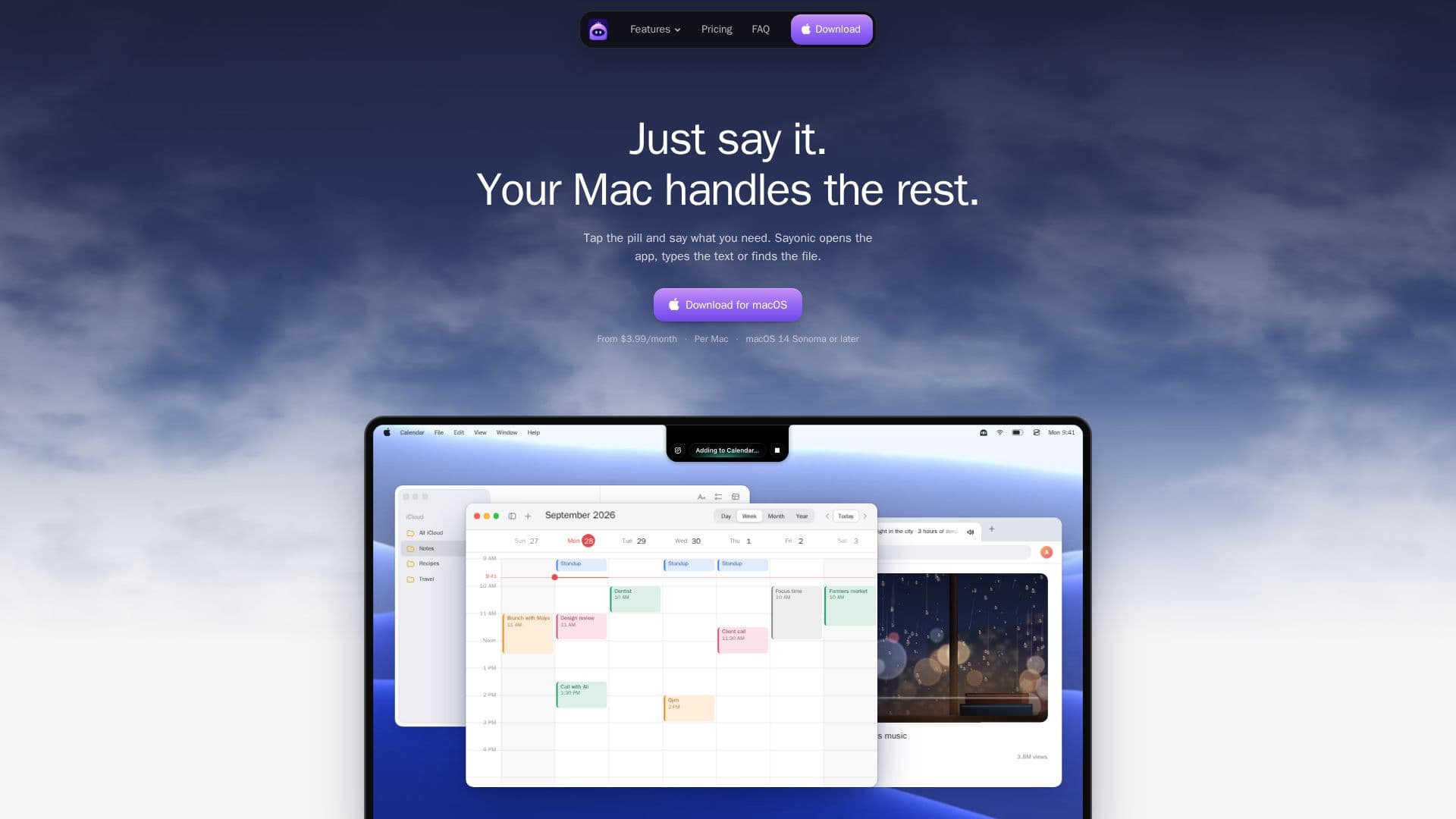
Sayonic is a voice assistant designed specifically for Mac users, providing a seamless way to interact with your computer using natural language. Positioned as a small pill in the Mac's notch, Sayonic allows users to open applications, find files, and manage calendar events with simple voice commands. It supports both Apple silicon and Intel Macs running macOS 14 Sonoma or later.
Read More
The assistant operates through Sayonic Cloud credits, with Pro and Max plans offering 6,000 and 25,000 credits per month, respectively. Alternatively, users can opt for the BYOK (Bring Your Own Keys) plan, which allows integration with personal API keys or coding agents like Claude Code and Codex CLI. This flexibility ensures that users can tailor the assistant's capabilities to their specific needs.
Sayonic's pricing is straightforward, with monthly plans starting at $3.99 for BYOK, $7.99 for Pro, and $19.99 for Max. Yearly subscriptions offer a two-month discount. The assistant requires internet connectivity for voice processing but remains functional offline for up to seven days.
Designed for ease of use, Sayonic requires no predefined commands, allowing users to speak naturally. It integrates with popular apps like Chrome, Safari, and Notes, and can perform tasks such as pausing music or adding notes to Apple Notes. Privacy is a priority, with only necessary data sent to the chosen processing brain, and no analytics or ads involved.
Sayonic is ideal for users seeking a hands-free, efficient way to manage their Mac tasks, offering a blend of convenience and customization through its flexible pricing and integration options.
- CategoryAI Personal Assistants
- Pricing ModelSubscription
- DeploymentmacOS
- PlatformsApple silicon, Intel
Sayonic's Core Features
Voice-activated app control
File search and retrieval
Calendar event management
Integration with coding agents
Flexible pricing plans
Supports Apple silicon and Intel Macs
Natural language processing
Privacy-focused data handling
How to use Sayonic?
Download: Install Sayonic from the website
Configure: Set up API keys or Sayonic Cloud credits
Use: Tap the pill and issue voice commands
Optimize: Adjust settings for preferred functionality
Sayonic's Use Cases
- Voice App Control
- File Management
- Calendar Integration
- Coding Agent Interaction
- Hands-Free Operation